
 Script Planner Assistant▸
 AI Apps
 AI News
Plotz: HTML5 Online Modeling Tool for Minecraft
Plotz: HTML5 Online Modeling Tool for MinecraftIntroduction
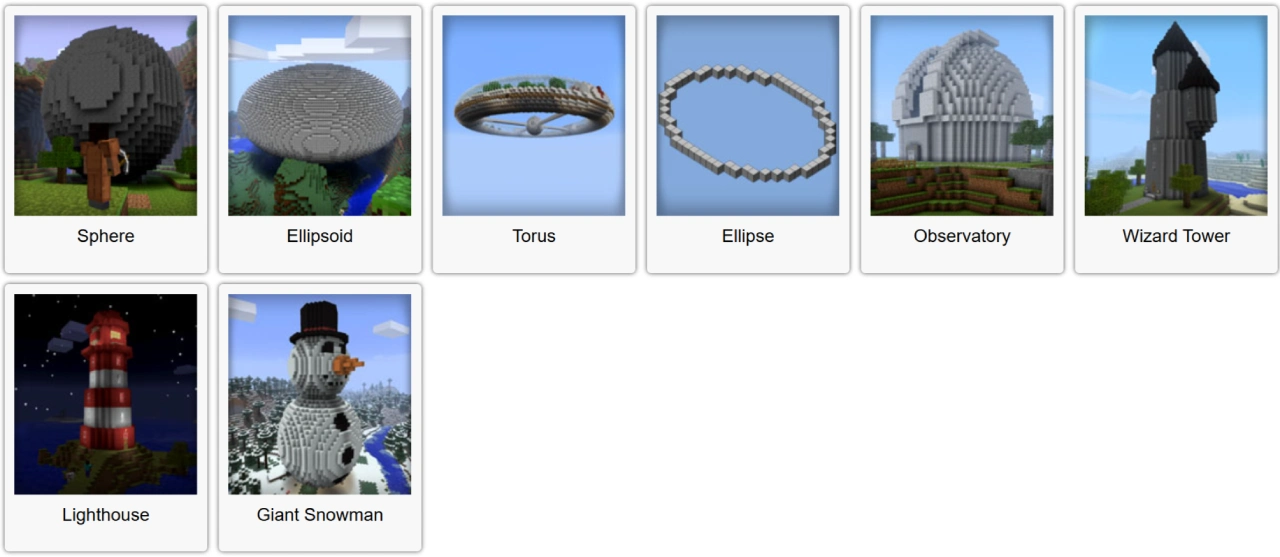
Plotz is a free HTML5 online modeling tool designed specifically for Minecraft players. It can generate various shapes in the browser, such as spheres, ellipsoids, and toruses. It helps players quickly build complex architectural models, such as observatories, wizard towers, lighthouses, and giant snowmen. In addition, Plotz provides troubleshooting solutions to help users deal with any issues they may encounter.
Plotz Features
Model Generation: Plotz is a free HTML5 online tool designed for Minecraft, capable of generating spheres, ellipsoids, toruses, and other shapes in the browser.
Multiple Model Options: A variety of models are available, including observatories, wizard towers, lighthouses, and giant snowmen.
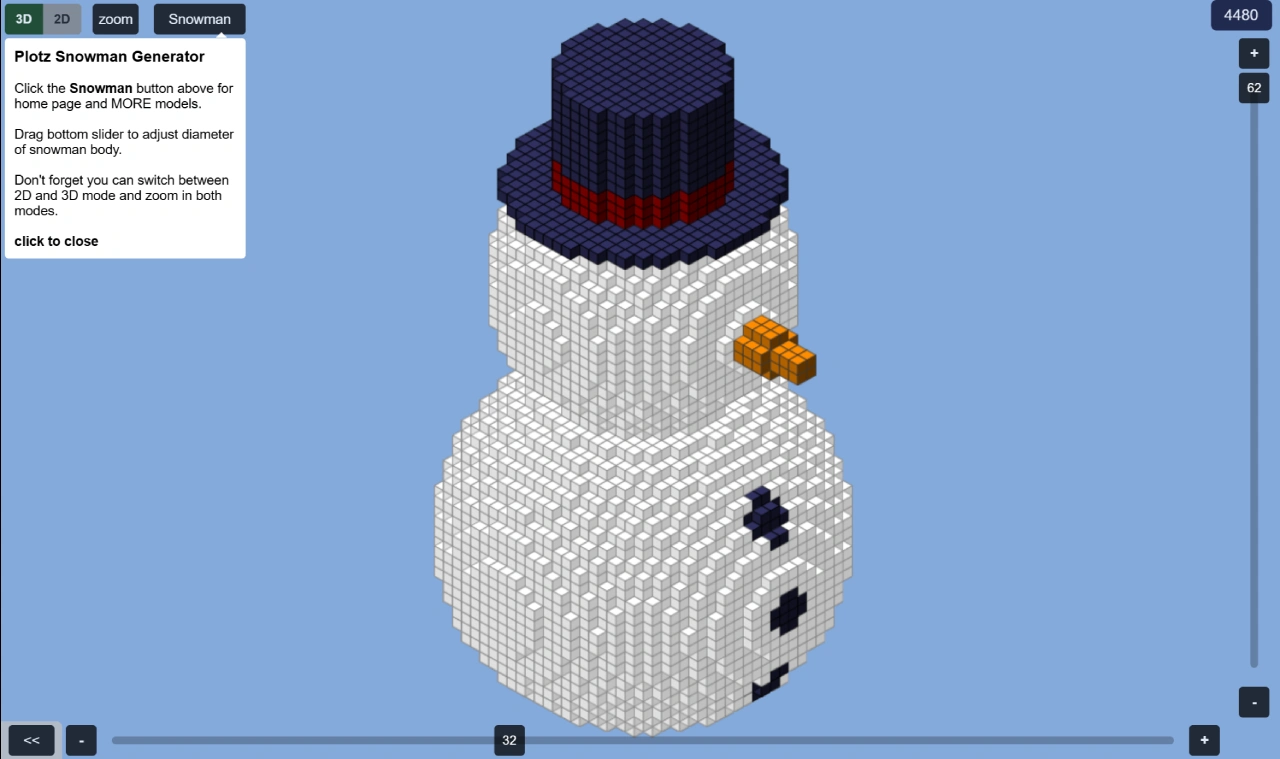
2D View Assistance: When generating a model, the 2D view displays the number of edge blocks, making it easier for players to count while building.
Responsive Design: Plotz supports responsive design, allowing charts to automatically adjust their size and layout as the chart container changes.
Animation Effects: Animation effects can be added to charts, with users controlling the animation behavior through the animation property settings.
Flexible Configuration: A range of flexible configuration options is available to meet most basic data visualization needs.
Plotz Use Cases
Game Assistance: Plotz is primarily used in Minecraft to help players quickly build complex architectural models.
Architectural Planning: Players can use the models generated by Plotz as a reference for architectural planning.
Educational Tool: In education, it can serve as a teaching tool to help students understand geometric shapes and spatial concepts.
How to Use Plotz
Access Plotz: Visit the Plotz official website at https://www.plotz.co.uk/ to enter the tool page.
Select a Model: On the homepage, choose the type of model you want to generate, such as spheres, ellipsoids, or toruses.
Adjust Parameters: Modify the model parameters as needed, such as diameter, height, width, etc.
View the 2D View: Check the number of edge blocks in the 2D view to build more accurately in Minecraft.
Generate the Model: Click the generate button, and Plotz will create the model in the browser along with building instructions.
Plotz Considerations
Browser Compatibility: For better compatibility, it is recommended to use Chrome, Firefox, or Safari to ensure Plotz runs properly.
Device Performance: When using it on low-performance devices or mobile devices, it is advisable to close other applications to free up memory.
Model Size Limit: Some models have a maximum diameter limit of 256 blocks to avoid running out of memory.















