
 Script Planner Assistant▸
 AI Apps
 AI News

Freebeat AI: Turn Music & Ideas into Viral Videos in One Click
Freebeat AI: Turn Music & Ideas into Viral Videos in One ClickIntroduction
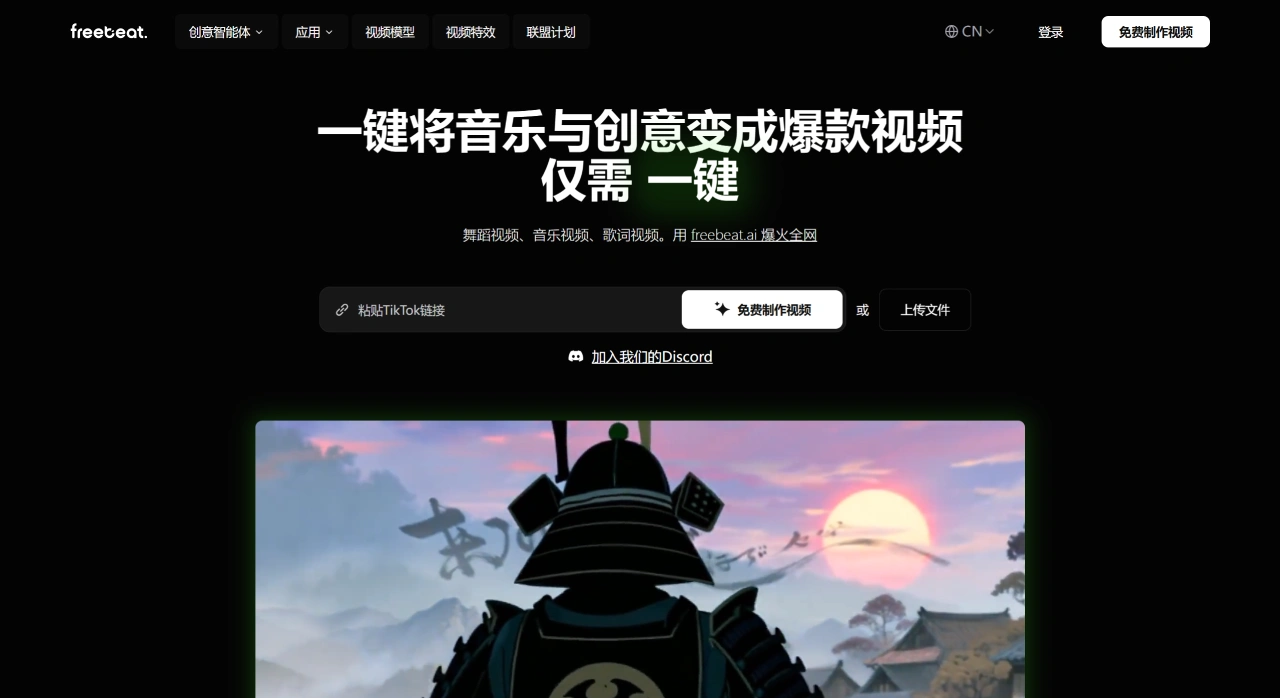
Freebeat ai is a tool that helps musicians and content creators quickly turn audio, text, or images into high-quality music videos, dance shorts, or lyric animations, and it can also sync the visuals to the beat.
Freebeat AI Main Features
Consistent characters and styles: Freebeat AI keeps the look of characters in the video the same, so a series of content maintains a unified style.
Create directly from a link: Paste in a music link, and it automatically designs the storyboard, syncs to the beat, and assembles the video.
Rapid first cut plus fine-tuning: Quickly produce an initial version of the video, and you can also adjust the storyboard, rhythm, subtitles, and effects yourself.
Other practical tools: Freebeat AI can generate or edit images, generate music, create video effects, and also comes with a素材库 (asset library). It supports lip-syncing, translation and dubbing, face swapping, character replacement, and resolution enhancement.
Models Used by Freebeat AI
The Freebeat AI platform integrates several popular AI models (see the page for details): Veo 3, Luma Ray2, Runway Gen3, Pika 2.2, Kling (multiple tiers), Vidu, Hailuo, PixVerse, Seedance, WAN, Nano Banana (specifically for keeping images and characters more consistent), and more, meeting a wide range of creative needs.
Why Freebeat AI Is Good to Use
Fast output: By uploading a music link, Freebeat AI can produce a video in just a few minutes.
Stable style: Characters and visual style stay consistent, making it more cohesive when running a matrix of accounts or serialized series.
Easy and customizable: Produce a first draft with one click, and still tweak details at a professional level — both efficiency and quality are covered.
More cost-effective: One platform can replace many tools and subscription services.
Great for short videos: Beat syncing is accurate, and there are lyric and dance templates, making it easier to go viral.
Multilingual convenience: Built-in translation, dubbing, and lip-sync features let you quickly reach a global audience.
How to Use Freebeat AI
Register and log in: Open https://freebeat.ai/ in your browser, and click "Sign Up" to register (use your email and password, or log in directly with your Google account).
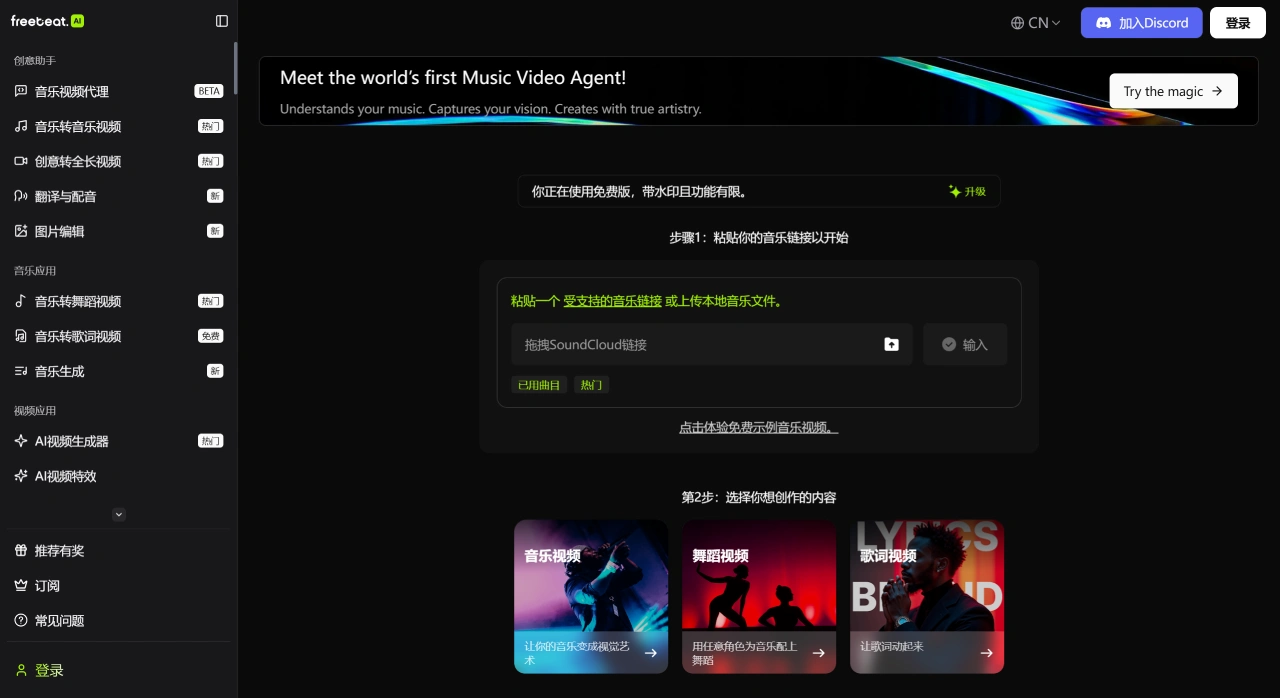
Choose a feature: On the homepage, select "Music to Dance Video", "Music to Music Video", or "Music to Lyrics Video".
Add your music: Paste a music link from Spotify, YouTube, or other platforms, or upload a local audio file.
Customize the content: Choose a dance style, upload a photo to generate a 3D avatar, pick a background, and more, as needed.
Generate and export: Once everything is set up, click "Generate". The system will queue the render, and when it's ready, you'll be notified by email. You can preview, download, or keep editing it in "My Projects".
Common Use Cases for Freebeat AI
Independent musicians: Freebeat AI can quickly create lyric, storyline, or dance-style short videos for new songs.
Short video creators / streamers: Just drop in any music link and, with one click, produce a video ready to post.
Brand and marketing teams: Freebeat AI can turn audio clips into promotional videos with subtitles and effects.
Educators / podcast professionals: Turn course or interview content into explainer or highlight-reel short videos.
Agencies and film teams: With "character-consistent" shots, you can quickly produce storyboard animatics.












