Script Planner Assistant▸
 AI Apps
 AI News

Vibe Radio: Listen to Global Radio Stations on a 3D Globe
Vibe Radio: Listen to Global Radio Stations on a 3D GlobeIntroduction
Vibe Radio is a website that lets you listen to radio stations around the world through a 3D globe. No sign-up is required — just open the site in your browser, wait for the 3D map to load, and click any radio station icon to start listening. It also works on phones, and the page automatically adjusts to a mobile-friendly layout.
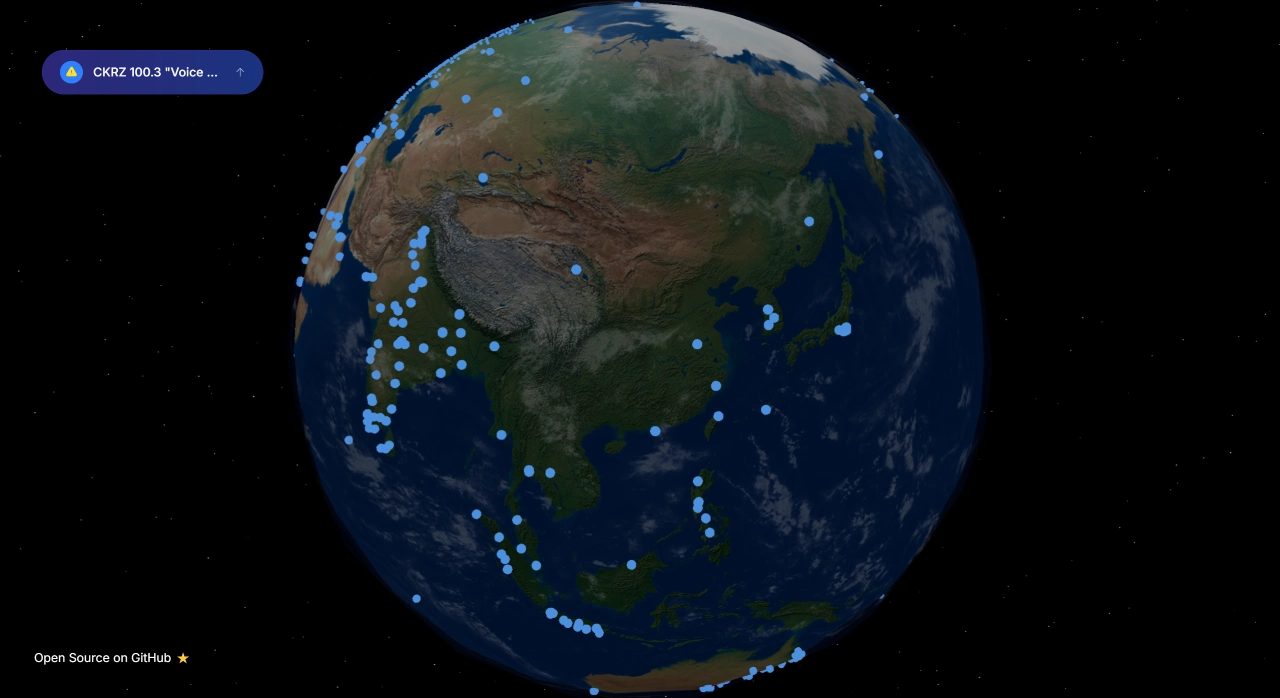
Vibe Radio Features
Global stations: Vibe Radio offers FM and AM stations from many countries and regions, as well as internet radio stations.
Wide variety of content: News, music, talk shows, live sports commentary — you can find all of these on Vibe Radio.
No software installation required: Just open it in a browser to listen — no downloads needed.
Works on multiple devices: It runs on computers, tablets, and phones, with a similar experience across all of them.
Open source: Vibe Radio's code is hosted on GitHub, so developers can modify it themselves.
What technologies does Vibe Radio use?
Next.js: A React framework that makes web pages load faster.
TypeScript: A tool that adds type checking to JavaScript.
Tailwind CSS: A tool used to quickly adjust page styling.
Three.js: A JavaScript library for creating 3D effects.
Who is Vibe Radio for?
People who enjoy listening to music and radio from different countries.
Users learning languages and practicing listening skills.
People who want some background music while at work.
Media enthusiasts researching radio stations around the world.
What occasions is Vibe Radio suitable for?
Music lovers: If you want to hear a country's popular or niche music, use it to find local stations.
Language learners: Listen to broadcasts in your target language to practice listening and learn about the culture.
Travelers or culture enthusiasts: Tune in to stations around the world without leaving home and experience the flavor of distant places.
Developers or tinkerers: Those interested in open source projects can study the code, or even help improve the 3D effects or station integration features.
How to use Vibe Radio?
Open the Vibe Radio website in your browser: https://www.viberadio.live/.
Wait for the 3D map to load, then click any radio station icon to start listening.
Categories are available on the left side or at the bottom (such as "Preaching", "Music", "Spiritual"), which you can use to browse.
Click on a show's title to see its description and playback progress.
Favorite channels can be bookmarked (requires your browser to allow storage).
When opened on a mobile device, the page automatically adjusts to a mobile-friendly layout for easy operation.