Script Planner Assistant▸
 AI Apps
 AI News

ChunkBase: Map Seed Lookup Tool for Minecraft Players
ChunkBase: Map Seed Lookup Tool for Minecraft PlayersIntroduction
ChunkBase is a map seed lookup tool for Minecraft players, helping players quickly find specific terrain, biomes, and hidden resources in the game, making the gaming experience a smoother and better one.
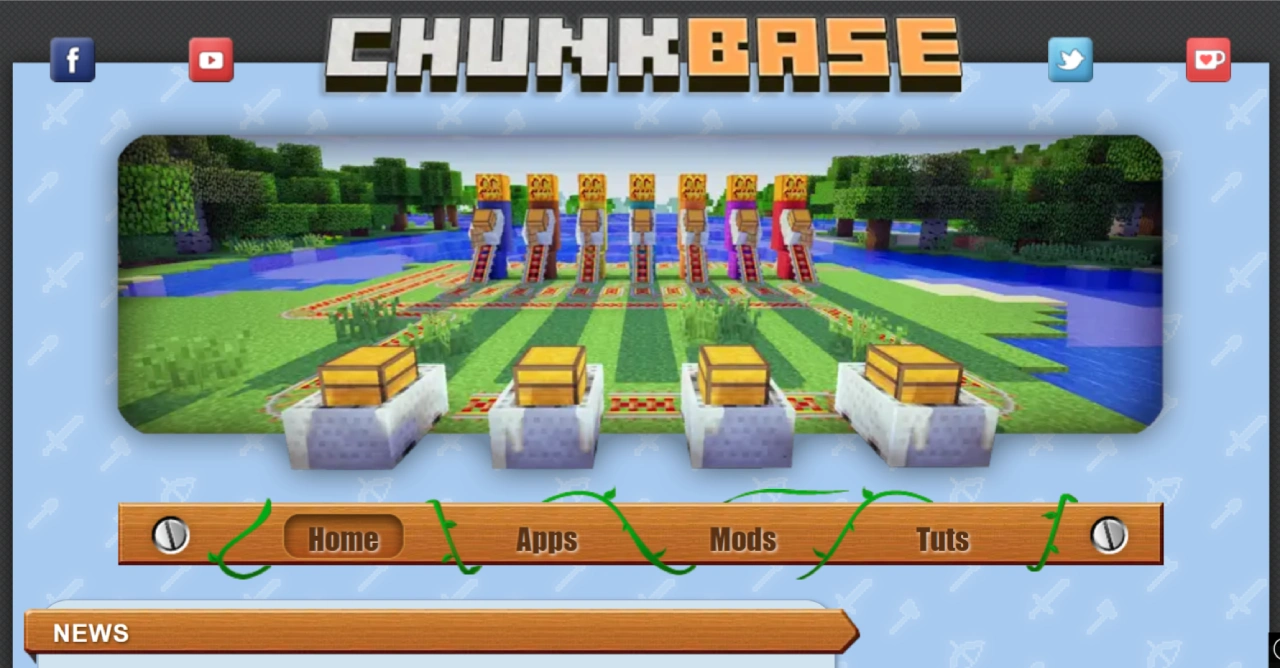
ChunkBase Features
Seed Map Analysis: After entering a world seed, it generates a detailed world map marking the locations of various terrains, biomes, and important structures. For example, you can quickly find nearby jungles or mushroom islands.
Biome Finder: Accurately locate the biomes you want, such as deserts, snowy tundras, or the rare mycelium island, making them easy to find. This is essential for choosing a suitable starting terrain.
Structure Locator: Quickly find unique structures in the game such as villages, ruins, and strongholds, allowing players to fully utilize the resources on the map.
Slime Chunk Finder: Accurately marks chunks in the game world where slimes can naturally spawn, improving farming efficiency and avoiding wasted time.
Cross-Platform Support: Supports both Java Edition and Bedrock Edition, so no matter whether you play on PC, mobile, or console, you can use this tool.
ChunkBase Use Cases
Resource Exploration: Quickly find rare resources and special terrains such as diamond ore and Nether strongholds.
Building Planning: When building large structures, you can find suitable terrain and resource locations in advance.
Speedruns and Challenges: In speedrunning competitions, players can use ChunkBase to plan their routes ahead of time.
Multiplayer Cooperation: Server administrators can use this tool to allocate resources to players.
How to Use ChunkBase
Getting the World Seed
Java Edition: After entering the game, press the F3 key (on some systems you need to press F3 + H), and find the "Seed" field in the debug screen, then copy the value. If you are using a server, type the /seed command in the server console.
Bedrock Edition: Open world settings and check the seed value in the "Game" tab, or use the /seed command.
Using the Seed Map to Locate Important Locations
Go to the ChunkBase official website and select the "Seed Map" tool.
Paste the seed value into the input box and select the corresponding Minecraft version (Java or Bedrock).
Once the map loads, use the filter tools on the left to view different content, such as villages, dungeons, strongholds, etc.
Click on a marker on the map to view the precise coordinates. After enabling cheats, you can use the /tp command to teleport directly to the target location.
Finding Specific Biomes
Select the "Biome Finder" tool, enter the seed, and choose the Minecraft version.
Use the drop-down menu to select the biome you want to find, such as tropical rainforest, ice plains, desert, etc.
The website will highlight areas that match the criteria, and also provides coordinates.
Navigate manually in the game or use coordinates to teleport to the target area.
Precisely Locating Underground Resources and Slime Chunks
Go to "Slime Chunk Finder", enter the world seed, and select the version.
The website will mark all slime chunks, which are areas where slimes can naturally spawn in dark places below layer 50.
According to the coordinates, dig to the corresponding depth in the game, then set up lighting and traps to improve slime spawning efficiency.
Quickly Locating Villages and Important Structures
Select "Structure Finder" and enter the world seed.
In the filter options, select the type of structure you want to find, such as villages, abandoned mineshafts, pillager outposts, etc.
Note down the coordinates and head to the target location to explore hidden treasures or resources.