Script Planner Assistant▸
 AI Apps
 AI News

iPhonesWallPapers: A Site for iPhone Wallpapers
iPhonesWallPapers: A Site for iPhone WallpapersIntroduction
iPhonesWallPapers is a website that provides iPhone wallpapers, featuring a large collection of HD wallpapers, including 4K wallpapers for models like the iPhone 16. Users can browse through different categories and choose their favorite wallpapers to download. The site offers a vast selection of wallpaper resources with a variety of styles and themes to meet everyone's personalized needs.
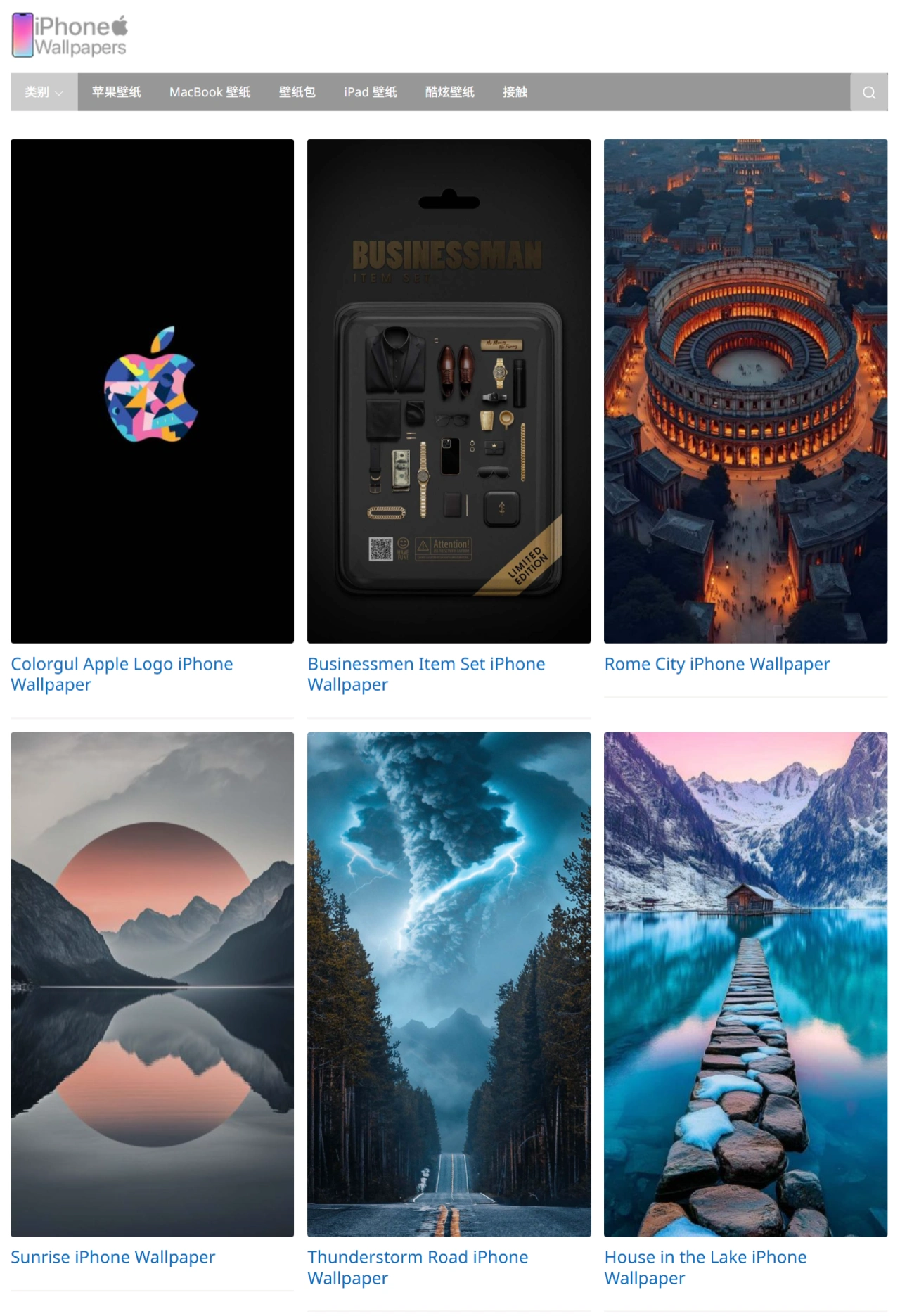
iPhonesWallPapers Features
Rich wallpaper resources: Offers a wide range of HD and 4K resolution wallpapers compatible with various iPhone models. Themes are diverse, including natural scenery, city landscapes, abstract art, celebrity photos, movie posters, and more.
Clear categorization: Wallpapers are classified by theme, color, style, etc., making it easy for users to quickly find their favorites. It also supports sorting by popularity, latest, rating, and other methods to help users discover quality wallpapers.
HD quality: All wallpapers come in HD versions, ensuring excellent display on iPhones. Multiple resolutions are supported to fit different iPhone models.
Free to use: All wallpapers can be downloaded and used at no cost, with no registration or payment required. There is a personal use license, but copyright rules must be observed.
iPhonesWallPapers Use Cases
Personal use: Set personalized wallpapers on your iPhone to make your phone more attractive and unique. You can change wallpapers regularly to keep a fresh feel.
Creative design: Designers can find inspiration here and locate background images suitable for their projects. They can also be used for social media avatars, cover images, and other designs.
Commercial use: Businesses can use these wallpapers as backgrounds for internal promotional materials. However, pay attention to copyright issues and ensure legal use.
How to Use iPhonesWallPapers
Visit the website: Go to iphoneswallpapers.com.
Browse wallpapers: Users can view recommended wallpapers on the home page, or use the category menu to select wallpapers of a specific theme. Use the search function and enter keywords (such as "nature," "city," etc.) to quickly find desired wallpapers.
View wallpaper details: Click on an interesting wallpaper to enter the details page. You can see the wallpaper's resolution, upload time, and other information.
Download wallpaper: On the wallpaper details page, click the "Download" button. Select the resolution that fits your iPhone model to download.
Set wallpaper: After downloading, open the "Photos" app on your iPhone and find the downloaded wallpaper. Long-press the wallpaper and select "Use as Wallpaper" or "Use Photo." Go to "Settings," select "Wallpaper," choose the newly downloaded wallpaper, adjust it, and set it as the lock screen or home screen wallpaper.