
 Script Planner Assistant▸
 AI Apps
 AI News

Shockvue: Effortless Photo Editing via Text or Voice
Shockvue: Effortless Photo Editing via Text or VoiceIntroduction
What Is Shockvue?
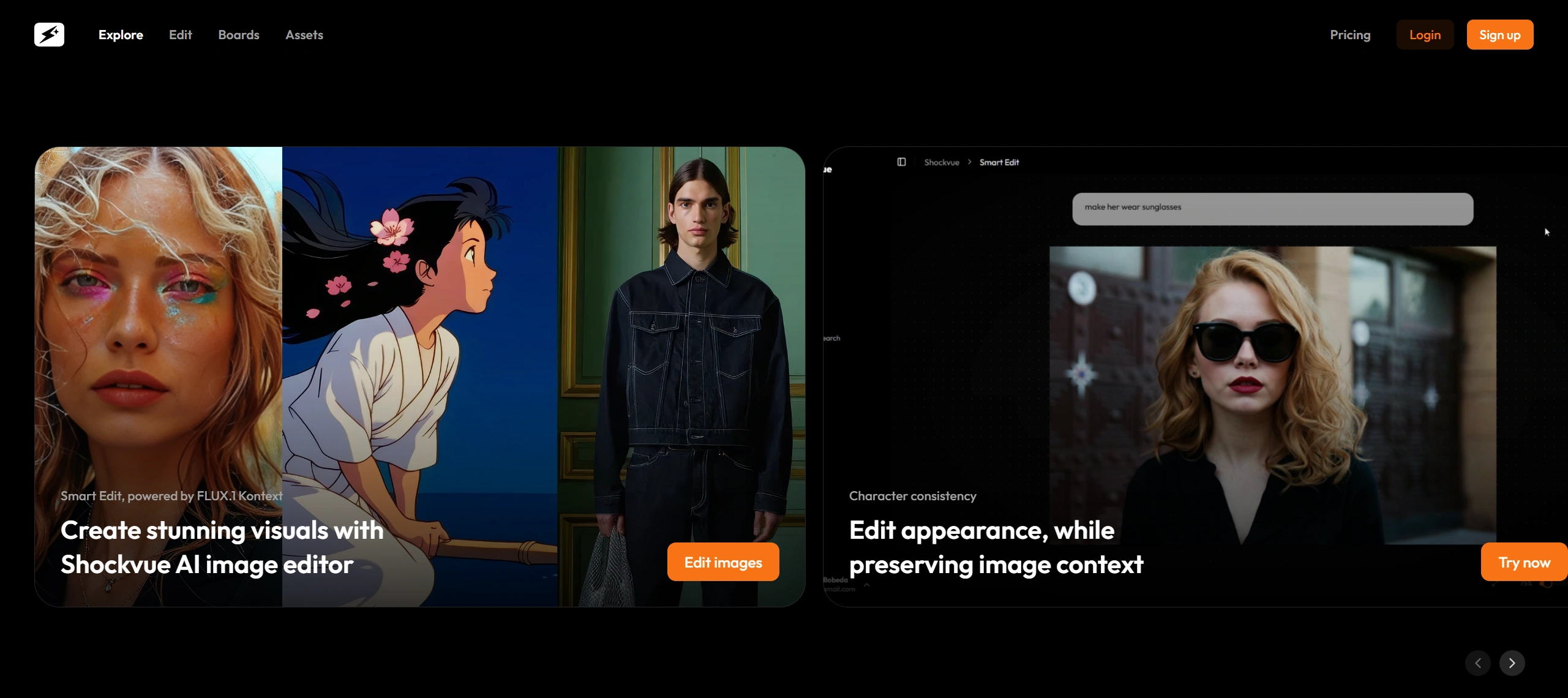
Shockvue is a tool that lets you easily edit photos through descriptions or spoken commands. Users simply type out the modifications they want, or just speak them, and the image transforms quickly as if by magic. It supports blending photos to create new effects, making targeted edits to specific areas, and can generate up to four different versions at once—no need to fiddle with parameters, and you can see the edited result right away.
Shockvue is built on FLUX.1 Kontext technology and can help you produce stunning images. Features include modifying character looks while keeping the whole composition harmonious, smartly editing or removing text, adding or removing furniture in a photo, and changing clothes and accessories. In short, it's "one image, many styles."
Key Features of Shockvue
Edit images by speaking: Simply type a description of the change you want, like "add some grain to this image," and the system will apply it automatically.
Voice editing: Don't want to type? Just speak your instructions and the image will be edited accordingly.
Blend two images: Combine two images to create novel effects, perfect for experimenting with new creative ideas.
Local edits only: Modify specific areas of an image while keeping the rest unchanged, for more precise editing.
Multiple versions at once: Each edit can generate up to 4 different variations, making it easy to pick your favorite.
Natural character edits: When modifying a person's appearance, the overall look stays harmonious and never feels out of place.
Smart text editing: Intelligently add or remove text within an image.
Virtual staging and try-on: Add or remove furniture in a scene, or change a person's clothing and accessories.
Who Is Shockvue For?
Designers and creative professionals: No need to learn complex operations—just speak a sentence to try out all kinds of new effects.
Social media managers: Quickly generate many different versions of an image for testing or content posting, saving time.
People who make ai art: Use the image blending and local editing features to quickly experiment with effects without fear of making mistakes.
Busy professionals: From idea to edited image is incredibly fast—a single sentence is enough to express what you want, perfect for fast-paced situations.
E-commerce sellers: Edit product images, virtually stage scenes, or try on clothes and accessories on people.
Brand builders and storytellers: Keep characters looking stylistically consistent across different images.
People creating ads or social media posts: Edit text directly within images.
How to Use Shockvue
Go to the official website (shockvueapp.com) to sign up or log in. You can try it for free 3 times to start.
Upload an image, or pick an existing one to begin editing.
Type a description of how you want to edit it, or just say it, for instance 'change the background to a night sky and add some stars.'
The system will provide up to 4 edited versions for you to choose from.
Once you've picked your favorite version, you can further refine it using the "Local Edit" or "Blend Images" features.
You can categorize and save your edited images for easy access later.
Shockvue is built on FLUX.1 Kontext technology, delivers instant visual results, and offers a seamless workflow to help you easily achieve the "one image, many styles" outcome.














