
 Script Planner Assistant▸
 AI Apps
 AI News

Uluch: Sharpen Blurry Photos & Remove Backgrounds for Transparent PNGs
Uluch: Sharpen Blurry Photos & Remove Backgrounds for Transparent PNGsIntroduction
Uluch is an online tool that lets you process photos for free. It mainly does two things: sharpen blurry photos, and remove image backgrounds to generate transparent PNG images. It supports common formats like JPG, JPEG, PNG, and WEBP, with a maximum file size of 10MB per photo. No sign-up is required, there are no watermarks, and it's completely free, but you can only use it 5 to 10 times per day. Whether it's portraits, products, pets, or group photos, you can use it to process them.
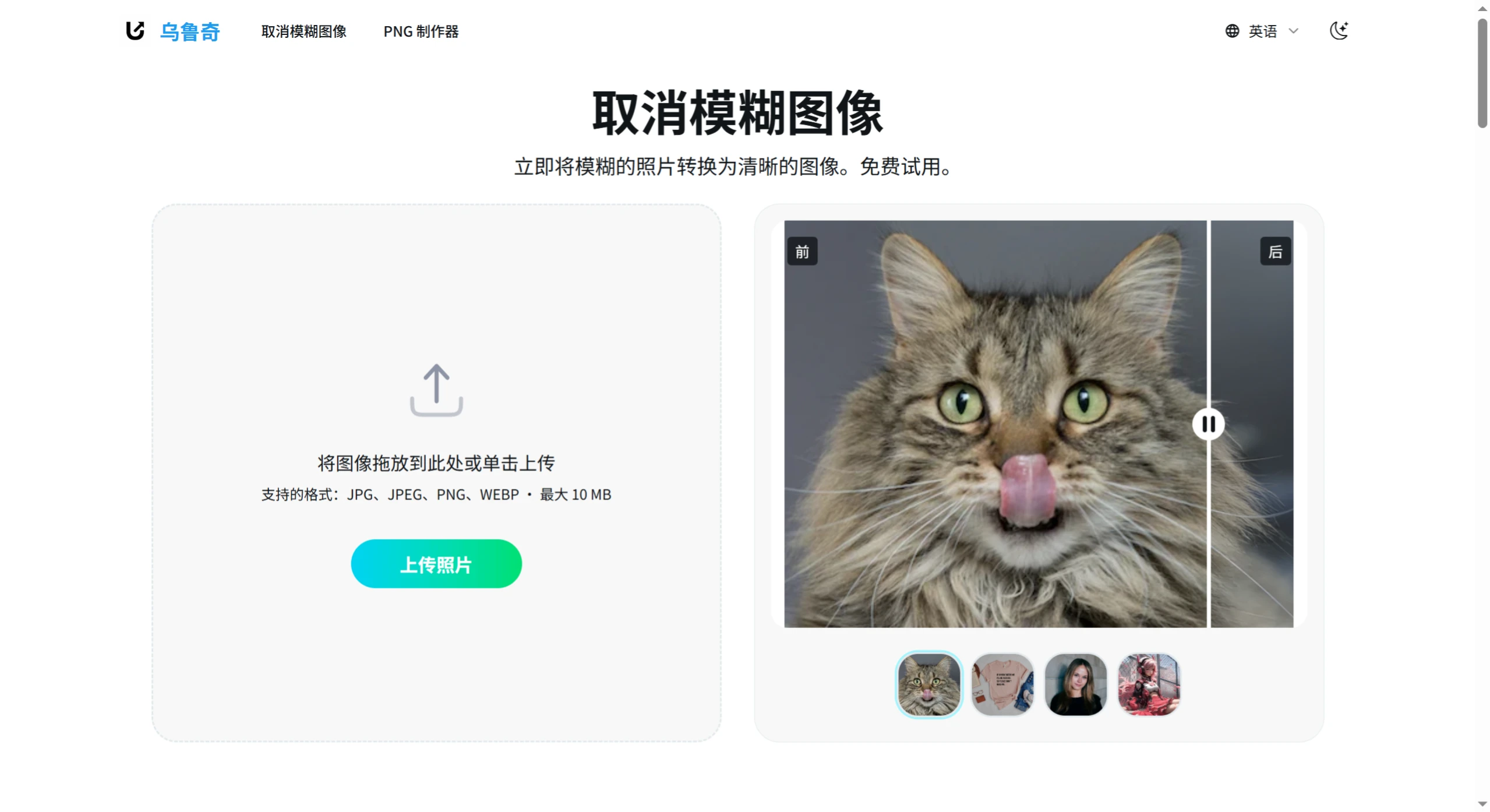
What are Uluch's main features and how to use them?
Sharpen blurry photos (image deblurring)
Purpose: Using ai technology, it can make blurry portraits, products, pets, or group photos clear in just a few seconds.
Steps:
① Open the Uluch website;
② Click the "Deblur Image" feature;
③ Upload a blurry photo (format must be JPG/JPEG/PNG/WEBP, and the file should not exceed 10MB);
④ Wait for AI to automatically process it (takes just a few seconds);
⑤ Download the processed clear photo.
Remove background to generate transparent image (PNG maker)
Purpose: Uses AI to remove image backgrounds and create transparent background PNG images, suitable for portraits, product photos, pet photos, or banner-style images.
Steps:
① Open the Uluch website;
② Click the "PNG Maker" feature;
③ Upload an image (file should not exceed 10MB);
④ Wait for AI to automatically remove the background;
⑤ Download the transparent background PNG image.
What are the use cases for Uluch?
Old photos / blurry group photos: For example, old photos at home that have become blurry over time, or unclear group activity photos, can be sharpened.
Selfies / portraits: If you want to post on social media, use as social media avatars, or need clear personal photos for work, you can use it to improve clarity.
Product / marketing images: When selling products or running ads, clearer product or promotional images look more attractive.
Transparent avatars: For social media account avatars, or transparent background images for personal websites.
Product display: For e-commerce product listings, removing the background makes product images cleaner and highlights the product itself.
Pet / group photo creativity: Remove backgrounds from pet photos or group photos, making it easier to create designs or highlight key elements.
Frequently Asked Questions
Q1: Is Uluch free to use? Are there any limitations?
A: Completely free, no sign-up needed, and processed images have no watermarks. However, you can only use it 5 to 10 times per day, and only one photo can be processed each time.
Q2: How large of a photo can Uluch process?
A: Maximum 10MB per photo, format must be JPG/JPEG/PNG/WEBP.
Q3: Is my photo data secure?
A: Yes, it's secure. Uluch promises not to save the photos you upload.
Q4: Can Uluch process multiple photos at once?
A: No, you can only use it 5 to 10 times per day in total, with only one photo processed each time.














