
 Script Planner Assistant▸
 AI Apps
 AI News

Enazo: A Free Online "Draw & Guess" Game Platform
Enazo: A Free Online "Draw & Guess" Game PlatformIntroduction
Enazo is a free online "Draw and Guess" (Pictionary-style) game platform that runs in the browser. It was designed by a group of indie developers who love "Draw and Guess" games, with the goal of removing the complicated registration and social restrictions found in traditional online games. Users can simply open it and start playing, joining or creating rooms quickly without needing to register an account.
How to Play Enazo?
Basic Gameplay: Just like the traditional "Draw and Guess," one person draws while others guess the word. However, this version adds more social and creative features.
Room Types: There are three types of rooms—fixed rooms, public rooms, and private rooms—to suit different occasions.
Player Options: You can choose to draw and have others guess, or simply guess the words others draw.
Features of Enazo
No Registration Required: Jump straight into a room and play without creating an account.
No Worries About Disconnections: If your network drops, you can reconnect and continue playing without losing your previous progress.
User-Friendly Drawing Tools: Features pressure-sensitive brushes (which work even better with a graphics tablet or Apple Pencil), unlimited undo for any drawing mistakes, and the ability to export your drawings as videos to meet creative needs.
Multi-Device Support: Whether on a computer (Windows, macOS) or a mobile device/tablet (Android, iOS), the game runs smoothly.
Active Community Interaction: You can submit your own works, customize word banks, chat in chat rooms, and interact with emojis—creating a small community atmosphere.
What Scenarios Is Enazo Suitable For?
Friend Gatherings: Use private room links to quickly set up a game, perfect for remote play together.
Online Teaching: Some teachers use it as a classroom tool for teaching drawing or vocabulary.
Practicing Drawing on Your Own: With features like pressure sensitivity, undo, and time control, it works well as a practice space.
Community Activities: Many interest groups regularly organize themed word-guessing events to make things more lively.
Live Streaming and Video Creation: Many people record their drawing process to use as livestream content or edit into creative videos to share.
How Does Enazo Work Specifically?
Access the Platform: Simply visit the official website (https://enazo.cn/) to play.
Create a Room: Click "New Room," where you can choose between a public room or private room. Private rooms can be set with a password or room number so only specific friends can join. You can also configure other options, such as round-robin drawing mode.
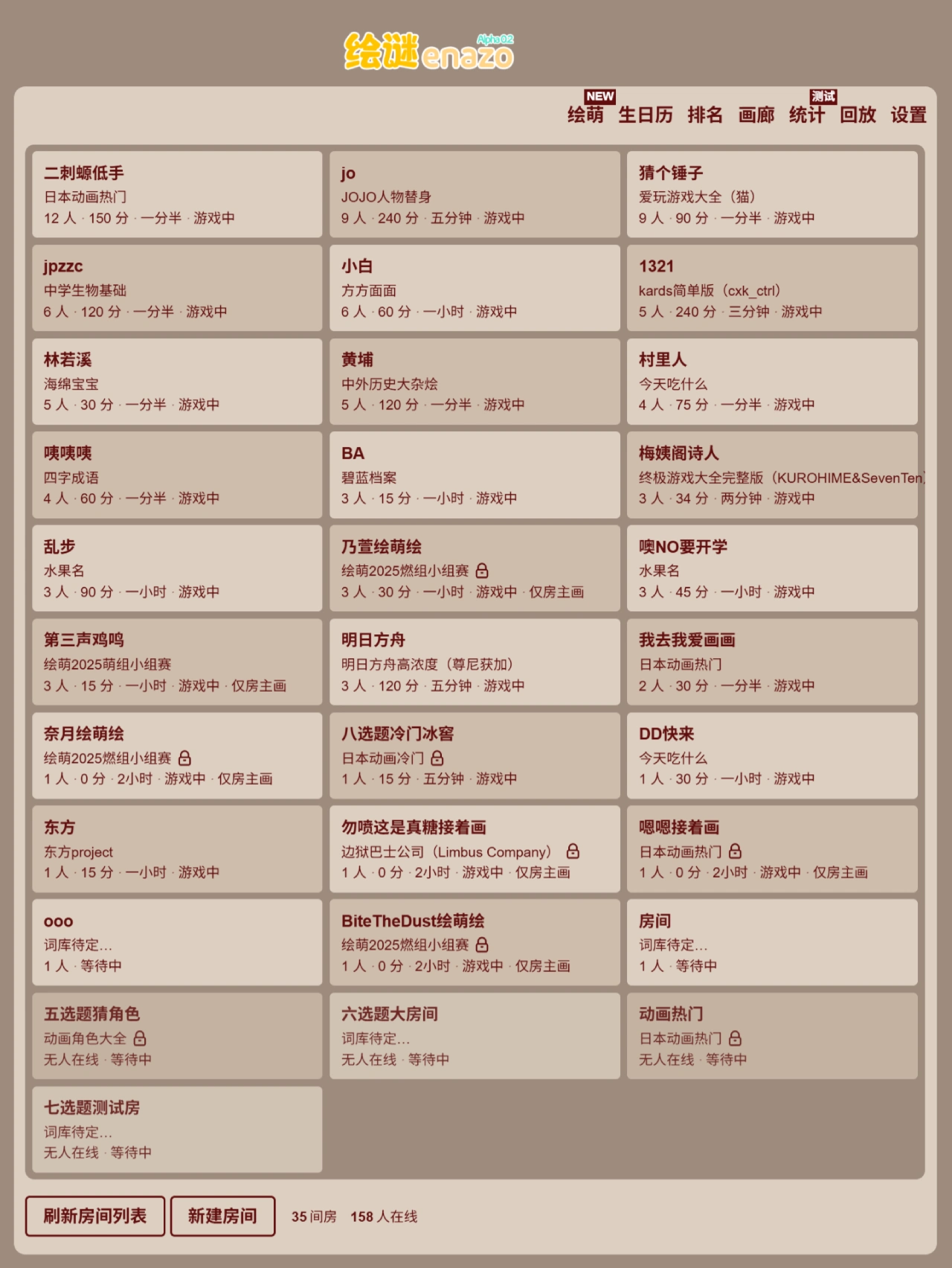
Join a Room: The homepage displays a list of public rooms—click any one that interests you to enter. If a friend has opened a private room, use the room number or link they provide to join directly.
Start Playing: Once in a room, players can choose to draw or guess others' words. The drawer illustrates the word given by the system, while others type their guesses in the chat box. Correct guesses earn points, and final scores determine the ranking at the end of the game.
Drawing Tools: Includes pressure-sensitive brushes (requires a graphics tablet or Apple Pencil) and smooth line brushes. Supports unlimited undo and redo (shortcut Ctrl/⌘ + Z), with a high-resolution canvas for clear drawings that can be exported in high quality. Colors and opacity are fully adjustable. The eraser can be resized for detailed erasing, and there is a one-click clear canvas function.
Assistance Features: If you disconnect due to network issues, you can reconnect without losing your score. If you're stuck, you can call on the Little Fox for hints—the Little Fox will give clues based on aspects such as voice actors, broadcast period, animation type, and the main character's hair color, eye color, and outfit. You can also block users (all blocked messages become invisible), report violations, vote to kick players, restart the game, skip turns, and more.
Creation and Sharing: View complete replays of every round. The drawing process can be exported as a video, GIF animation, or high-definition lossless image. Satisfying drawings can be submitted to the gallery, where others can view the complete drawing process.















