
 Script Planner Assistant▸
 AI Apps
 AI News

Papergames.io: An Online Multiplayer Board Game Platform
Papergames.io: An Online Multiplayer Board Game PlatformIntroduction
PaperGames.io is an online board game platform where you can play ranked matches against players from around the world. It mainly offers classic board games such as Chess, Tic-Tac-Toe, Battleship, Connect Four, and Gomoku. You can play it right from your computer or mobile browser—no downloads required. You can play solo, challenge friends, or get matched with players worldwide. It also features daily leaderboards, game replays, and the ability to spectate live matches. Each game has a chat box so you can talk while playing, and winning matches earns you in-game coins that can be exchanged at the shop for avatars, emojis, and other small items.
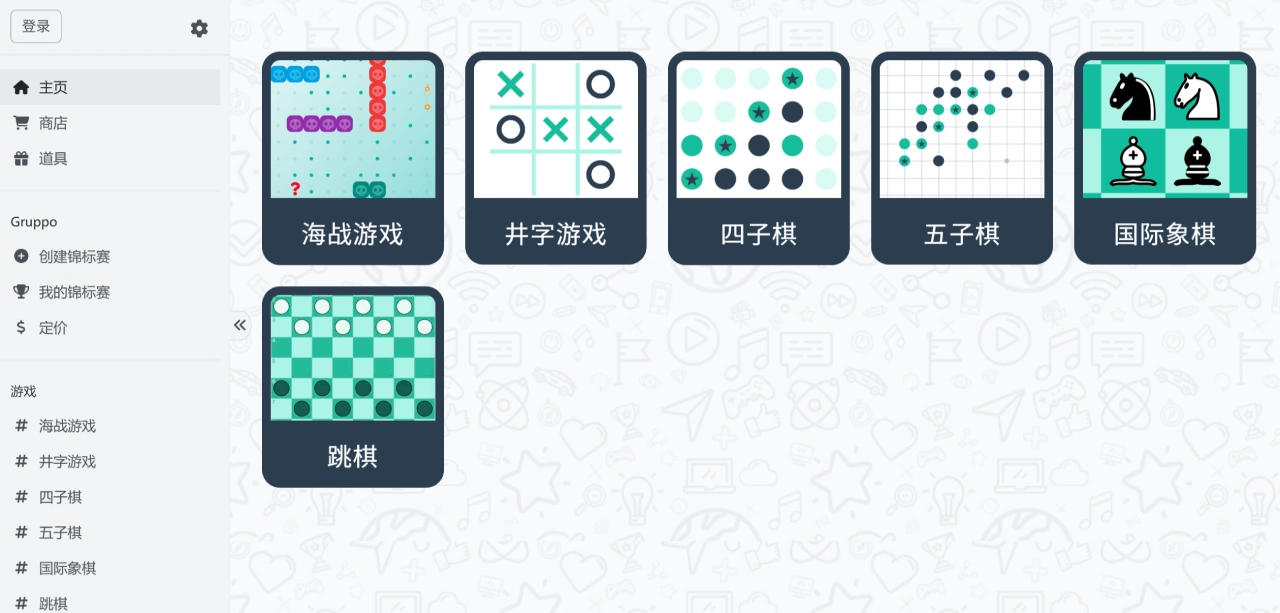
Features of PaperGames.io
Multiple game modes: Play solo, team up with friends, or get matched with players worldwide. You can even create your own mini-tournament and invite friends to join.
Chat and make friends: A built-in chat box lets you talk while playing. There's also a friend list feature so you can build your own gaming circle.
Leaderboards and spectating: A global ranking system lets you climb by winning matches. You can also watch skilled players in action or study replays to learn techniques.
Customizable items: Winning matches rewards you with in-game coins, which you can spend at the shop on exclusive avatars, emoji packs, and speed-boost items.
Works on PC and mobile: Just open it in your browser—no installation needed.
No ads: For a small fee, you can remove ads for a smoother experience.
How to Play on PaperGames.io
Play with players worldwide: The system randomly finds you an opponent and you jump right in.
Play with friends: Send the game link or QR code to a friend for a one-on-one match.
Practice against the computer: If you don't want to wait, play against the in-game ai to sharpen your skills.
Host your own tournament: Create a competition that supports up to 512 players competing for the top spot.
Social Features
Chat box: Talk and interact while you play.
Friend list: Add players you often play with so it's easy to set up matches.
Leaderboard: Global rankings let you climb the ladder by winning matches.
Watch others play: Replay matches by skilled players or spectate them live to pick up techniques.
Use Cases for PaperGames.io
For downtime: During your lunch break or on a commute, open it up and play a couple of matches to relax.
To play with friends: Send a link to a friend and battle it out one-on-one, or join global matchmaking to meet new people.
To level up your skills: Watch how pros play (such as Chess openings or Battleship fleet placement) and learn some strategies.
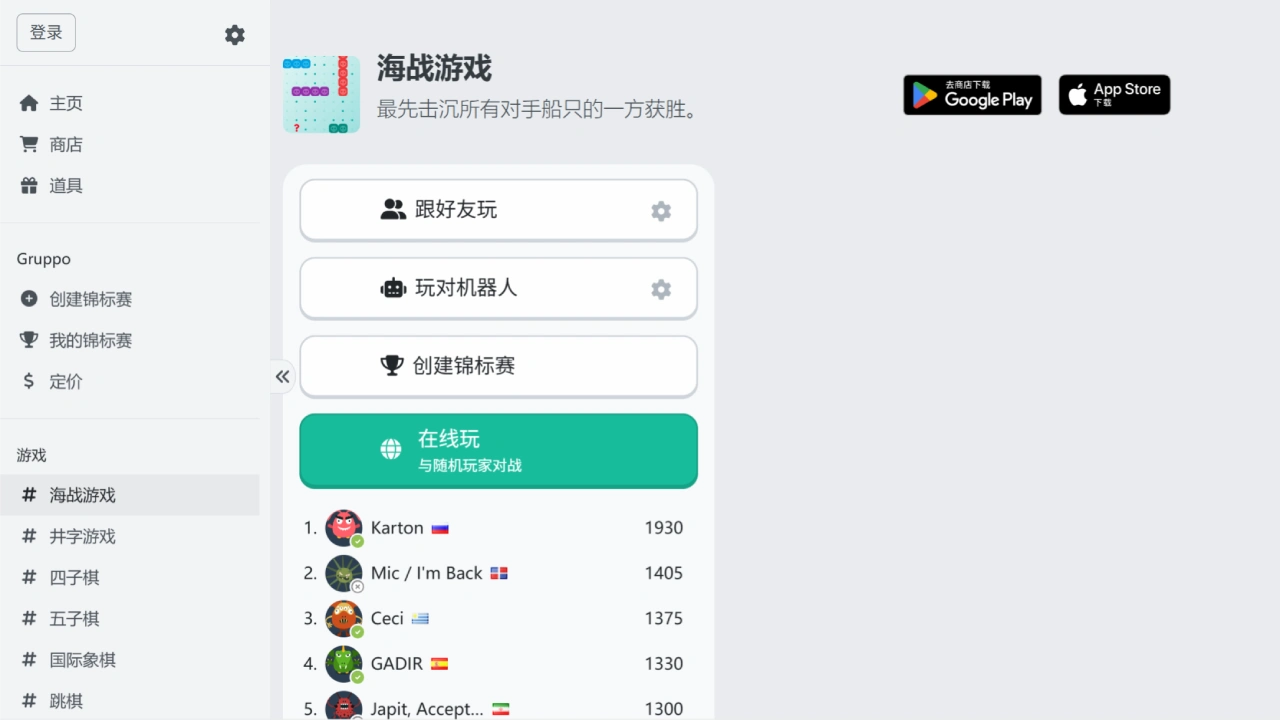
How to Get Started with PaperGames.io
Visit the website: Go to the official site (https://papergames.io/zh/) in your browser, or download the app.
Register/Log in: First-time users need to create an ID (you can play as a guest, but some features won't be available).
Choose a game: Find the game you want to play, then select "Play with players worldwide," "Play with friends," or "Host your own tournament."
Start the match: Follow the rules of the game (e.g., place your fleet first in Battleship, or line up four in a row in Connect Four), and chat while you play.
Earn items: Winning matches rewards you with in-game coins, which you can spend at the shop on avatars, emojis, and more.
PaperGames.io was created in 2017 by David Galvis in Lausanne, Switzerland. It's a small, self-funded gaming platform whose main goal is to provide casual fun for everyone.















