
 Script Planner Assistant▸
 AI Apps
 AI News

Kezan AI: An AI-Powered Office Visualization Tool
Kezan AI: An AI-Powered Office Visualization ToolIntroduction
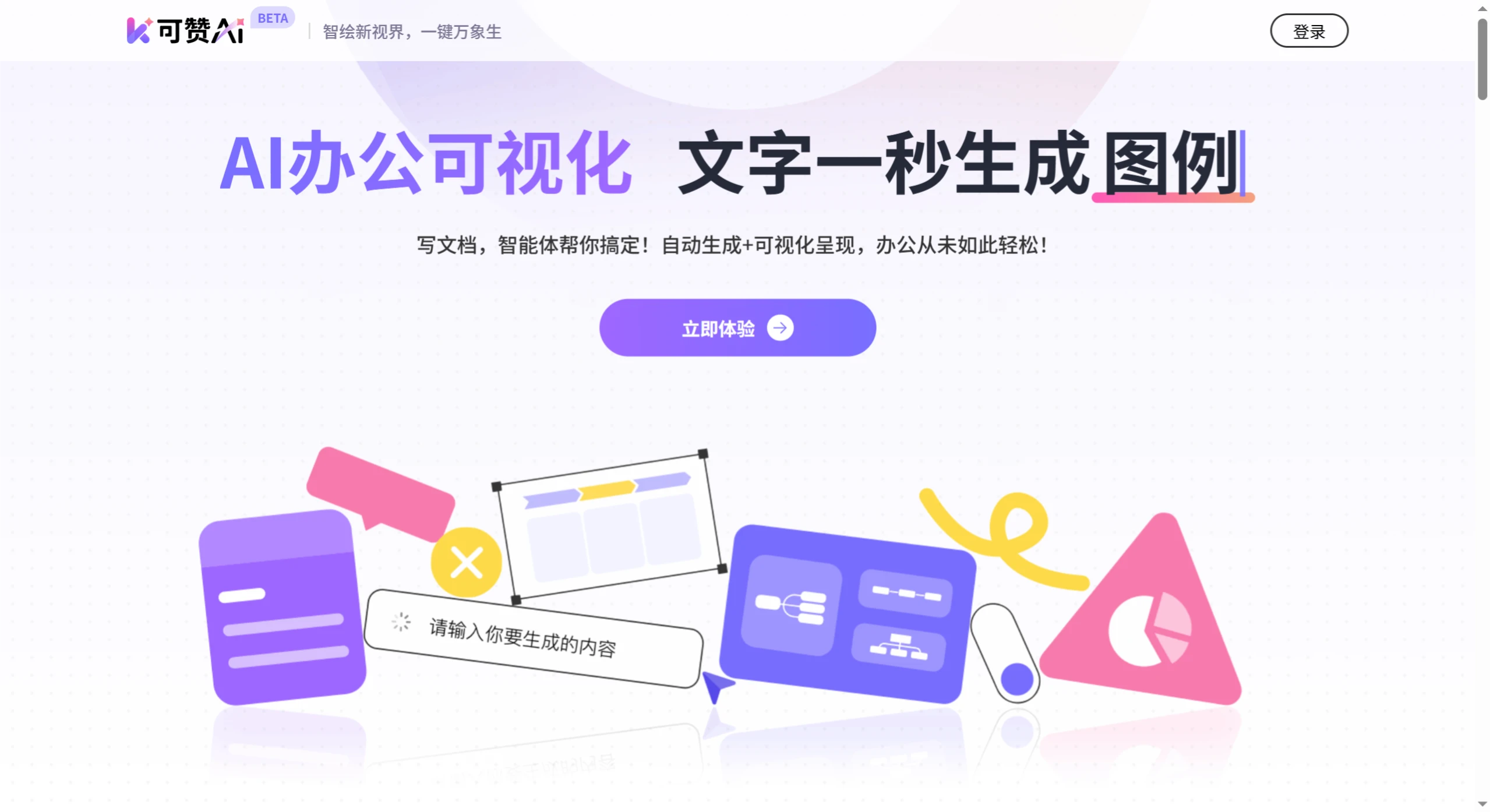
Kezan ai is an office visualization tool that quickly turns text into charts, legends, mind maps, and more. It supports uploading common files such as Word and PDF, and can also parse links from platforms like WeChat Official Accounts. With smart writing, text visualization, and text parsing features, it's ideal for data chart creation, meeting minutes organization, and similar scenarios. Charts are generated in just 3 seconds, saving time and making information clearer.
Main Features of Kezan AI
Text-to-Visualization Charts: Generate charts, legends, cards, mind maps, and more within 1 second of entering text. Styles can be adjusted to better match the content, and results can be published to various platforms with one click.
Extract Key Points from Text: Automatically captures core information from text and generates structured knowledge cards. Adapts to styles across different fields, with content adjustable as needed.
Smart Document Writing: Simply state your needs, and it quickly generates reports, proposals, and other documents, with full editing flexibility.
Multi-Format File Support: Upload Word, PDF, ppt, and TXT files, or import links starting with http (such as links from platforms like WeChat Official Accounts and Xiaohongshu).
Rapid Chart Generation: Charts in 3 seconds with simple operations. AI automatically matches the appropriate chart type, covers multiple scenarios, and supports high-definition export in various formats compatible with common software.
Mind Map Generation: Automatically extracts text structure and relationships, outputs mind maps, quickly builds outlines, adapts to logic in different scenarios, and supports layered content expansion.
Applicable Scenarios for Kezan AI
Data Display: Turn data in text into intuitive charts, avoiding dry written descriptions.
Meeting Records: Organize lengthy meeting content into structured minutes, automatically pulling out key information like topics, conclusions, and to-dos for clear, easy-to-follow records.
Reporting & Presentations: Sort out complex business logic and project frameworks, presenting key points through charts and mind maps.
Content Marketing: Create marketing copy around trending topics while generating supporting materials like knowledge cards and data charts.
Study Organization: Transform study notes and book summaries into knowledge graphs or mind maps to aid memory and organize thoughts.
Capturing Ideas: Record inspirations anytime, with AI automatically organizing logic and generating mind maps or cards.
How to Use Kezan AI
Register & Sign In: Use it via the web. Open the official website https://kezign.cn/ in your computer or mobile browser, register, and sign in to start using it.
Enter Content: Paste or type the text you want to process in the editing area, ideally 200–500 characters.
Choose a Function to Operate
Generate Charts: After entering text, click the lightning symbol, and AI will automatically generate charts (such as data charts, mind maps, etc.), with adjustable colors, lines, and other styles.
Parse Text: Automatically extracts key points and generates knowledge cards, adapting to multiple styles with on-demand adjustments.
Smart Document Writing: State your needs, and AI quickly generates reports, proposals, etc., with editing support.
Optimize & Adjust: If you're not satisfied with the results, you can refine them by describing adjustments to the AI in conversation (such as chart elements, content changes, style, etc.).
Export & Share: Once done, click the export button in the top-right corner to choose formats like long image, PDF, or Word. Click the share button to share via link, valid for 7 days.
Advantages of Kezan AI
Improved Efficiency: Automates text parsing and visualization, reducing time spent on manual formatting and information extraction.
Lowered Barriers: No design or visualization skills required; even beginners can generate professional charts and mind maps.
Diverse Needs Met: Managers, administrative staff, marketers, learners, and others can all use it to optimize information handling.
Multi-Device Compatibility: Supports editing on different devices, link sharing, and export in long image/PDF formats, suitable for office reporting and social sharing.
Frequently Asked Questions
What makes Kezan AI's text visualization capabilities strong?
Answer: It generates multiple professional charts in 1 second with personalized adjustments; produces charts in 3 seconds with AI matching the appropriate type, covering multiple scenarios with high-definition multi-format output; can generate mind maps to organize relationships; and supports one-click publishing to various platforms.
What file types and content sources does Kezan AI support?
Answer: It supports uploading Word, PDF, PPT, and TXT files, and can import links starting with http (such as links from platforms like WeChat Official Accounts and Xiaohongshu).
How can content generated by Kezan AI be exported and shared?
Answer: It can be exported in long image (with transparent or opaque background options), PDF, Word, and other formats. Sharing via link is also available, valid for 7 days.















