
 Script Planner Assistant▸
 AI Apps
 AI News

PixiEditor: Free and Open-Source 2D Graphics Editor
PixiEditor: Free and Open-Source 2D Graphics EditorIntroduction
PixiEditor is a practical 2D graphics editing software that meets a variety of 2D creation needs, such as drawing pixel art for games, creating animations, editing images, or designing logos. It offers three tools: a pixel art tool, a general painting tool, and a vector graphics tool, all of which can be used together. The software supports exporting to multiple image formats such as png, jpg, and svg. Version 2.0 added timeline and animation features, enabling frame-by-frame animations and special effects adjustments through a node system. It uses a flexible node-based rendering system, allowing users to freely combine layers and effects to create personalized images or animations. Whether you are a beginner just getting started with creation or a professional creator, you can easily bring your ideas to life with it.
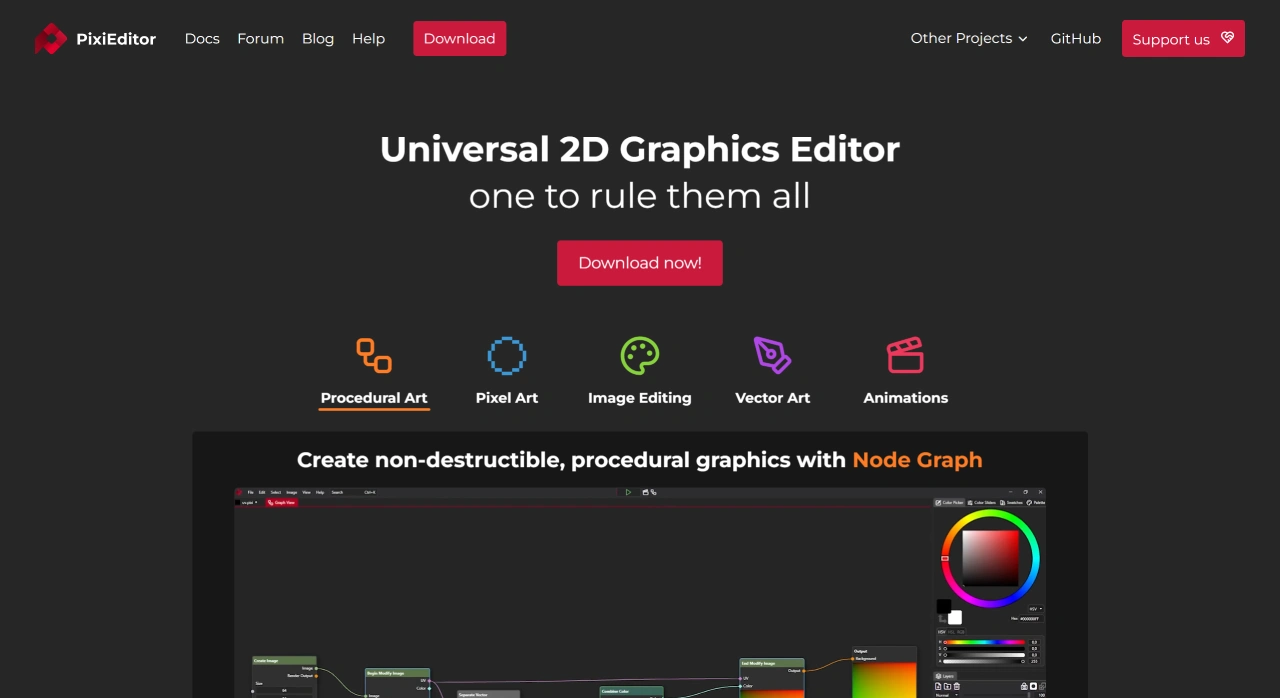
Main Features of PixiEditor
Multiple Drawing Tools: The software comes with three tools—pixel art, general painting, and vector graphics—all usable on the same canvas, allowing you to combine them however you like.
Flexible Layer Operations: You can delete, group, rename, merge, and perform other operations on layers, making it easy to organize and edit image content.
Rich Export Options: Supports exporting to png, jpg, svg, gif, mp4, and other formats to meet different needs.
Special Image Effects: Provides a variety of blend modes and masking features for creating more complex image effects; includes a palette system synced with Lospec for easy color selection; the pen tool's special mode helps draw more regular pixel art outlines.
Multi-Document Editing: You can open and edit multiple documents simultaneously, with support for side-by-side display, multi-column and multi-row layouts, as well as management through floating windows and tabs.
Stylus Support: You can use a digital pen (stylus) to draw or erase directly.
Feature Improvements (New Version Updates)
Simpler Shape Strokes: Version 2.0 added the ability to directly add strokes to shapes, eliminating the need for complex node operations and making it more intuitive to use.
Rounded Rectangles In Development: The team is working on how to create rectangles with rounded corners to facilitate modern-style UI design.
Shortcut Optimization: Fixed the issue where holding the Alt key had no response, adjusted shortcut key conflicts, and made drawing curves smoother.
Improved Stylus Compatibility: Resolved the issue of software crashes when using a stylus; different input devices now work properly.
Application Scenarios
Game Creation: Draw pixel-style characters, scenes, props, create game animations and special effects, and design game interface elements.
Graphic Design: Design visual content such as icons, posters, and brand logos.
Animation Production: Create 2D animated shorts and add effects such as lighting and particles.
Learning Purposes: Practice the basics of digital painting, animation production, and graphic design.
Personal Creation: Record life, freely draw, or create personalized memes.
Installing and Using PixiEditor
PixiEditor has versions for Windows, Mac, and Linux. You can download the latest version from its official website or GitHub page. After downloading, simply install it and open the software to start using it. When operating, select tools through the top menu bar and toolbar—for example, use the pixel tool for pixel art, the painting tool for free drawing, and the vector tool for vector graphics. If you want to create animations, you can do so by adding keyframes.














