
 Script Planner Assistant▸
 AI Apps
 AI News

Klic Studio: AI Video Translation & Dubbing Tool
Klic Studio: AI Video Translation & Dubbing ToolIntroduction
Klic Studio is a video translation and dubbing tool launched by Krillin AI, breaking language barriers on YouTube, TikTok, Bilibili, and other platforms. It supports translation and dubbing in over 100 languages, featuring AI-synced lip-sync and natural voice cloning. It also converts audio/video to text and exports in PDF, PNG, Markdown, SRT, TXT formats, with bilingual templates available.
In addition, it intelligently identifies video highlights and generates formats suited for various platforms (such as YouTube, TikTok, Bilibili), enhancing the viewing experience; users don't need complex editing or filming skills—simply clicking on descriptions enables the creation of high-quality videos, lowering the barrier to content creation. This tool is mainly aimed at bloggers, brands, and educators, serving as a localization hub for multilingual content creation.
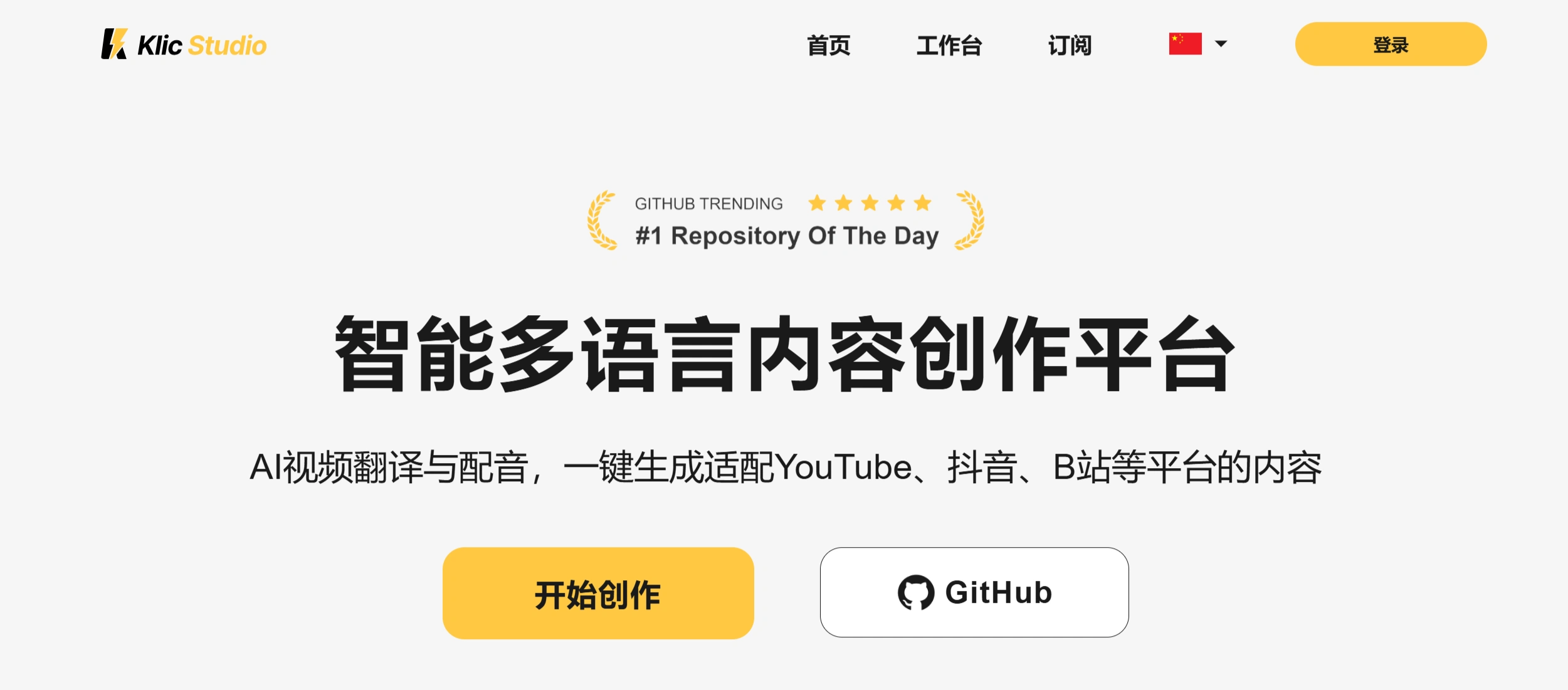
Klic Studio Core Features
Video Translation and Dubbing: Supports over 100 languages, with AI-synced lip-matching and natural voice cloning.
Subtitle Generation and Multi-Format Export: Converts audio/video content to text, supports export in PDF, PNG, Markdown, SRT, TXT formats, with bilingual templates.
Smart Video Editing: AI identifies highlights and auto-generates platform-specific formats (e.g., YouTube, TikTok, Bilibili), boosting viewing experience and engagement.
Simplified Video Creation: Users can produce high-quality videos with simple click-and-describe actions, without editing or filming skills, lowering the entry barrier.
Content Localization Hub: Provides multilingual content creation support for creators, brands, and educators, helping them reach global audiences.
Klic Studio Use Cases
Creators: Quickly localize content, break through language barriers, and expand reach.
Brands: Produce multilingual marketing videos to boost influence across different regions.
Educators: Create multilingual teaching videos to meet the needs of students with different language backgrounds.
Klic Studio Usage Steps
1.Choose Deployment Mode
Desktop Version: Suitable for single-user local processing, with a graphical interface that's easy to use.
Server Version: Suitable for multi-user deployment, operated through a web interface, ideal for server environments.
2.Installation and Configuration
Desktop Installation: Download the desktop executable matching your system, double-click to start. The configuration file is automatically generated on first run—complete service configuration through the graphical interface.
Server Installation: Create a dedicated working directory, download the executable for your platform, create a config folder within it, then create a config.toml file inside. Copy the contents from the source code's config-example.toml into config.toml, fill in configuration based on the comments. Double-click or run the executable in the terminal to start the service, then open your browser to http://127.0.0.1:8888 (port as specified in config) to begin.
3.Configure Speech Recognition and Translation Services
Speech Recognition: Optional OpenAI Whisper, Faster Whisper local models, etc.
Translation Services: Supports mainstream providers like OpenAI, Alibaba Cloud, etc.
Custom Word Replacement: One-click word replacement to adapt to domain-specific language styles.
4.Video Processing
Video Acquisition: Download videos via YouTube, Bilibili links, or upload local videos directly.
Subtitle Recognition and Translation: Automatically recognizes speech to generate subtitles, then translates them.
Dubbing and Voice Cloning: Choose default male/female voices, or upload local audio samples to clone voices.
Video Synthesis: One-click synthesis of horizontal and vertical videos with subtitles.
5.Optimization and Debugging
Speech Recognition Optimization: Select the appropriate recognition model based on video language.
Translation Quality Improvement: Configure terminology glossaries and select large language models suited to the domain.
Speech Synthesis Tips: Adjust speech speed to match video rhythm.
Advanced Features
Custom Voice Cloning: Prepare high-quality sample audio, adjust voice parameters, and test performance in different contexts.
Multilingual Mixing: Set segment language markers, configure multi-engine collaboration, output unified subtitle files.
API Integration Development: Call service interfaces to develop automated workflows and construct custom frontends.
Key Questions and Answers
1.As a video translation and dubbing tool, what is Klic Studio's most prominent language-related feature?
It supports translation and dubbing in over 100 languages, with AI-synced lip movement and natural voice cloning, helping content break through language obstacles.
2.What are Klic Studio's features in content transcription and export?
It transcribes audio/video content into text, with translation capabilities in over 100 languages, and supports export in multiple formats including PDF, PNG, Markdown, SRT, and TXT, along with bilingual templates.
3.How does Klic Studio help users boost content influence?
Through smart video editing features, AI identifies video highlights and auto-generates platform-optimized formats, boosting engagement and viewing experience, helping content go viral; multilingual processing capabilities expand content audience reach, thereby increasing content influence.














