
 Script Planner Assistant▸
 AI Apps
 AI News

DrawtoVideo: AI Tool to Turn Hand-Drawn Sketches into Animated Videos
DrawtoVideo: AI Tool to Turn Hand-Drawn Sketches into Animated VideosIntroduction
DrawtoVideo is an AI tool that can turn hand-drawn sketches into animated videos. It focuses on fast production, intelligent sketch recognition, and professional-quality output, and also supports frame-by-frame adjustment and audio-synced animations.
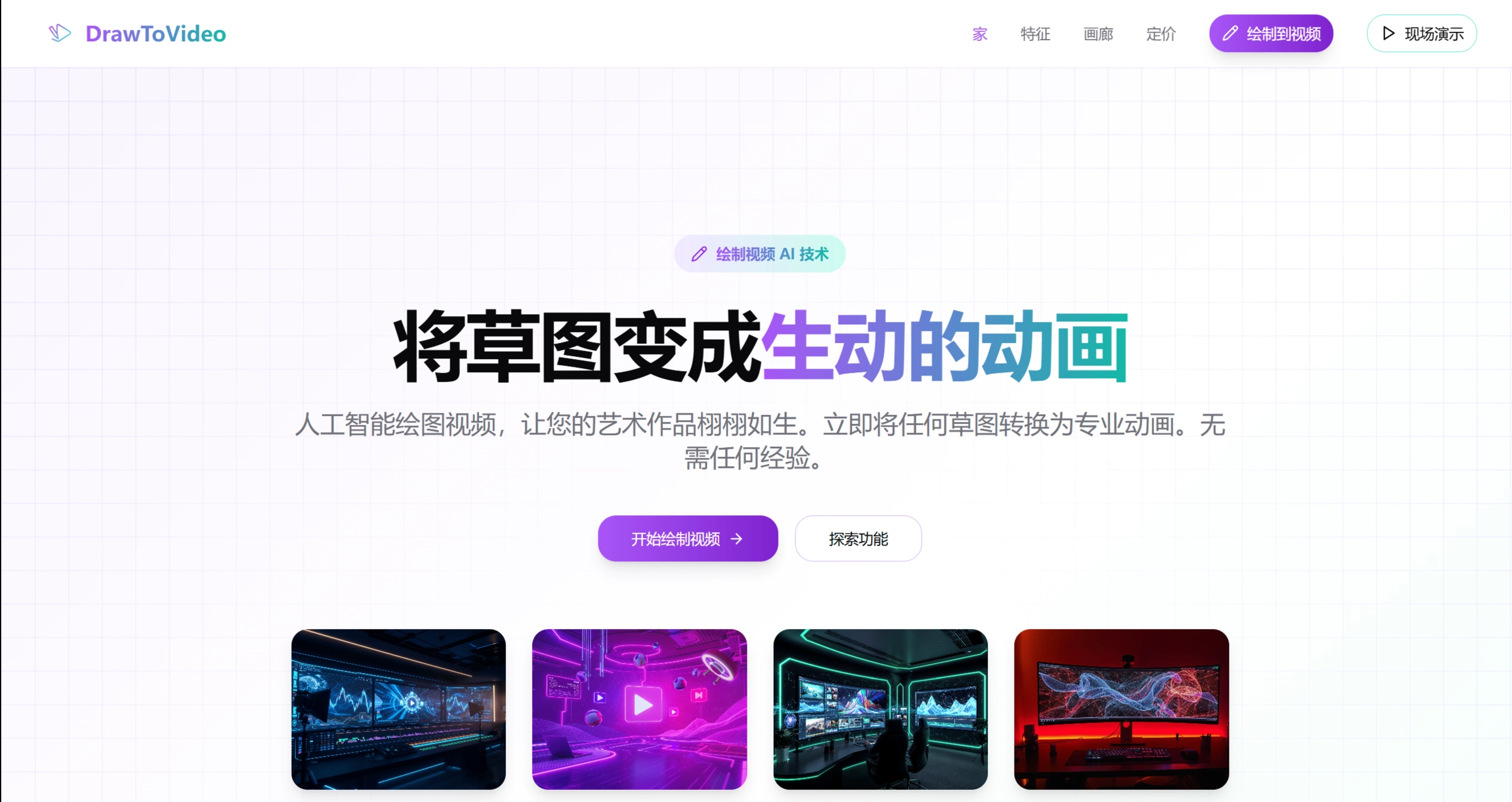
💼 DrawtoVideo Main Features
Sketch to Animation: Upload a hand-drawn sketch, and the intelligent algorithm automatically converts it into a smooth animation — no specialized skills required.
Fast Production: DrawtoVideo's optimized AI engine turns sketches into animations within seconds, while preserving the details and natural motion in the original drawing.
Frame-by-Frame Control: DrawtoVideo allows fine-tuning of animations, such as setting keyframe transitions and adjusting motion pacing, so you can customize the animation to fit your needs.
Audio-Synced Animation: The AI automatically analyzes sounds (such as music or sound effects) and makes the animation move to the rhythm — for example, swaying with the music or performing actions that match the sound effects.
💼 DrawtoVideo Advantages
Data Security: Real-time processing; your sketches or video data are not stored.
Privacy Protection: No registration or login required, no tracking of your actions, and the videos you create are entirely yours.
Stable Support: Servers are distributed across multiple regions with enterprise-grade configuration, providing 99.9% uptime.
Leading Technology: Built on the latest AI models, delivering more accurate sketch recognition and better animation generation.
💼 Where Can DrawtoVideo Be Used?
Promotions: Create product introductions, event advertisements, and social media short videos.
Teaching & Training: Turn complex knowledge into simple, easy-to-understand animated tutorials.
Creative Works: Add animations to music, paintings, or stories to bring your imaginative ideas to life.
E-commerce Display: Use dynamic videos to showcase product features and boost conversions.
Work Presentations: Transform boring PPT into lively videos.
Personal Records: Create videos for special occasions like birthdays or anniversaries, or just for fun.
Gaming: Make game trailers, cutscenes, and promotional shorts.
Music Videos: Pair songs with visuals so the music and animation are perfectly synchronized.
💼 DrawtoVideo Pricing Plans
Free Version: Suitable for individuals or small projects. Video resolution is 360p, length 5–30 seconds, with basic sound effects, average processing speed, downloadable MP4 format (no watermark), and commercial use allowed.
Professional Version (Coming Soon): $19/month. Video resolution is 720p (HD), up to 60 seconds long, advanced sound effects, prioritized queue, batch video creation, custom branding, and API access.
Enterprise Version: Custom service. Video resolution 1080p (Ultra HD), unlimited length, ability to train a dedicated AI, dedicated servers, Service Level Agreement (SLA) guarantees, 24-hour technical support, and deep customization based on your needs.
💼 Frequently Asked Questions
❓ Is it free?: Completely free, no hidden fees, no subscription required — use as much as you want.
❓ Do I need to register for DrawtoVideo?: No registration needed; just open it and start using.
❓ Video resolution and length?: Currently, generated videos are 360p, with a maximum length of 30 seconds and a minimum of 5 seconds.
❓ How long does DrawtoVideo take to generate?: Most videos are completed within 30–60 seconds (depending on complexity and server load).
❓ Can it be used commercially?: Videos generated by DrawtoVideo can be used freely for commercial purposes without additional licensing.
❓ Can I edit or download the video?: Yes, videos can be downloaded in MP4 format and further edited using common video software (such as Jianying or Premiere Pro).












