
 Script Planner Assistant▸
 AI Apps
 AI News

Hotkey Cheatsheet: Keyboard Shortcut Reference
Hotkey Cheatsheet: Keyboard Shortcut ReferenceIntroduction
Hotkey Cheatsheet is a free shortcut lookup tool that collects keyboard shortcuts for over 200 commonly used software and systems, covering scenarios such as design, development, and office work. No download required — just open the website to look things up, making it the "Xinhua Dictionary of computer operations." Hotkey Cheatsheet can help you say goodbye to mouse dependency and greatly boost your work efficiency.
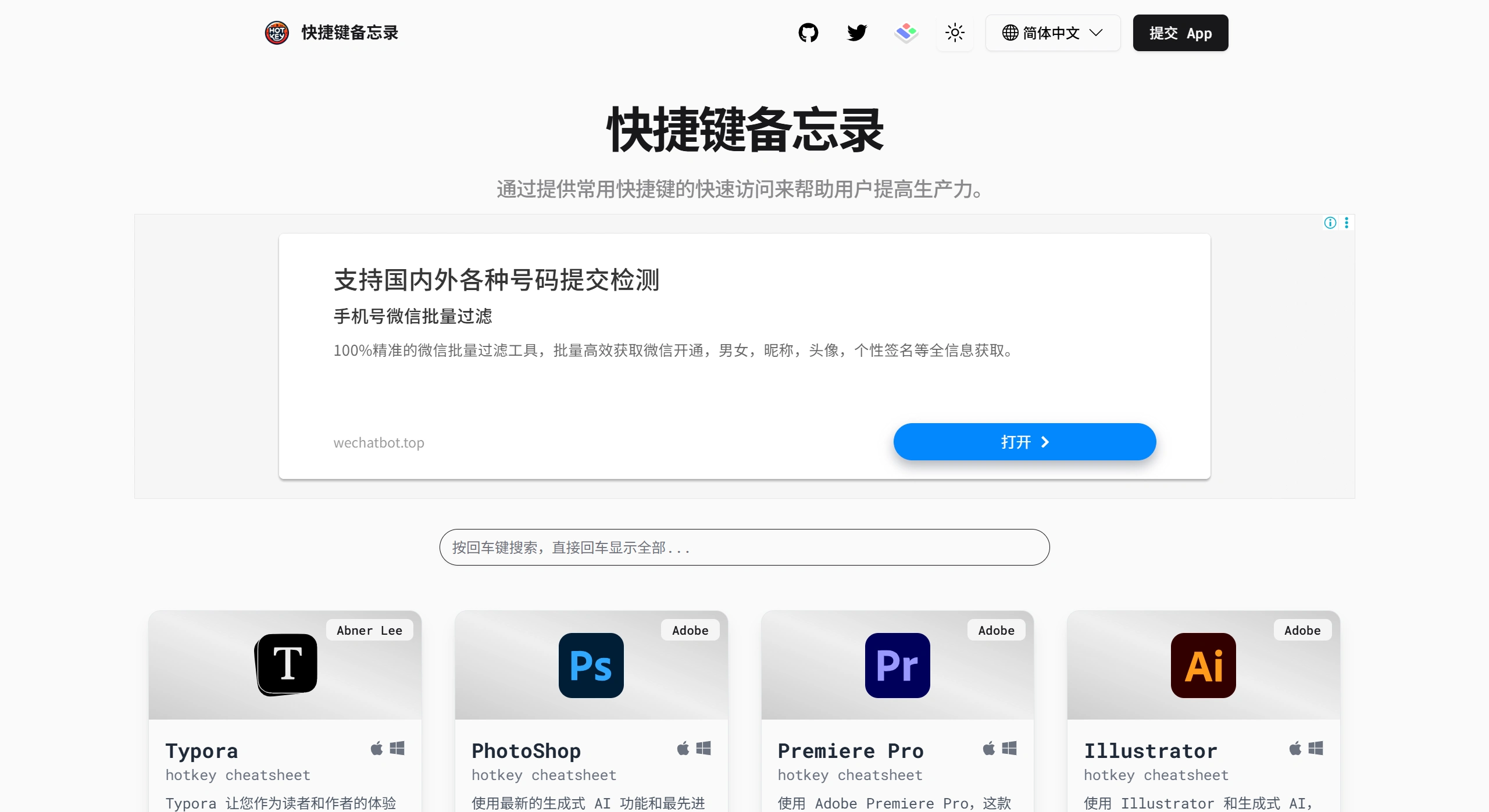
Hotkey Cheatsheet Core Features
✅ Full platform support: Works on both Windows and macOS.
✅ Massive shortcut library: Covers shortcuts for 200+ software such as Photoshop, VS Code, and Office, with continuous updates.
✅ Smart search: Supports both Chinese and English search, with the ability to filter by software type (design / development / office).
✅ Intuitive display: Some shortcuts come with virtual keyboard diagrams, making it easy for beginners to get started.
✅ System-level compatibility: Supports looking up system shortcuts for Windows and Mac, such as Task Manager, app switching, and more.
Use Cases for Hotkey Cheatsheet
🎨 Designers: Quickly master shortcuts for design software like PS, ai, and Figma to improve design efficiency.
💻 Developers: Look up shortcuts for development tools like VS Code, PyCharm, and Git for a smoother coding experience.
📊 Office workers: Handle shortcuts for Excel, ppt, and Word with one click, and say goodbye to repetitive operations.
How to Use Hotkey Cheatsheet
1️⃣ Open the website: https://hotkeycheatsheet.com/zh (Chinese supported).
2️⃣ Search for shortcuts: Enter the software name (e.g., "Photoshop") or browse by category.
3️⃣ View usage: Click on a shortcut to see its function description; some even come with virtual keyboard demos.
Tips
📌 Write down your frequently used Hotkey Cheatsheet shortcuts on sticky notes, practice 3 every day, and you'll be proficient in just one week!















