
 Script Planner Assistant▸
 AI Apps
 AI News

VoxDeck AI: An AI Agent for Presentation Creation
VoxDeck AI: An AI Agent for Presentation CreationIntroduction
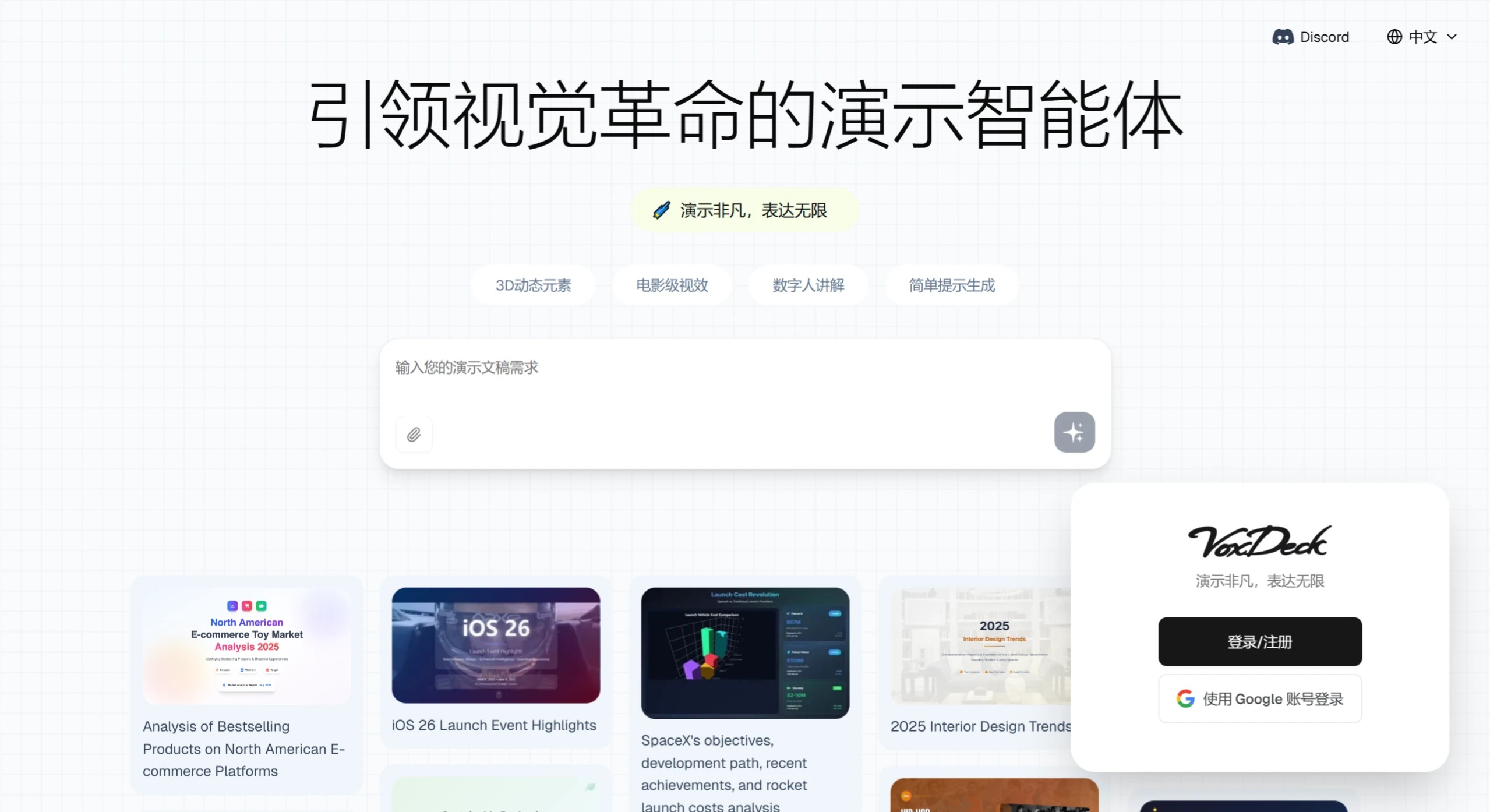
VoxDeck ai is an AI presentation-making intelligent agent tool whose goal is to make creating beautiful, dynamic presentations extremely simple, delivering professional results without complicated operations.
📚 What makes VoxDeck AI so powerful?
Cinematic visuals: Just type in some text, and the AI can directly generate impactful, dynamic presentations, automatically weaving your content into an engaging story with eye-catching visuals.
3D interactive elements: Built-in 3D charts, models, and explorable dynamic scenes turn abstract data into hands-on, interactive content that's easier for audiences to remember.
Digital presenter: Customize a virtual avatar to deliver your slides for you, and even answer audience questions in real time—so you can present effortlessly without stepping on stage.
Easy input, instant generation: No design knowledge or complex planning required. Just clearly describe what you need or upload a document, and an editable presentation is generated right away.
Works anywhere: The presentations you create automatically adapt for mobile phones and tablets, looking equally clear whether played in the conference room or viewed on the go.
📚 Who can use VoxDeck AI?
Anyone in fields like education, marketing, research, and creative work can use it—for example, market analyses, business reports, research presentations, design proposals, or teaching courseware. The experience is more immersive than PowerPoint or Gamma, offering better audience engagement.
📚 How to use VoxDeck AI?
Open the platform: First, decide what kind of presentation you want to make. Once you've confirmed VoxDeck can meet your needs, open the voxdeck.ai site in your computer browser.
Sign up and log in: If it's your first time, find the registration option on the site. You can register with your email or quickly log in with third-party accounts like Google. During registration, review the user agreement and privacy policy, verify your email or phone as prompted, and then log in to your account.
Enter your requirements to generate content: Type your presentation details into the input box clearly, such as the topic, content to include, and the style you want. For example, write "Make a presentation on the 2025 environmental protection industry development trends, include data charts, and use a simple, clear style," then click submit and wait for the AI to generate it.
Review and optimize: Check the result after generation. If the content or style isn't satisfying, adjust your input and try again. For example, if the charts aren't intuitive enough, you can input "Change the data charts into 3D bar charts to make the data clearer." Try multiple times until you're satisfied.
Save and export: Once everything looks good, use the platform's save or export feature to save the presentation in common formats like PDF or ppt, making it easy to use later, share, or modify again.
📚 How to request more effectively?
State your goal clearly: Don't just say "make a product intro"—be specific. For example, "Make a product introduction presentation for a new smartwatch, focusing on its features and advantages."
Provide background information: Tell the AI who the presentation is for and what it's used for. For example, "This is for our company's sales team to introduce the new smartwatch to clients and help them promote the product better."
Give specific requirements: For example, how many slides you want, what style you prefer, and whether you need animation effects. For example, "Keep the slides between 10–15, use a minimalist modern style, and add a little animation to each slide."
Provide examples for reference: If you have specific ideas for certain parts, give examples. For example, "In the slide introducing the watch's appearance, include an image like [specific image link] that clearly shows the details."
📚 VoxDeck AI team background
VoxDeck is built by a team with ten years of experience in presentation tool R&D. They have studied a wide range of user needs and understand how to make presentations more visually striking and effective, ensuring the tool adapts to presentation scenarios across industries so your creativity is showcased perfectly.















