
 Script Planner Assistant▸
 AI Apps
 AI News

Uchinoko-Maker: Free Online Cat Illustration Generator
Uchinoko-Maker: Free Online Cat Illustration GeneratorIntroduction
What is Uchinoko-Maker?
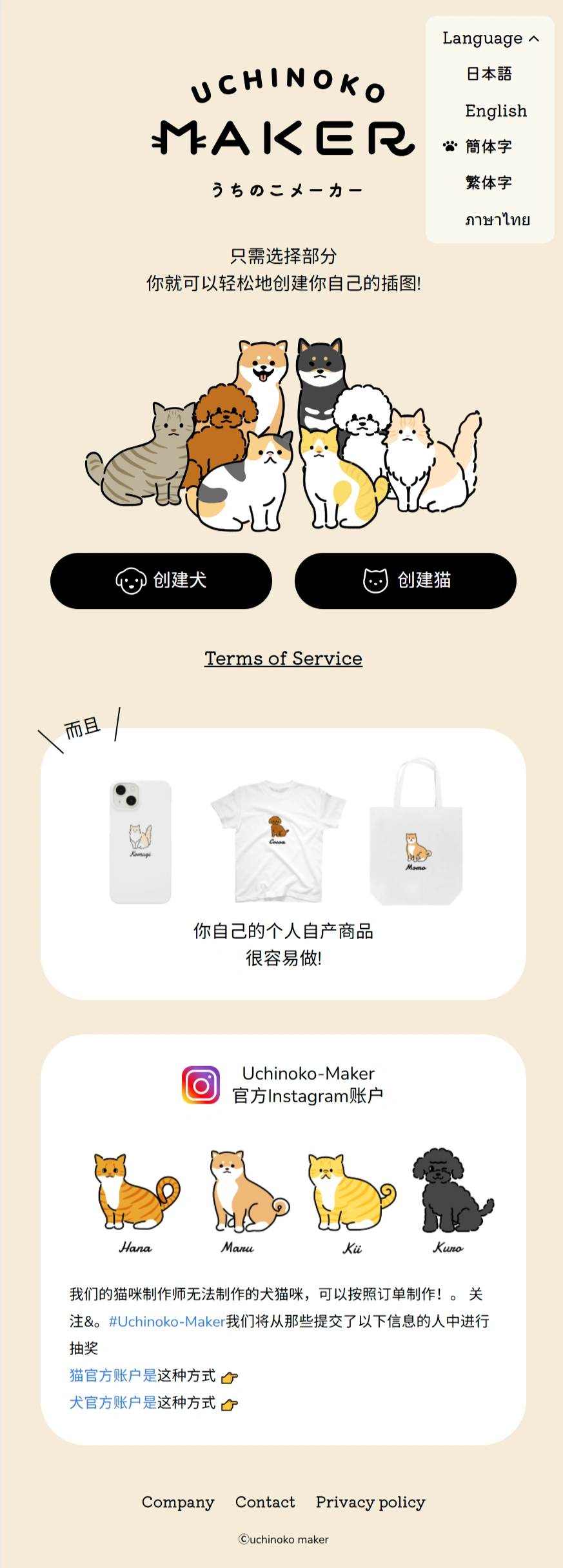
Uchinoko-Maker is a free online cat illustration generator tool created by a Japanese company, letting you "design" your own unique cat illustration. No sign-up required—just open it and start using it. You can freely customize your cat's body shape, fur color, eyes, ears, tail, and more.
📚 Uchinoko-Maker Features
✅ High degree of freedom: You can change your cat's body type (chubby or slim), fur color and pattern (with adjustable depth), eye shape and color, ear style, and even whether to draw "white socks" on the paws.
✅ Tons of assets: Over 80 fur colors and various ear and tail shapes are available, allowing for more than 200 million different combinations.
✅ Real-time preview: As you adjust, the cat's appearance updates instantly, so you can change anything you're not satisfied with right away.
✅ Download & merchandise: Once your cat is designed, you can save it as a high-definition image (PNG/SVG format) or use it to customize merchandise like T-shirts and phone cases.
✅ Easy sharing: Give your cat a name, then save it to your phone or share it on social media.
📚 What can Uchinoko-Maker be used for?
✅ As an avatar/wallpaper: Generate your exclusive cat image to use on social accounts or as wallpaper on your phone and computer.
✅ Pet memorial: Match your real cat's fur color and pattern to create a virtual keepsake (such as a phone case).
✅ Just for fun: If you love DIY, you can experience the joy of "cat crafting" with just a few clicks, and share your creations with friends when you're done.
📚 How to use Uchinoko-Maker?
✅ Go to the website: Open the official site (https://uchinoko-maker.jp/) in your browser, and click the top right to switch to English (Japanese is the default, or you can use your browser's translate function).
✅ Start creating: Click the "I'll give it a try" button on the page to enter the cat design interface.
Customize your cat:
Choose body type (overall chubbiness or slimness), head shape (round or pointed), and accessories (add bows, hats, or anything you like).
Eyes (shape and color), ears (shape and position), mouth (open or closed).
Fur color and pattern (pick from over 80 colors).
✅ Save your design: Once you're done, click "I'm done!" in the top right, give your cat a name, and click "OK".
✅ Download the image: After being redirected, click "Download" and the image will be saved to your phone/computer (PNG format).
💼 Tips
Uchinoko-Maker also has a charitable aspect—if you purchase merchandise (like T-shirts) featuring the cat you designed, part of the proceeds will be donated to organizations that protect cats.














