
 Script Planner Assistant▸
 AI Apps
 AI News
Anifun AI: An AI Anime Creation Platform for Anime Art, Manga & Video
Anifun AI: An AI Anime Creation Platform for Anime Art, Manga & VideoIntroduction
AniFun ai is a practical AI anime creation platform that helps you quickly produce anime images, comics, and videos. It offers tools such as an anime art generator, a video generator, and an online comic maker, with simple operation—just one click to create a work.
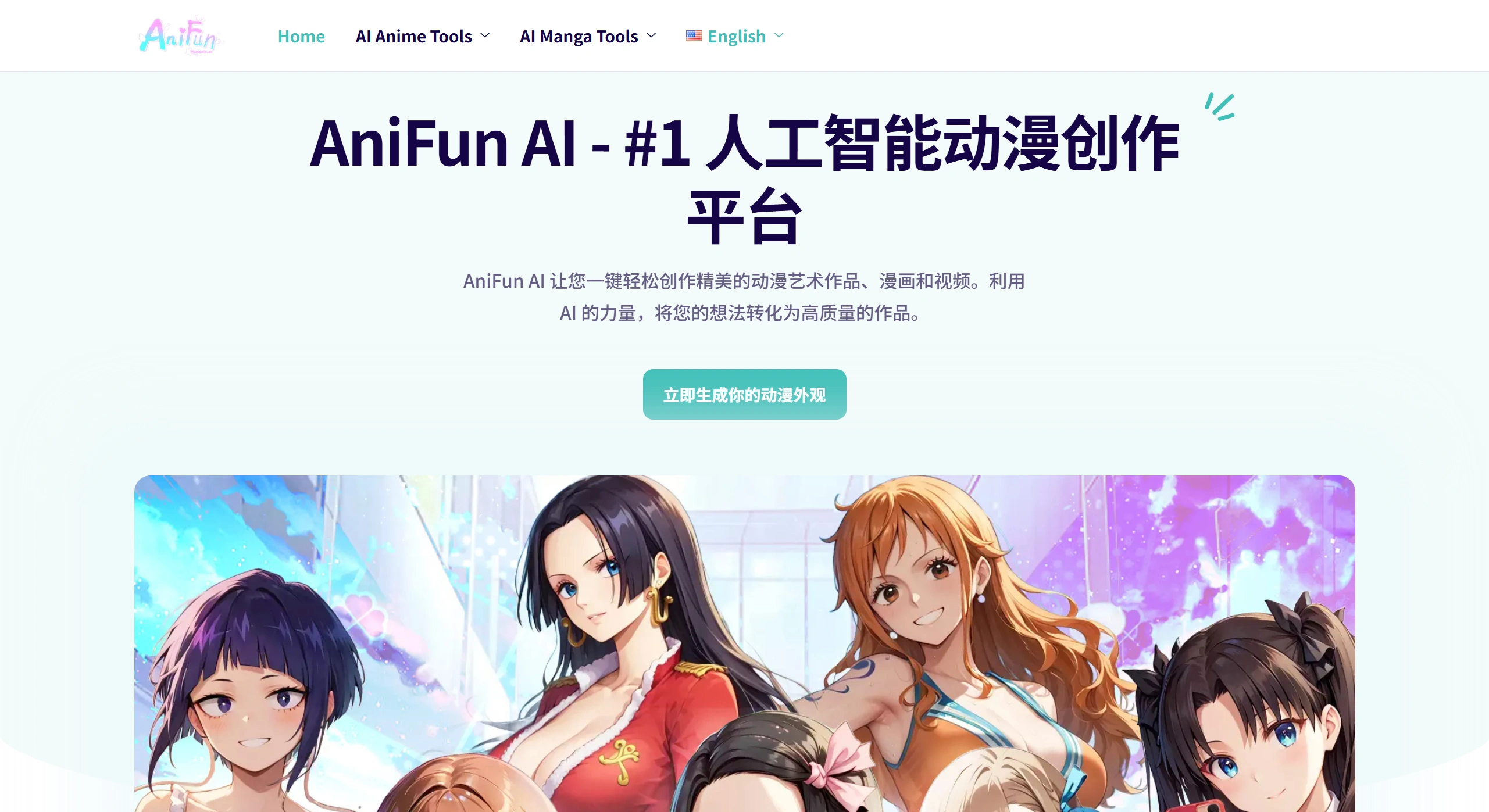
Anifun AI Main Features
Draw anime images: No complex drawing skills required—with simple operations, you can turn your ideas into high-quality anime images with a unique style.
Create comics: Helps you effortlessly create comics. From brainstorming stories and designing characters to drawing storyboards and panels, tools are available to assist you, quickly turning your ideas into vivid comics.
Generate videos: Enter your creative ideas or scene descriptions, and the AI will automatically generate coherent and detailed anime videos, making creation more efficient.
What Can Anifun AI Be Used For?
Create high-quality AI anime images;
Create and edit comics like a professional;
Generate anime videos from text, images, or photos;
One-click generation of comics or comic books.
How to Use Anifun AI?
Register: Go to the official website to register a free account and get started.
Choose a layout: Use preset comic templates, or adjust the panel structure yourself to fit your story.
Describe content: Briefly write the content of each page/panel (e.g., "a boy exploring the forest," "meets a talking fox"). The more detailed, the better the result.
Generate the work: Click "Generate," and the AI will produce anime-style images in seconds.
Optimize and adjust: Use the editor to modify character poses, backgrounds, and other details.
Add text effects: Add speech bubbles, captions, and visual effects, with support for vertical text and comic fonts.
Export and share: Once finished, you can save it locally or post it on social media, and the work can be used freely for commercial purposes.
Notes
✅ Free version: Includes 50 credits and 1 workspace, suitable for beginners to try out.
✅ Premium version (20 euros per month): Includes 10,000 credits, unlimited workspaces, unlimited comic generation, support for multiple models, and early access to new features.
✅ Tip: The more specific the description (e.g., style, element details), the better the generation result.
Anifun AI FAQs
What are its core advantages?
Answer: One click turns your ideas into high-quality anime works (images/comics/videos). With simple operation, AI tools make creation easier.
What specific tools and features are available?
Answer: The art generator creates high-quality anime images; the video generator turns text/images into videos; the online comic maker is for professional comic creation; the comic generator produces comics with one click.
What input do the prompts require?
Answer: The art/comic generator requires descriptions of style/elements (e.g., "masterpiece, high quality"); the video generator can accept text, images, or photos.















