
 Script Planner Assistant▸
 AI Apps
 AI News

Viddo: Turn Any Video into a Readable Article in One Click
Viddo: Turn Any Video into a Readable Article in One ClickIntroduction
Viddo is a video to readable article converter, a tool that turns videos into easy-to-read articles with one click, supporting platforms like Bilibili, TikTok, Douyin, and YouTube. The converted articles are well-formatted, include an AI summary, can be saved permanently, and shared anytime. It's ideal for anyone who needs to quickly organize video content, take notes, write articles, or create reports—such as students organizing lecture videos, content creators organizing interviews, and businesses organizing meeting minutes.
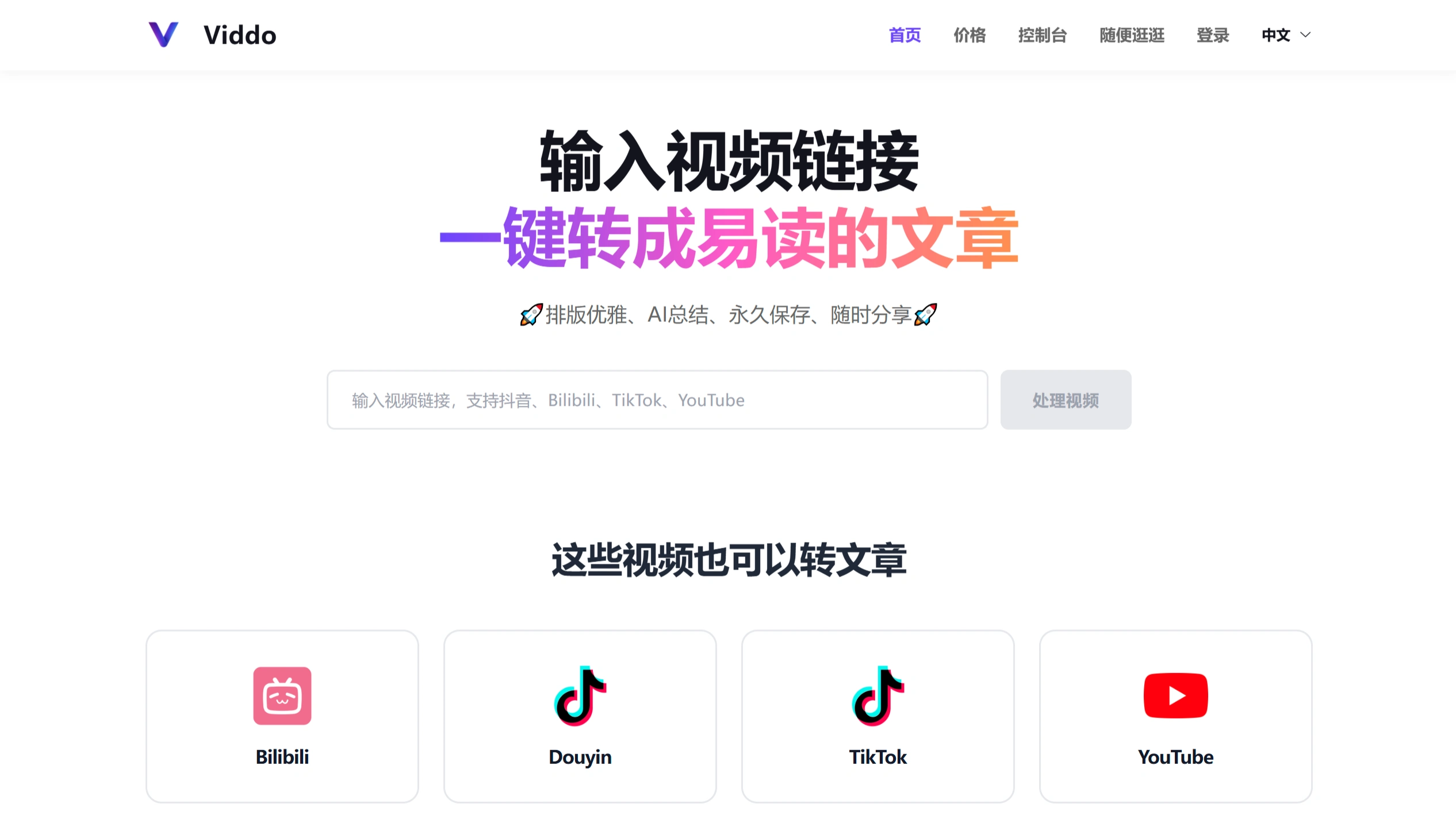
Core Features
✅ One-click conversion: Upload a video file or paste a link, and Viddo automatically converts it into text and generates a readable article.
✅ Multi-language support: Handles videos in multiple languages to meet different needs.
✅ Format compatibility: Supports common video formats like MP4 and MOV for easy direct uploads.
✅ Smart editing: The converted text can be further edited—adjust formatting, add headings, modify content, and more.
✅ Efficient extraction: Quickly extracts key information from videos, saving time and effort.
How to Use
Visit the official site: Open the Viddo official website.
Enter the link: Paste the video link.
Start conversion: Click "Process Video," and Viddo will automatically process it and generate the text.
Edit the article: After conversion, you can edit and adjust the text directly on the platform.
Export the article: Once editing is done, you can export it in formats such as TXT or PDF.
Advantages
✅ Simple operation: Clean interface and clear workflow—even beginners can learn to use it quickly.
✅ Accurate conversion: Accurately recognizes the audio in videos, producing clear and readable text.
✅ Time-saving: No need for manual organization, dramatically saving time and boosting efficiency.
Target Users
✅ Students: Organize lecture videos and create study notes.
✅ Content creators: Organize interview content and write articles.
✅ Business users: Organize meeting minutes and create project reports.
✅ Researchers: Organize academic lectures and extract research materials.
Key Questions
✅ What is Viddo's core feature?
Answer: It turns videos into readable articles with one click. The converted articles are well-formatted, include an AI summary, can be saved permanently, and shared anytime.
✅ Which platforms does Viddo support for video conversion?
Answer: It supports platforms like Bilibili, TikTok, Douyin, and YouTube.
✅ Why does processing sometimes take so long?
Answer: Processing time depends on the length and complexity of the video—the longer the video, the longer it may take. We are continuously optimizing our speed; please bear with us.
Pricing
Viddo is a paid service. New users get 20 minutes of free time to try it out before purchasing. Pricing is based on video duration at $0.05 per minute, and longer-duration packages offer better value.













