
 Script Planner Assistant▸
 AI Apps
 AI News

BrowserOS: A Free Open-Source AI-Powered Browser
BrowserOS: A Free Open-Source AI-Powered BrowserIntroduction
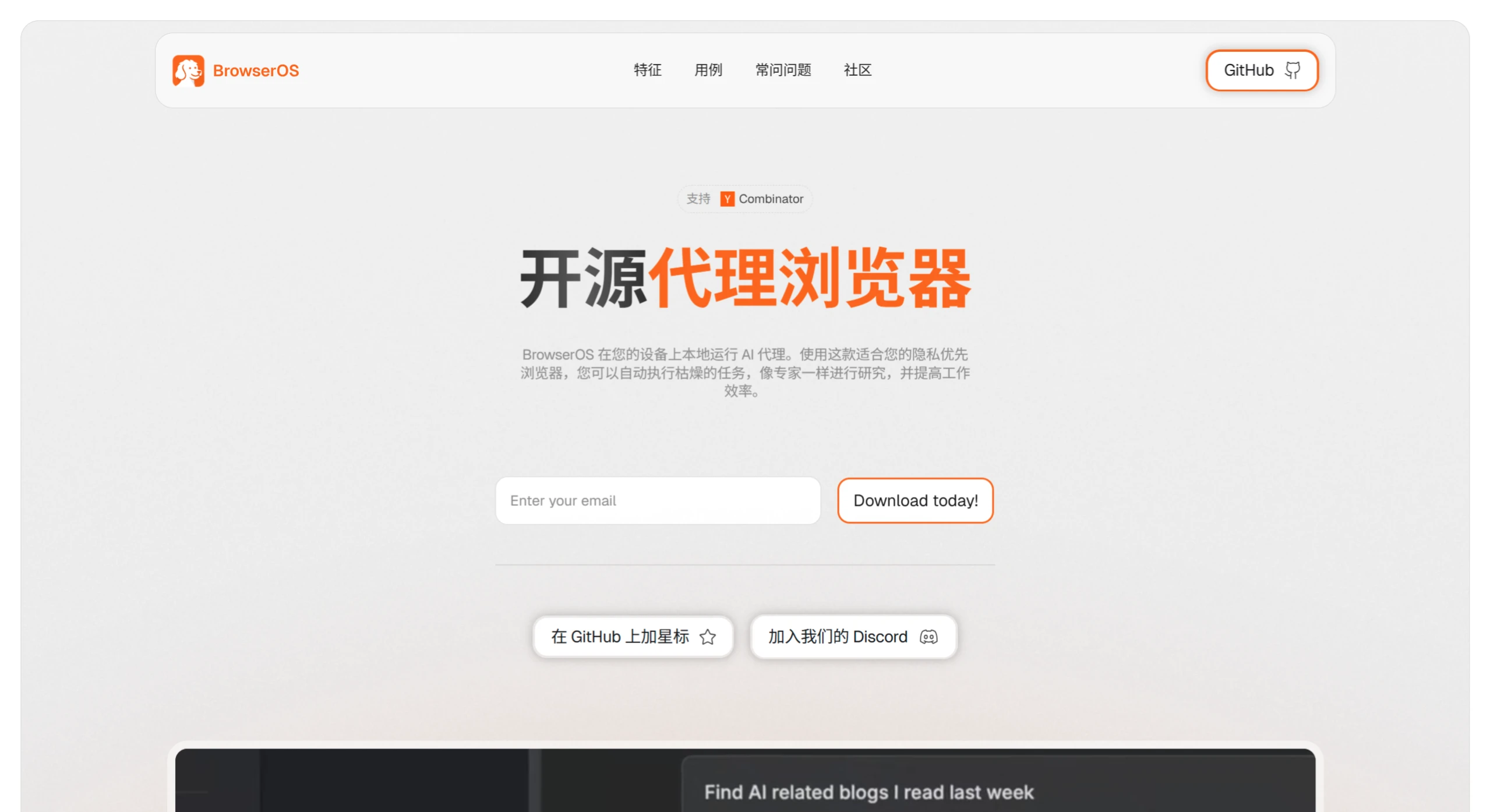
The open-source project BrowserOS is a browser with an AI agent feature that can automatically complete various web operations such as online shopping and information collection. It supports local Ollama models to protect user privacy, and is based on the Chromium engine, so all Chrome extensions work with it.
Core Features
✅ Local AI Agent: BrowserOS has an AI agent directly integrated into the browser, with all operations running on the local computer. Users can command it in natural language to do things, such as scheduling meetings, filling out forms, and checking shopping website information.
✅ Privacy-Focused: It is not a search or advertising company. Through built-in Ollama support, user data stays local. Users can use their own API keys or run local models via Ollama, ensuring data never leaves the device.
✅ Open-Source and Easy to Use: BrowserOS is built on Chromium and licensed under AGPL-3.0, making it fully open source. It operates much like the browsers users are already familiar with, and all extensions work normally.
✅ Boosts Efficiency: BrowserOS includes built-in native highlighting tools and ChatGPT-powered bookmark tools, and supports semantic search across browser history, bookmarks, and more.
Functional Advantages
✅ Automates Tedious Tasks: With a single click, it can handle repetitive tasks like scheduling meetings and filling out forms, allowing users to focus on more important matters.
✅ Aids In-Depth Research: When in-depth research is needed, it can search the web for information, generate reports, and provide summaries without requiring users to manually open multiple tabs.
✅ Finds Content Precisely: It can scan platforms like LinkedIn and Twitter to help users find posts worth engaging with, eliminating the need to sift through large amounts of content.
✅ Supports Multiple Models: It can simultaneously use mainstream AI models such as ChatGPT, Gemini, and Claude, and supports split-screen usage.
How to Use BrowserOS
✅ Download and Install: Visit GitHub or the official website to download the BrowserOS installer for your system (currently supports macOS and Windows).
✅ Configure AI Agent: Add API keys in settings, or configure a local Ollama model.
✅ Import Data: Import bookmarks and history from other browsers to quickly adapt to the environment.
✅ Use AI Features: Invoke the AI agent through the sidebar and input task instructions.
✅ Customize Extensions: Install desired plugins from the Chromium extension store to enhance functionality.
Use Cases
✅ Office Automation: The AI agent automatically handles repetitive work like email categorization and schedule management, improving efficiency.
✅ Aids In-Depth Research: Use semantic search to quickly find previously browsed content, or let the AI agent automatically generate research report summaries.
✅ Handles Privacy-Sensitive Tasks: Ensures information is processed locally when handling sensitive data in fields such as healthcare and law.
✅ Compares Multiple Models: Researchers can use different AI models at the same time to analyze the same question and compare results.
✅ Developer Testing: Customize browser features based on open-source code, or integrate it into automated testing workflows.
BrowserOS Open-Source Address:https://github.com/browseros-ai/BrowserOS














