
 Script Planner Assistant▸
 AI Apps
 AI News

CodePen – Online Code Editor & Showcase Platform for Front-End Developers and Designers
CodePen – Online Code Editor & Showcase Platform for Front-End Developers and DesignersIntroduction
CodePen is a social development platform built for front-end designers and developers. It's great for writing and testing front-end code, and also for discovering great code. It supports writing HTML, CSS (including SCSS), JS, and other front-end languages, and the editor offers plenty of customization, including features like auto-completion and Emmet. The platform also offers private projects (requires a PRO account), asset hosting, full project builds, real-time collaboration (Collab Mode), and more. Over 1.8 million front-end developers and designers share their work here, providing inspiration and making it convenient to learn and exchange ideas.
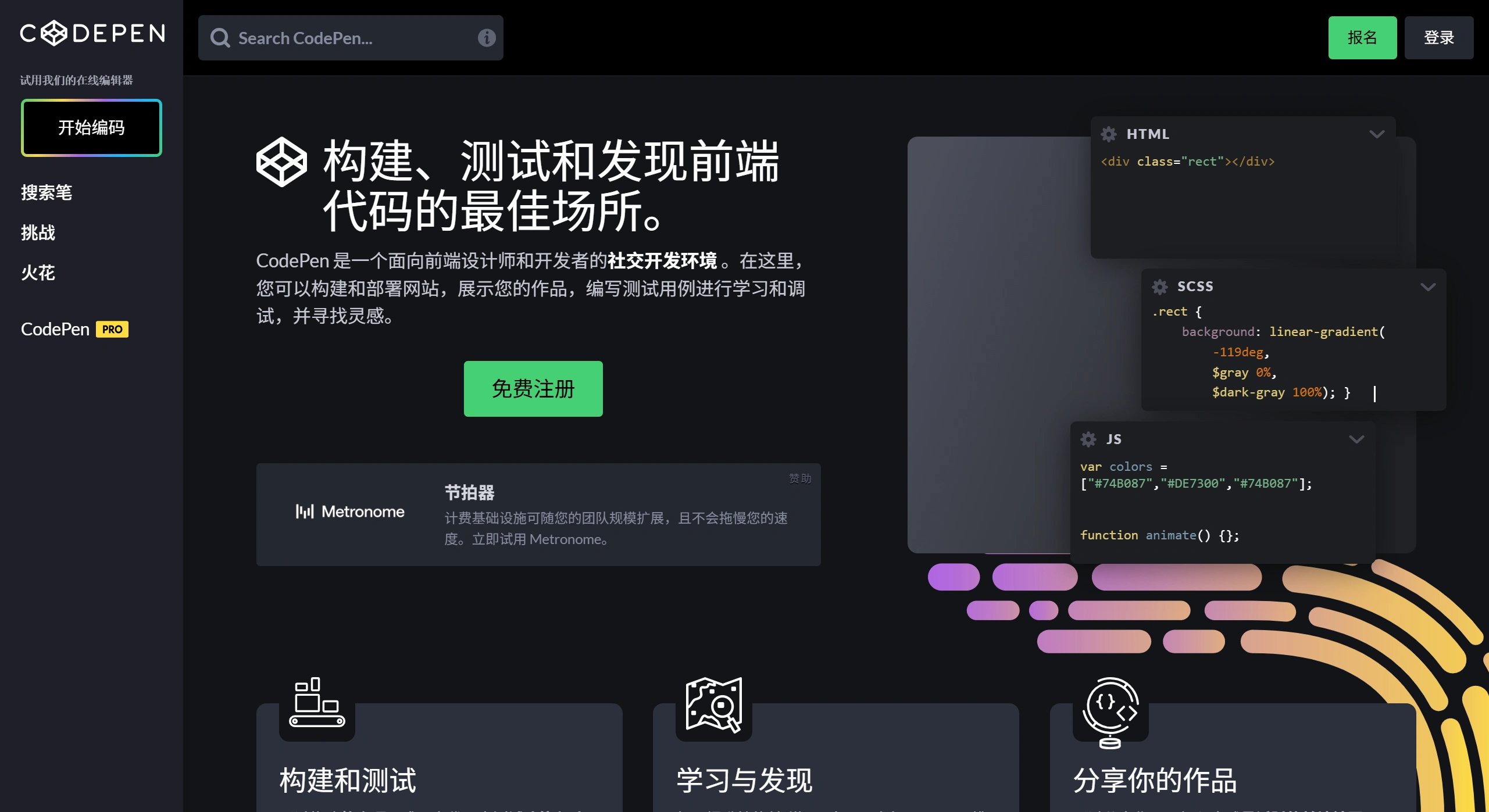
Features
✅ Online editor: Write native HTML, CSS, and JavaScript, with support for multiple preprocessor syntaxes including Markdown, HAML, Slim, Pug, Sass, LESS, Stylus, and PostCSS.
✅ Real-time preview: While editing code in CodePen, the preview pane on the right instantly shows the result.
✅ Code snippet management: Each code snippet is called a "Pen." Users can save, share, and fork them.
✅ External resource importing: Easily add CSS and JS libraries via CDN.
✅ Collaborative development: Pro users can enable real-time collaboration mode, allowing multiple people to edit the same Pen simultaneously.
✅ Portfolio showcase: Users can create their own collections of code to display their work.
✅ Embed feature: Pens can be embedded into your own website or blog.
✅ Community interaction: Users can follow each other, view others' work, and exchange ideas.
Usage Guide
✅ Sign up: Go to the CodePen website and click "Sign Up" in the top right corner. You can register with your email or quickly log in with a GitHub or Google account.
✅ Create a Pen: After logging in, click "New Pen" to start a coding project.
✅ Edit code: The left side has the HTML, CSS, and JS editors, while the right side is the real-time preview window.
✅ Save and share: Click "Save" in the top right corner to save the Pen. Once saved, a unique link is generated for sharing.
✅ Set up external resources: Click "Settings" in the top right corner, then add CDN links in the HTML/CSS/JS tabs.
Use Cases
✅ Rapid prototyping: Quickly try out front-end designs and interactions.
✅ Code snippet sharing: Share useful code snippets.
✅ Front-end skill showcase: Show off your front-end development abilities.
✅ Learning and teaching: View and modify other developers' code to learn.
Plans and Pricing
✅ Free plan: Has enough functionality for interview portfolios. You can create unlimited public projects and perform basic editing and sharing.
✅ Pro plan: Includes additional features such as real-time collaboration, export to GitHub Pages, custom domains, and more.
Key Questions
✅ Question 1: As a front-end development tool, what efficiency-boosting features does CodePen's editor offer?
Answer: The editor includes auto-completion and Emmet features, which speed up coding and improve accuracy; you can customize themes (such as the light Emmet Classic or the dark Twilight), fonts (such as MonoLisa), indent width, and key bindings (such as Vim); it also offers syntax highlighting, line numbers, word wrap, and code formatting on save.
✅ Question 2: What value does CodePen's community ecosystem bring to users?
Answer: The platform has more than 1.8 million active front-end designers and developers. Users can find inspiration, view and share outstanding work; participating in CodePen Challenges can get them on the homepage and social media, boosting their skills and visibility; they can also use ready-made templates for various frameworks and libraries to quickly start projects, making it easier to learn and exchange ideas.
✅ Question 3: What are the core differences between PRO accounts and team features compared to regular accounts?
Answer: Regular accounts can create public projects and perform basic editing and sharing; PRO accounts can have private projects (accessible via secret links), screenshot features, and more; team features give every member access to all PRO account features, such as asset uploading, real-time collaboration (Collab Mode), Presentation Mode, and the ability to customize CSS for related content—ideal for working as a group.
If you're a front-end developer or designer, CodePen is very practical. Visit the official site to find out more, and get started.












