
 Script Planner Assistant▸
 AI Apps
 AI News

RoboNeo: An AI Visual Creation & Design Agent by Meitu
RoboNeo: An AI Visual Creation & Design Agent by MeituIntroduction
RoboNeo is an AI visual tool launched by Meitu, capable of photo retouching, design, video editing and more through text-based interaction. It is a "one-stop image design tool".
It supports "one-sentence commands" and can deliver commercial-grade retouching, such as removing blemishes and adjusting face shape on wedding photos. It can also accurately recognize text in images and translate it. For brand design, it can handle everything from logos to merchandise and store decoration plans. E-commerce professionals can use it to create 360-degree product videos, promotional posters, and more. Additionally, it can preview home decoration and car sticker effects, and automatically design brand official websites and other web pages.
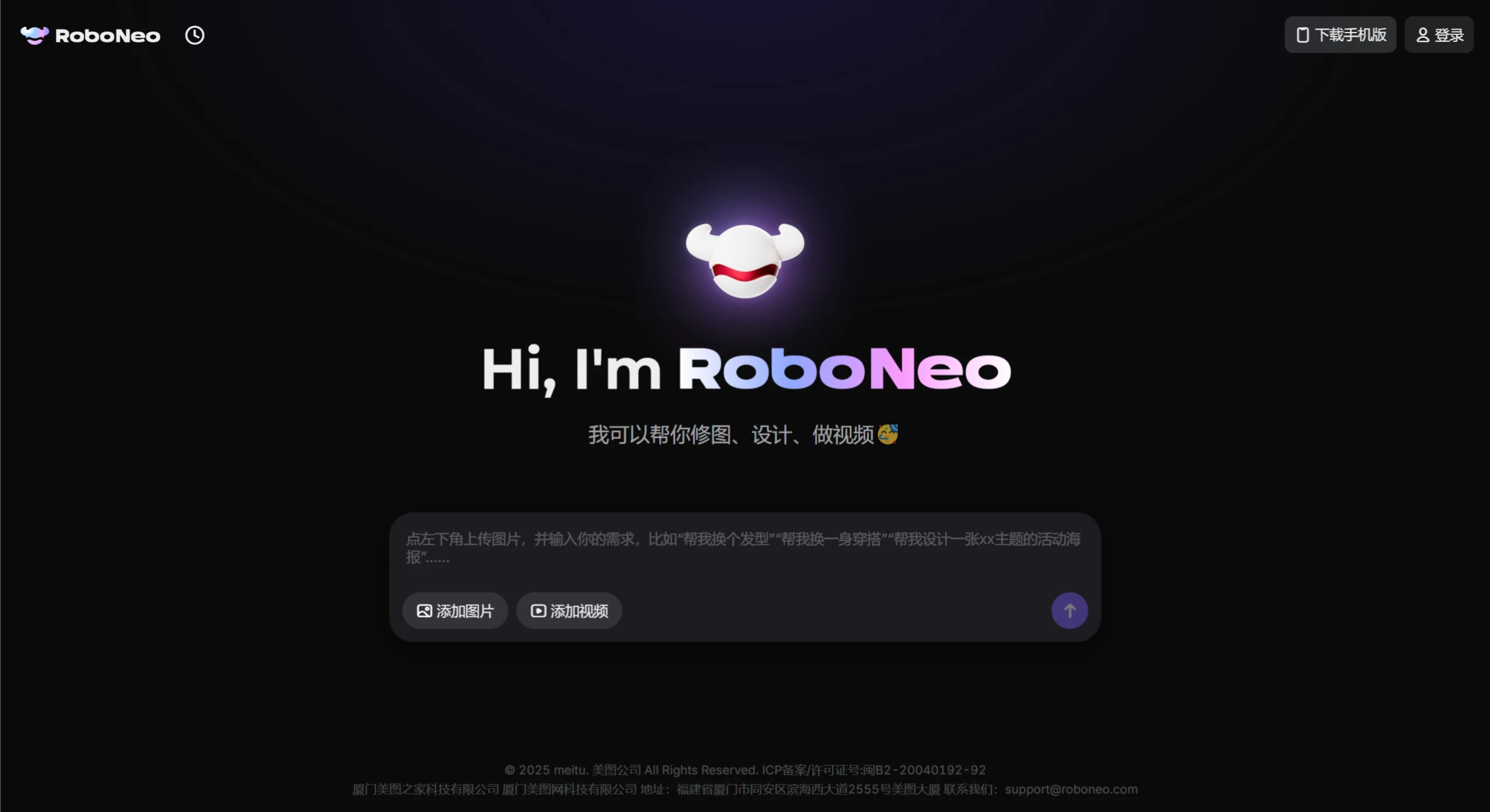
Core Features
✅ Photo Retouching: Simply input a description, such as "help me retouch the wedding photo, remove acne and blemishes while keeping the face unchanged," and it will automatically complete high-quality retouching.
✅ Brand Design: Supports the full design workflow from logos to brand extensions. Just describe your brand information, and the system will generate solutions that meet your requirements.
✅ E-commerce Material Creation: Quickly produce product images, promotional posters, short promotional videos, and more, boosting efficiency for e-commerce professionals.
✅ Video Creation: Generates creative AI short films, talking-head videos with scrolling subtitles, and can restore blurry videos to high definition.
✅ Web Page Building: One-stop web page creation, making it easy for small and medium-sized enterprises or e-commerce merchants to quickly set up their online marketing portals.
Product Advantages
✅ Natural Language Interaction: No professional knowledge required—simply input text commands to quickly complete tasks.
✅ High Efficiency and Precision: Fast, accurately targeted, and aesthetically aware, capable of producing high-quality work quickly.
Use Cases
✅ E-commerce Operations: Helps sellers quickly create attractive product materials.
✅ Brand Promotion: Provides full-process visual solutions from logos to merchandise.
✅ Self-Media Creation: Helps content creators quickly produce cover images, illustrations, short videos, and more.
✅ Small and Medium-Sized Enterprises: Offers one-stop image processing and web page building services.
How to Use
Download and Install: Search "RoboNeo" in your phone's app store to download; for the web version, visit RoboNeo.com directly.
Register and Log In: Register a Meitu account or log in with a third-party account for verification.
Import Materials: Upload or drag and drop images and videos into the tool.
Input Commands: Enter text in the interface, such as "remove bystanders," "create a promotional video," "design a summer sale poster," etc. Supplement with details like theme, style, and dimensions as prompted.
Preview and Adjust: Review the generated content, fine-tune colors and brightness, or append additional commands (e.g., "change the background to a sunny beach") to perfect your work.
Download: Save the work locally or to the cloud.
Pricing
✅ Free Version: Limited daily usage of basic retouching and design features.
✅ Pro Membership: 12 yuan for 24 hours of unlimited usage, unlocking all AI templates and high-definition export.















