Script Planner Assistant▸
 AI Apps
 AI News

Pranx: Online Prank Simulator Website
Pranx: Online Prank Simulator WebsiteIntroduction
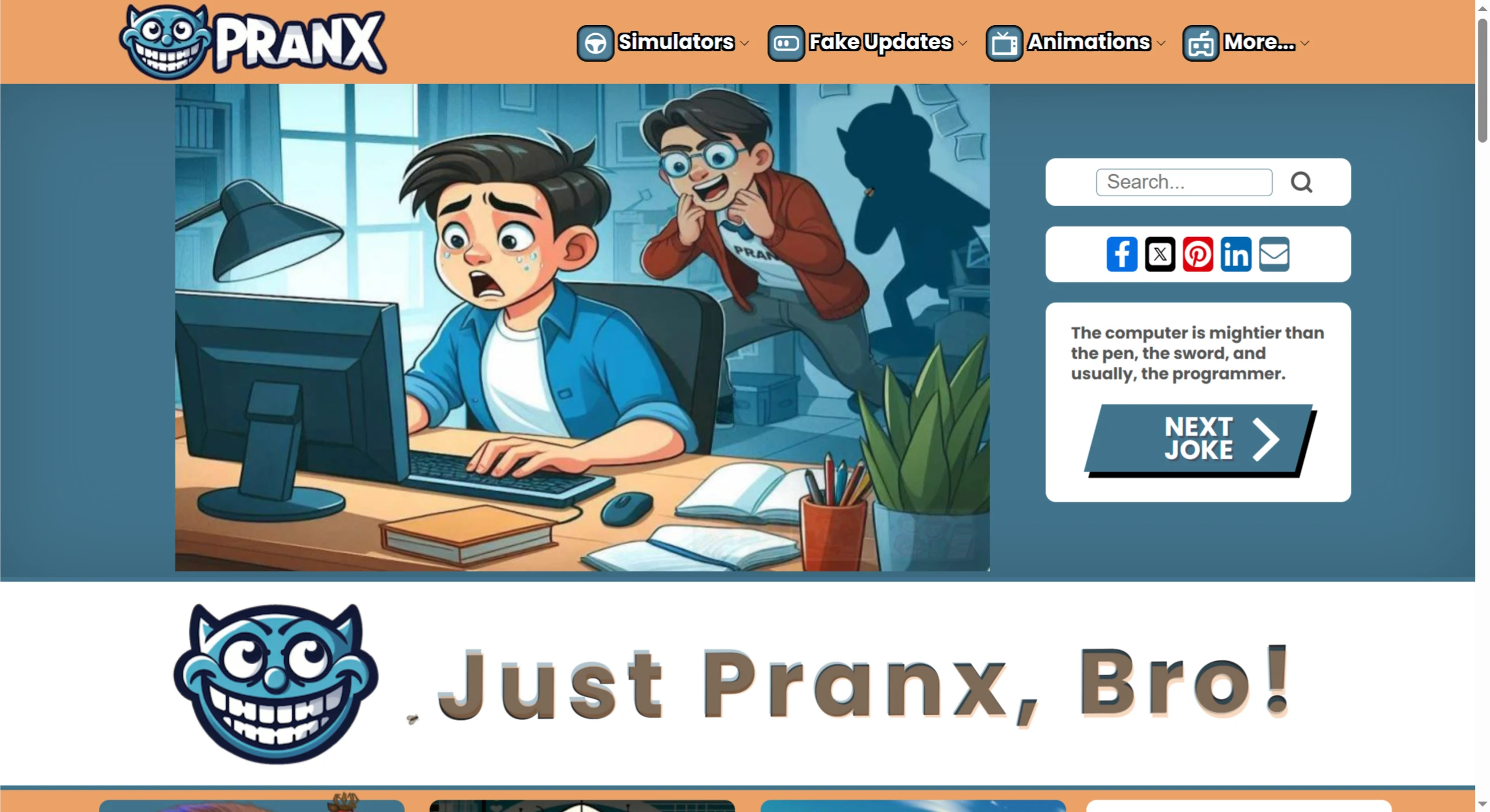
Pranx is an online prank website, with its name being an acronym for "Playful Roasts, Amusement, Nonsense, and Excitement." It was previously called "geek prank" and switched to its current domain in 2021.
This website offers a variety of prank ideas, harmless funny tricks, and fake simulators, suitable for joking around with friends, relieving stress at the office, and more. To play a prank, wait until the person leaves their computer, open the prank page, and press F11 for fullscreen to hide the browser frame and address bar, making it look more realistic. It works best on desktops or tablets, since most mobile browsers don't support fullscreen.
Website Features
✅Can simulate operating systems, such as Windows update screens, blue screen crashes, and more.
✅Features a hacker terminal typing effect, with code scrolling rapidly as if a real hack is happening.
✅One click and the screen looks shattered, delivering a strong visual impact.
✅Can recreate the classic XP desktop for a nostalgic feel, like using an old computer.
✅Includes fake virus warning pages, such as pretending to be infected with the "Jia virus," or fake lock screen alerts.
✅Can simulate video chats with celebrities like Obama.
✅Can generate fake social media chat records with customizable content, and take screenshots of the results.
✅Includes some prank mini-games and animated pages with twists after clicking or interacting.
How to Use Pranx
It's very easy to use—no registration or plugins required:
Go to the official site https://pranx.com.
Browse the "prank tools" previews on the homepage.
Click any tool to start a simulation, such as a fake update or blue screen.
Press F11 for fullscreen to make the prank more believable; press F11 again to exit.
For content-generating tools like the chat record generator, take a screenshot to post on social media.
Suitable Scenarios for Pranx
Small pranks among friends—for example, opening a page while they're away and waiting for their reaction when they return; playing around during work breaks to relax; or using it as funny material in classrooms or video content.
Examples of Online Pranks:
✅These tools are all web-based, so you can simply share the URL and have others click on it—for example:
✅Fake error pages, like blue screens, computer crashes, or virus warnings, making people think their device is broken.
✅Fake update prompts that trick people into clicking "Update Now," only to show funny content or nothing at all.
✅Fake login pages that mimic the login interfaces of sites like Gmail or Facebook (note that doing so may involve privacy and legal issues, so be careful).
✅Webpages that automatically play weird sounds or keep popping up windows nonstop.
✅Fake virus scanners that look like antivirus software, displaying numerous "virus threats" but actually causing no harm.
Important Notes
Although Pranx's tools are fun, you need to be cautious when using them. Don't violate any laws, and respect others' privacy and security. Also, these tools are just for fun—don't use them for malicious pranks that might make people uncomfortable.