
 Script Planner Assistant▸
 AI Apps
 AI News
OCR Markdown: Convert Scanned Images and PDFs into Editable Markdown
OCR Markdown: Convert Scanned Images and PDFs into Editable MarkdownIntroduction
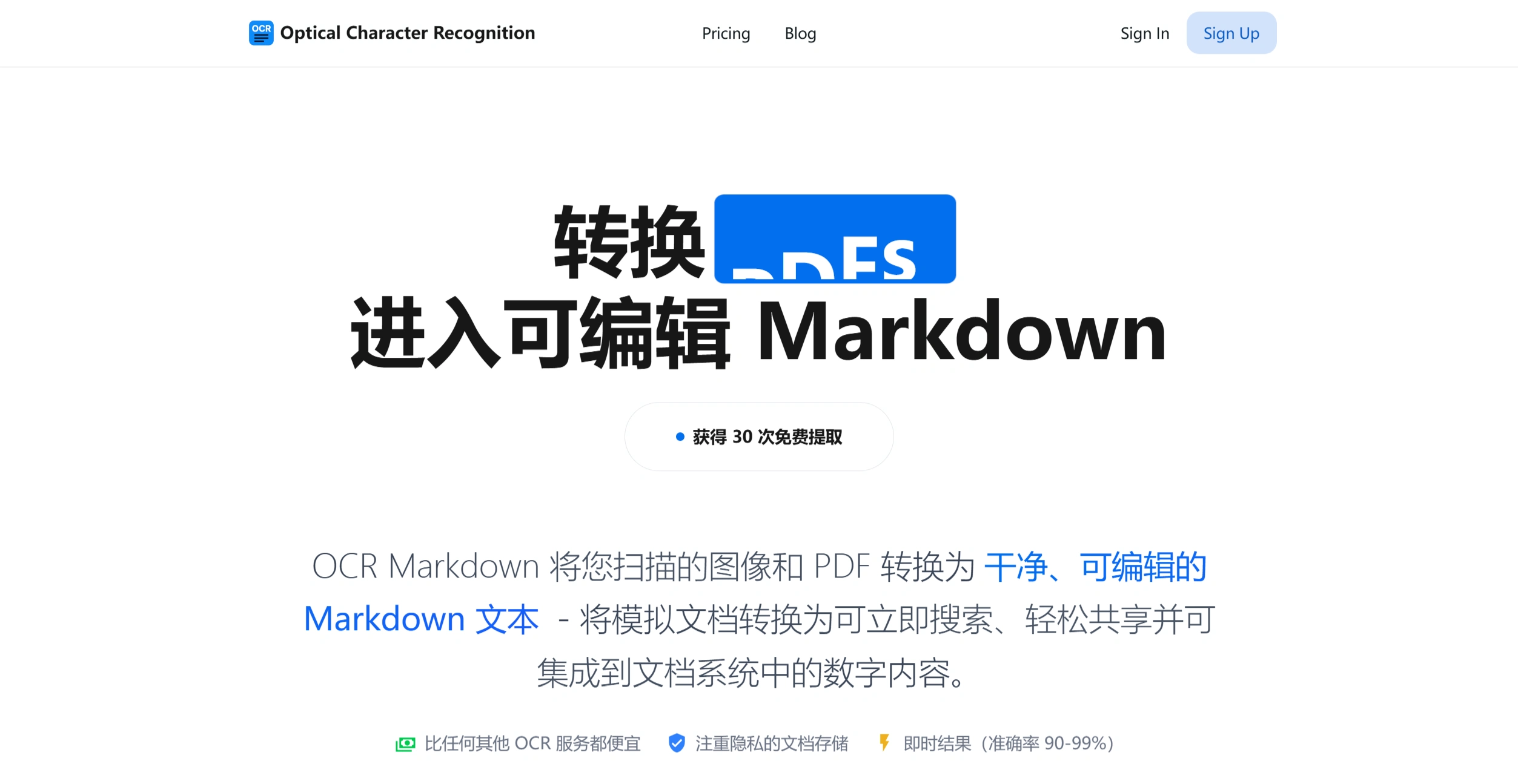
OCR Markdown is a tool that converts scanned images and PDF files into editable Markdown text. Itis cheaper than other OCR services,focuses on privacy with secure document storage,and offers fast processing with an accuracy rate of 90%-99%.
Key Features
✅Image and PDF to Markdown
Supports extraction of text, tables, math formulas, and images
Converted Markdown can be directly downloaded and used
✅High-Precision Recognition
Uses AI technology with an accuracy rate of 90%-99%
Supports formatted text, math formulas, tables, and images
✅Privacy Protection
All processing is done in the browser; data is not stored on servers
Premium version offers secure storage and search features
Free vs Paid Version
Free Version
✅Supports image files only
✅Basic text extraction
✅Fully processed in the browser
Paid Version (Premium)
✅Supports PDF and images
✅Extracts math formulas, tables, and images
✅Formatting features
Main Highlights
✅Fast Processing: Instantly extracts high-precision text
✅Multiple Output Formats: Supports Markdown, LaTeX, and more
✅Secure Storage: Premium version provides document storage and search
✅Anytime Access: Download processed results at any time
Pricing Plans
✅Bronze Plan: 1,000 extractions (pricing not specified)
✅Silver Plan: 5,000 extractions (5% discount)
✅Gold Plan: 10,000 extractions
✅Diamond Plan: 50,000 extractions (25% discount)
✅Free Trial
Sign up to get a free trial of 30 uses with premium features (limited to image files, basic text extraction, lower accuracy, no formatting).
How to Use
✅Upload Files
Directly upload PDF or images
Supports the keyboard shortcut Ctrl + V to paste from the clipboard
✅Auto Processing:The OCR engine extracts text, tables, formulas, and images
✅Download Results:Download Markdown and images after processing is complete
FAQ
✅Q: How is the accuracy?
A: 90%-99% for the premium version; the free version only offers basic text extraction.
✅Q: Is my data secure?
A: All processing is completed in the browser; data will not be stored on servers. Files are stored for at least 6 months and can be downloaded anytime.
✅Q: What file types are supported?
A: Images and PDFs.
✅Q: What are the file size limits?
A: Maximum 15MB, PDFs up to 250 pages.
✅Q: How many languages are supported?
A: Over 11 languages with high accuracy.













