
 Script Planner Assistant▸
 AI Apps
 AI News

Zread AI: Turn Any GitHub Project into a User Manual
Zread AI: Turn Any GitHub Project into a User ManualIntroduction
Zread ai is an open-source project reading tool launched by Zhipu AI. It supports Chinese and can convert GitHub projects into clear user manuals with one click. After users input a GitHub link, it can automatically generate structured documentation including project structure, core module analysis, and usage guides. The structure is very clear: the right side shows the project structure via the table of contents, while the left side presents content from an overview to deeper levels with strong readability. The language is concise, and the layout uses charts and diagrams to present information, making it practical for developers at all stages and far more efficient than reading the code repository directly.
In addition, it also features a "Buzz" function that aggregates community dynamics such as commits, issues, and news, helping developers stay up to date with the latest project developments.
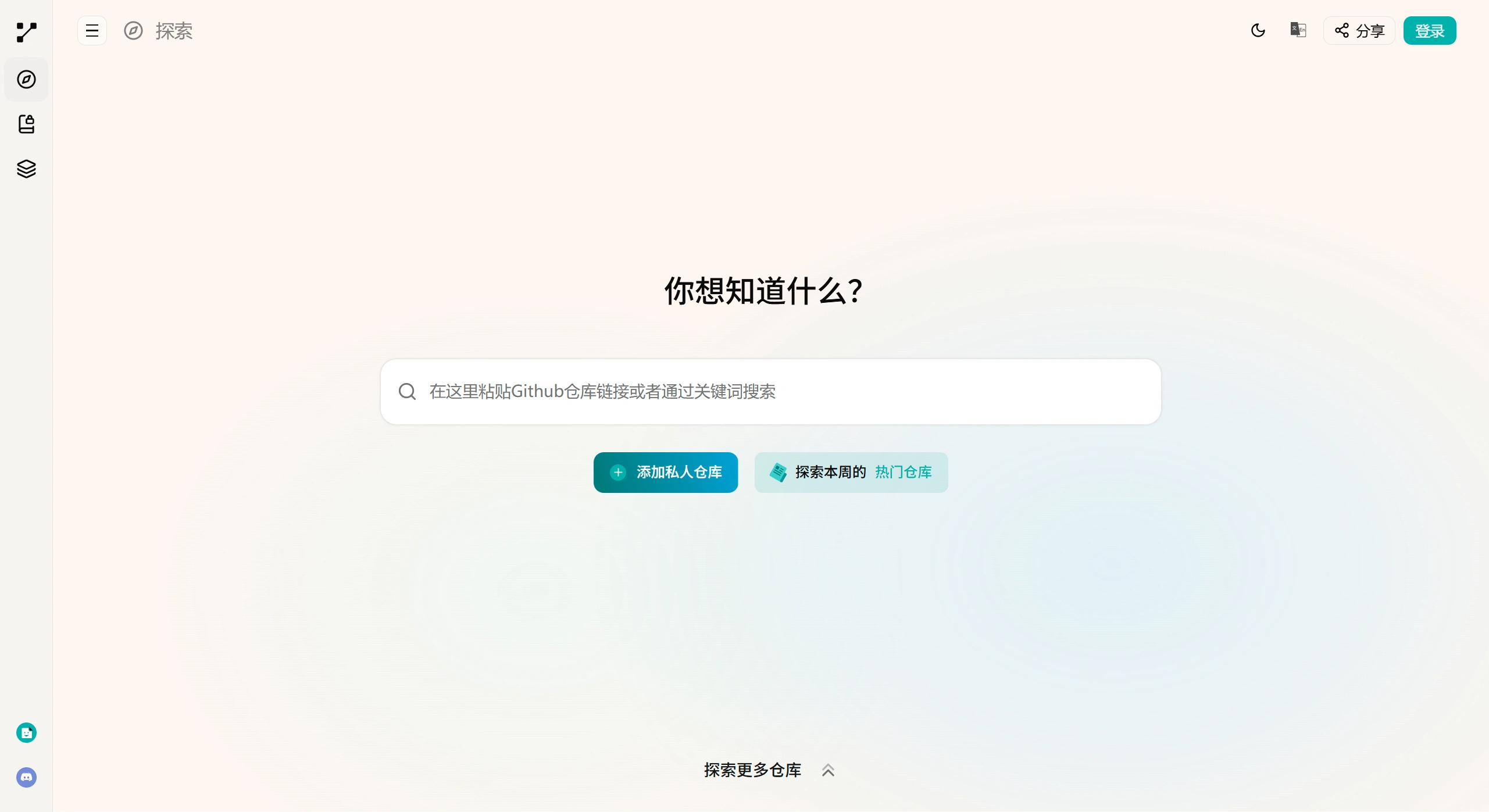
Features:
✅ One-click project manual generation: After users input a GitHub project link, Zread AI can quickly generate a clear project structure and usage guide. The manual uses a two-column layout: the right side displays the project structure via the table of contents, while the left side starts with a project overview and progressively explains the functions of each part.
✅ Chinese language support: Convenient for Chinese-speaking users to access information.
✅ Buzz function: Aggregates community dynamics, including commits, issues, and news, helping users stay informed about the latest project developments.
✅ High readability: Concise language that avoids complex terminology, with charts and diagrams assisting the understanding of key sections.
Tutorial on Generating User Manuals with Zread AI:
Input the GitHub link: Visit the Zread platform (https://zread.ai/) and input the GitHub project link (you can also quickly access it by replacing "github.com" with "zread.ai").
Automatic project analysis: The system analyzes the project structure, extracts key information such as core modules, feature descriptions, and usage steps, while also parsing code logic and community dynamics.
Generate structured documentation:
Table of contents and logical layering: The right-side table of contents intuitively displays the project architecture, while the left-side content unfolds as "Overview → Core Modules → Usage Guide," supporting hierarchical presentation.
Visual presentation: Incorporates architecture diagrams, flow charts, and other visuals to visualize complex relationships.
Language optimization: Uses concise Chinese and annotates information sources.
Output and interaction: Generates a complete user manual that supports online reading, highlighting and commenting, sharing links, as well as comparing different projects or viewing popular community discussions.
Target Users:
✅ Beginner developers: Lowers the difficulty of understanding open-source projects.
✅ Experienced developers: Quickly reviews project architecture and locates key modules.
✅ Technology evaluators: Efficiently assesses the overview and activity of multiple projects.
✅ Project maintainers: Generates a more user-friendly external documentation view for the project.
Key Questions and Answers
✅ Question 1: Compared with ordinary code-reading tools, what unique features does Zread.ai have when parsing code?
In addition to generating detailed documentation including project overview and architecture, Zread.ai can also automatically generate flow charts and component diagrams to visually show the relationships between different parts of the code. It annotates the source of each conclusion (specific source files) and provides information about the team behind the project (such as core members' backgrounds and technical vision), as well as community reviews and popular discussions.
✅ Question 2: How does Zread.ai help different user groups improve efficiency?
For beginners, it enables quick understanding of complex projects and lowers the learning barrier; for teams, members can share dynamically generated documentation to ensure consistent information and improve collaboration efficiency; for job seekers, it helps quickly familiarize themselves with potential employers' technology stacks in preparation for interviews.
Currently, Zread does not support private repositories. The generated manual content is based on the project repository's README and code comments, and complex projects still require an in-depth understanding combined with the source code.
The structure is very clear: the right side shows the project structure via the table of contents, while the left side presents content from an overview to deeper levels with strong readability. The language is concise, and the layout uses some charts and diagrams, making this feature practical for developers at all stages and far more efficient than reading the code repository directly.
In addition, Zread AI currently offers free access with no registration or payment required.















