
 Script Planner Assistant▸
 AI Apps
 AI News

AIShowX: All-in-One Online AI Tool for Video Generation & Enhancement
AIShowX: All-in-One Online AI Tool for Video Generation & EnhancementIntroduction
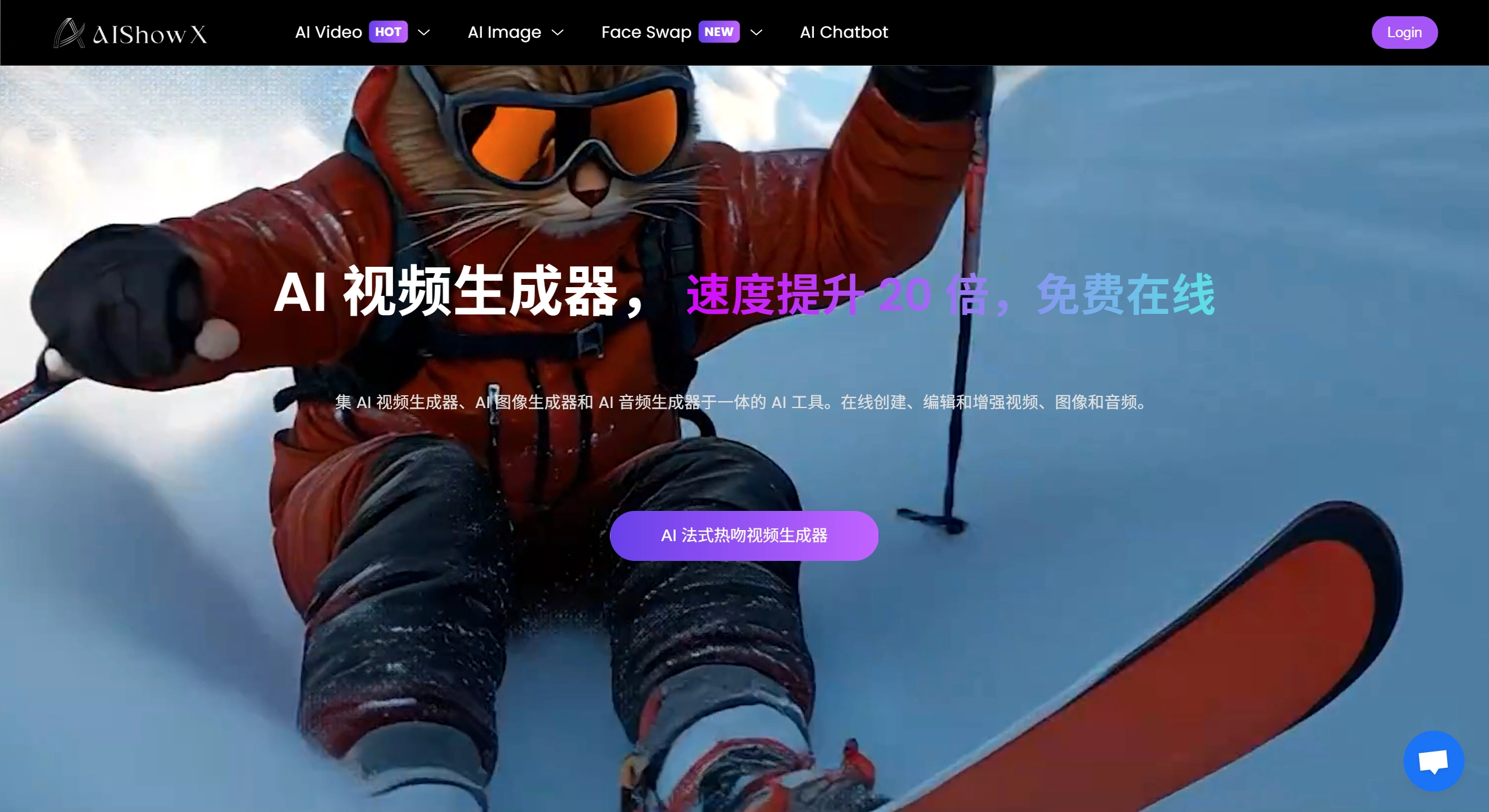
aiShowX is an online all-in-one AI tool that can quickly generate, edit, and enhance video, image, and audio content. It includes an AI video generator (supports text-to-video and image-to-video), an unlimited AI image generator, AI video enhancer, AI image enhancement tools, AI audio generation and enhancement tools, as well as AI face swap features. It is easy to use and suitable for content creators, marketers, and other groups, making the content creation process simple.
Core Features
Video-related:
✅ Video Generator: Text-to-video allows you to input a script or idea to generate a complete video with visual effects, animations, subtitles, and voiceover; image-to-video can add motion, transitions, and music to static photos, making them dynamic.
✅ Video Enhancer: Can improve video quality, such as upgrading low-resolution videos to HD or 4K, removing noise, stabilizing shaky footage, correcting lighting, and sharpening the image. Suitable for restoring old videos, optimizing blog or social media content, etc.
✅ Face Swap Feature: Supports videos, photos, GIFs, etc. Upload the original video and a video containing the target face, select the face to be replaced, and let the AI process it.
Image-related:
✅ Unlimited Image Generator: Can generate images in various styles such as anime and realistic, and also supports image-to-image conversion.
✅ Image Enhancement Tools: Including sharpener, animator, etc., which can improve image clarity, sharpen edges, and add dynamic effects.
✅ Other Generation Tools: Such as character generator, tattoo generator, GIF generator, emoji generator, sticker generator, poster generator, plush toy maker, etc.
Audio-related:
✅ Audio Generation and Enhancer: Can generate voiceovers, clean up audio tracks, and improve audio quality.
How to Use
✅ Video Generation: Text-to-video — input a script or idea, and the AI automatically generates a complete video; image-to-video — upload a photo, and the AI adds effects to make it move.
✅ Enhancement Operations: Upload a video or image, and the AI automatically improves quality, sharpens details, or adds effects.
✅ Face Swap Operation: Upload the original video and the target face video, select the face to replace, and after AI processing, you can download or share.
Use Cases
✅ Content Creators: Quickly turn scripts into engaging videos.
✅ Marketers: Use the image generator to create high-quality campaign materials.
✅ Educators: Use AI-generated videos to make teaching concepts more vivid.
✅ Photographers: Use the image-to-video feature to create client slideshows or social media posts.
✅ YouTubers: Use the video enhancer to improve the quality of old videos.
✅ UX Designers: Use the image sharpener and animator to add details and dynamism to UI prototypes.
✅ Podcasters: Use audio tools to generate voiceovers, clean up audio, and save time.
✅ General Users: Create fun transformation videos such as French kisses, celebrity hugs, muscle-version photos, etc.
✅ Artists and Designers: Create images in multiple styles with no content filtering restrictions.
Frequently Asked Questions
How to make AI videos with AIShowX?
Two ways: ① Text-to-video — input a script or prompt, and the AI generates a complete video with various elements; ② Image-to-video — upload an image, and the AI adds animations, transitions, and music, requiring no editing skills.
How to use AIShowX to generate videos from images?
Use the image-to-video tool. After uploading an image, the AI adds transitions, animations, and music, creating a professional video in seconds.
How to make blurry images clear?
Use the AI Image Sharpener. After uploading an image, the AI automatically improves clarity and sharpness.
Can AI-generated images be used on public media?
Yes, but you need to check the licensing and usage rights of the tool or platform, as some may have restrictions.
How to use AIShowX for image generation?
① Text-to-image: Input a description, and the AI generates an image based on it; ② Image-to-image: Upload an image, and the AI modifies or enhances it according to instructions, requiring no design skills.











