Script Planner Assistant▸
 AI Apps
 AI News

AI Gist: A Privacy-First AI Prompt Management Tool
AI Gist: A Privacy-First AI Prompt Management ToolIntroduction
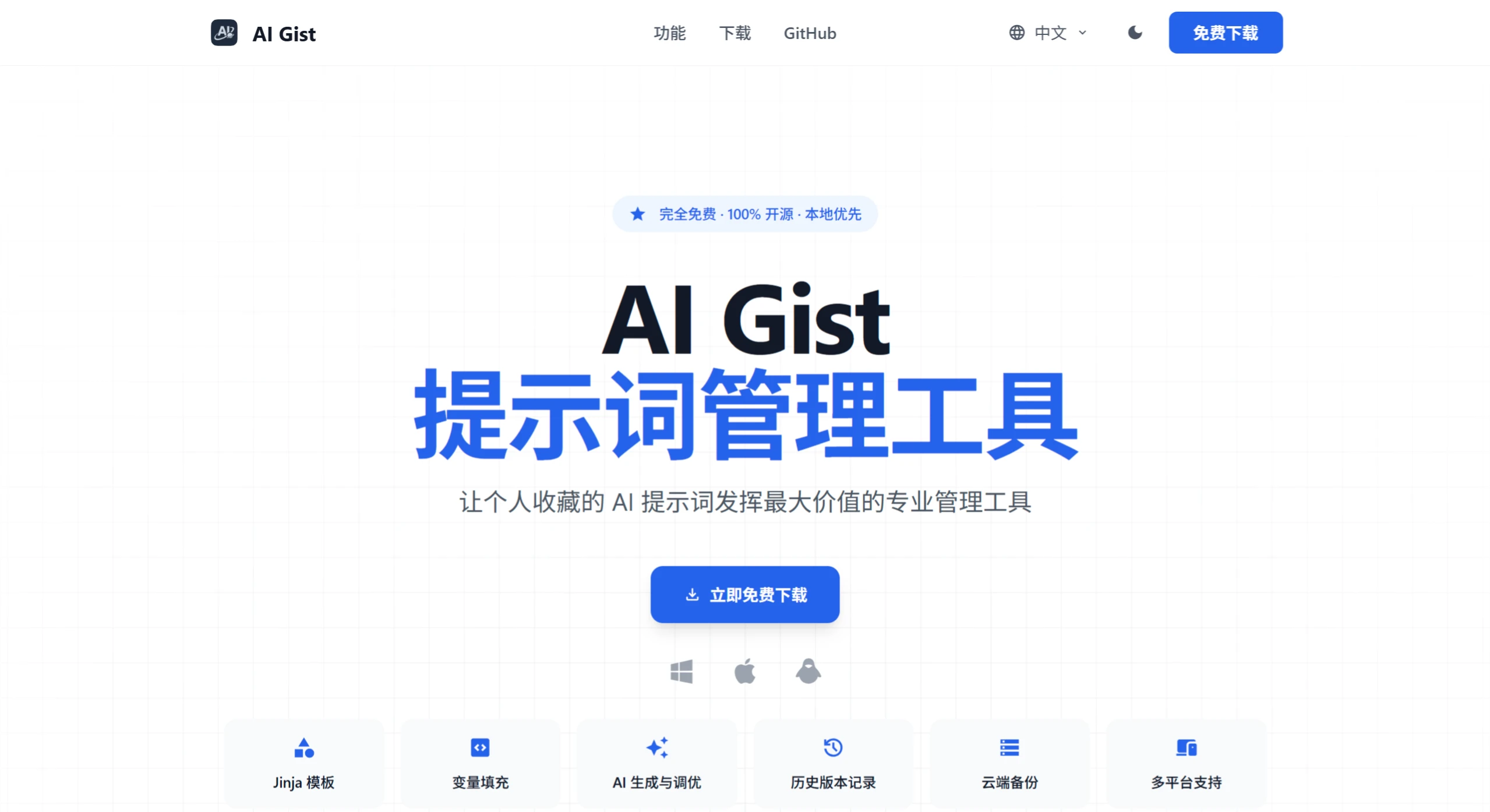
ai Gist is a privacy-focused AI prompt management tool featuring variable substitution, Jinja templates, AI generation and optimization. Data is stored locally by default, with cloud backup support for multi-device sync. It is compatible with multiple AI models, including local models (such as Ollama, LM Studio) and online models (such as OpenAI), and offers multi-view management, filtering and categorization, and history records to help users efficiently create and manage prompts.
Project Features
Variable Filling: Dynamically fill in variables when calling templates, supporting Jinja templates for clear and flexible structures.
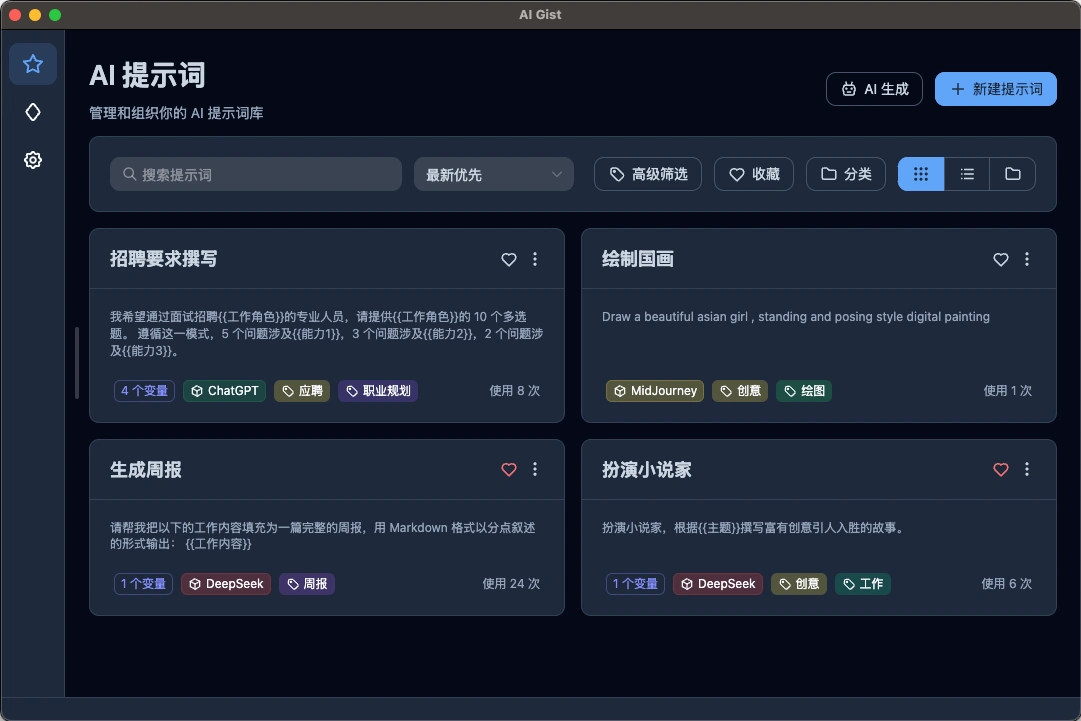
Multi-View Management: Centrally manage prompt templates with support for card view, table view, and category view.
Filtering and Categorization: Supports tags, categories, ratings, and favorites for quick filtering and organizing of prompts.
History Records: Facilitates repeated use and continuous optimization, with post-hoc traceability.
AI Generation and Optimization: Use AI to quickly generate and rewrite prompts, with support for custom system prompts.
AI Variable Extraction: Automatically extract possible variables without manual placeholders.
Local-First: All data is stored locally with no network required, ensuring privacy and security.
Data Control: Supports full export and import, with CSV format export supported.
Cloud Backup: Supports WebDAV and iCloud backup and restore for easy multi-device data sharing.
Multi-Platform Support: Supports Windows, macOS, and Linux.
Multi-Language Support: Supports Simplified Chinese, Traditional Chinese, English, and Japanese.
Project Architecture
AI Gist is built on the Electron + Vue 3 + IndexedDB tech stack, delivering a cross-platform desktop application. It supports efficient local data management and enables data synchronization through cloud services like WebDAV and iCloud. The architecture emphasizes front-end and back-end separation, local-first design, and optional cloud sync, balancing ease of use and extensibility.
Electron: Provides a cross-platform desktop shell for easy extension of system-level capabilities.
Vue 3: Improves front-end development efficiency and maintainability.
IndexedDB: High-performance local storage suitable for offline scenarios, supporting offline use.
WebDAV/iCloud: Mainstream cloud services for easy data sync and backup.
Use Cases
Manage Prompts: Click "New Prompt", enter a template and insert variables (e.g., {{variable name}}). AI Gist will automatically read the variables. When using, select a template, enter variable values, click "Copy Content", and the usage history will be recorded.
AI Prompt Generation: Add an AI model (supporting local Ollama, LM Studio models and online models like OpenAI, DeepSeek), click the "AI Generate" button to generate prompts via the model.
AI Prompt Polishing: After adding an AI model, quickly polish existing prompts on the edit page, such as "Extract Variables" or "Be More Specific", and custom polishing is also supported.
AI Gist Usage Guide
Create a New Prompt: Click the "New Prompt" button on the home page, enter a template and insert variables (e.g., {{job role}}), select a category (such as "Recruitment", "Drawing"), and add tags (such as "Creative", "Career Planning").
Variable Filling and Usage: Select a template, fill in variable values (e.g., set {{job role}} to "Software Engineer"), click "Copy Content", and the generated prompt will automatically be saved to the history.
Multi-View and Filter Management: Supports card view, table view, and category view, switchable via the top buttons. Use the "Advanced Filter" feature to quickly find prompts by favorites, categories, tags, usage count, and other criteria.