Script Planner Assistant▸
 AI Apps
 AI News

AiBiao: Smart AI Text-to-Chart Visualization Tool
AiBiao: Smart AI Text-to-Chart Visualization ToolIntroduction
aiWhat is Biao?
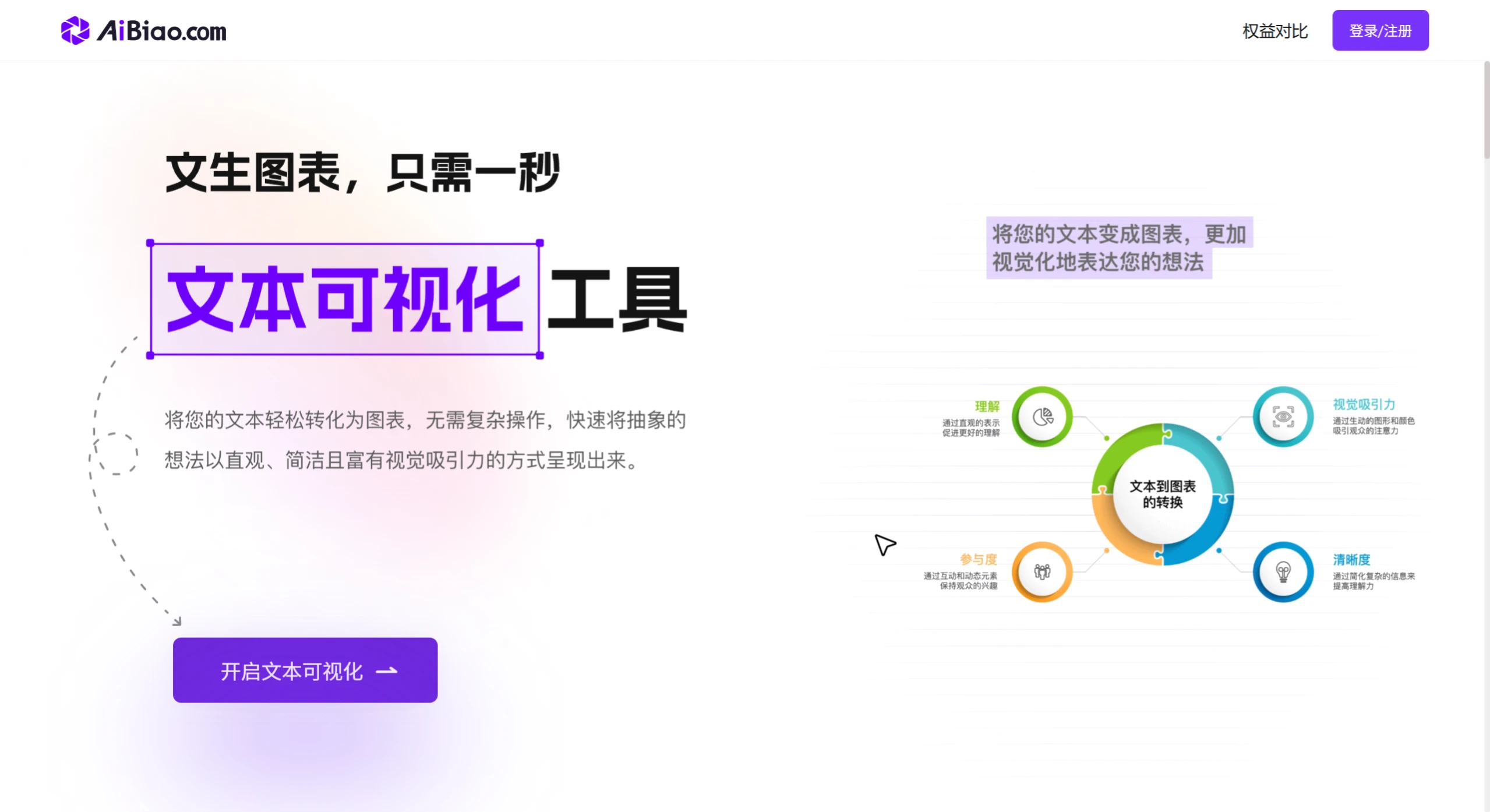
AiBiao is a smart tool that efficiently handles document and chart creation. After you enter text, it quickly generates professional charts without cumbersome operations. It also features online editing and content optimization, suitable for ppt production, WeChat public account article illustrations, teaching, and enterprise office scenarios, easily achieving creative expression and boosting team efficiency. Text-to-chart in just 1 second!
Features
Smart Data Conversation: Interact in natural language to perform data query, cleaning, merging, calculation, and analysis without complex formulas or code.
One-Sentence Chart Generation: Enter your analysis needs or chart description, and the AI will generate the corresponding chart, supporting multiple types and styles, and recommending suitable visualization solutions.
Chart Template Square: Offers a massive library of professional templates covering marketing, finance, human resources, and other scenarios, applicable with one click and easy data replacement.
Comprehensive Chart Configuration: Apply preset themes and styles with one click, or modify details like color, font, and layout, and save personalized themes for team reuse.
Smart Web Search: Specify keywords or data ranges, and the AI will automatically search the web for information and fill it into the table, supporting multiple data sources.
Highlights
Efficient and Convenient: No need to learn complex formulas or code; natural language handles data and generates charts.
Smart Recommendations: Recommends suitable visualization solutions based on your needs.
Personalized Customization: Provides multiple preset theme styles and allows custom chart details.
Data Accuracy Verification: Verifies data accuracy when searching and filling data into tables online.
Use Cases
E-commerce Operations: Quickly create sales analyses, user distribution maps, etc.;
Finance: Efficiently process financial data and generate professional charts;
Human Resources: Simplify data organization and visualization;
Education & Research: Quickly process experimental data and create charts meeting academic standards;
Healthcare: Analyze patient data and generate diagnostic trend charts;
Marketing: Discover market trends and create professional analysis reports;
Retail Chains: Unify analysis of multi-store data and visualize it.
How to Use
Visit the official website and register/login: Open the AiBiao official website, register an account, and log in.
Upload data or create a task: Supports uploading Excel, CSV, and other spreadsheet files, or you can paste data directly or use the platform's sample data.
Describe your needs in natural language: Enter commands like "generate a 2024 sales trend chart" or "compare user numbers across regions" in the dialog box, and the AI will automatically generate suitable charts such as bar charts or line charts.
View and edit charts: You can modify colors, fonts, labels, layouts, etc. online, using preset themes or custom styles, with WYSIWYG editing.
Export charts or reports: Supports export to PNG, PDF, SVG, and other formats. Paid users can export high-definition charts without watermarks for use in PPTs, reports, or papers.
Chart Template Square: Browse industry templates (marketing, HR, healthcare, etc.), replace data with one click to generate professional charts.
Smart Table Filling: Enter keywords, and the AI will crawl public data online to fill tables, suitable for industry research, competitive analysis, etc.
Membership Plans
Free Member: Can create 5 tasks, upload 3 files (single file ≤ 5MB), cannot customize chart color schemes, exports with watermarks.
Monthly Membership: Original price 39 yuan/month, current price 9.9 yuan/month.
Annual Membership: Original price 199 yuan/year, current price 99 yuan/year.
Lifetime Membership: Original price 299 yuan, current price 199 yuan.
Paid members have no limits on tasks and uploads (single file ≤ 10MB), can customize chart color schemes, and export without watermarks.
FAQ
Is download or installation required?
Answer: It's a cloud-based online tool; just open your browser to use it.
Does it support Chinese input?
Answer: Natural language interaction adapts to Chinese contexts and accurately understands Chinese commands.
Is data secure?
Answer: Encrypted transmission is used, the server has strict permission control, and users can choose not to save data on the cloud.
Does it support multi-person collaboration?
Answer: Standard version and above support multi-person collaboration; teams can share templates and co-edit projects.
What learning resources are available?
Answer: The official site provides illustrated tutorials, video lessons, and FAQ answers to help new users get started quickly.