Script Planner Assistant▸
 AI Apps
 AI News

DrivenListen – Virtual Travel with HD Street View & Local Radio
DrivenListen – Virtual Travel with HD Street View & Local RadioIntroduction
DrivenListen is an online virtual travel website that combines high-definition street view videos with local broadcast audio. Users can choose different cities and modes of transportation on the platform, such as driving, cycling, walking, taking the train, or using a drone view. While watching the travel videos and listening to local broadcasts, it feels as if you are really on the streets of places around the world, experiencing exotic atmospheres.
DrivenListen requires no registration or installation. Simply open the webpage, pick a city you like, adjust parameters such as whether to enable broadcast audio, street noise, and playback speed, and you can also switch viewpoints or routes. This allows you to "wander" the globe without leaving home, making it suitable for travel enthusiasts, language learners, cultural explorers, and anyone looking to relax and de-stress.
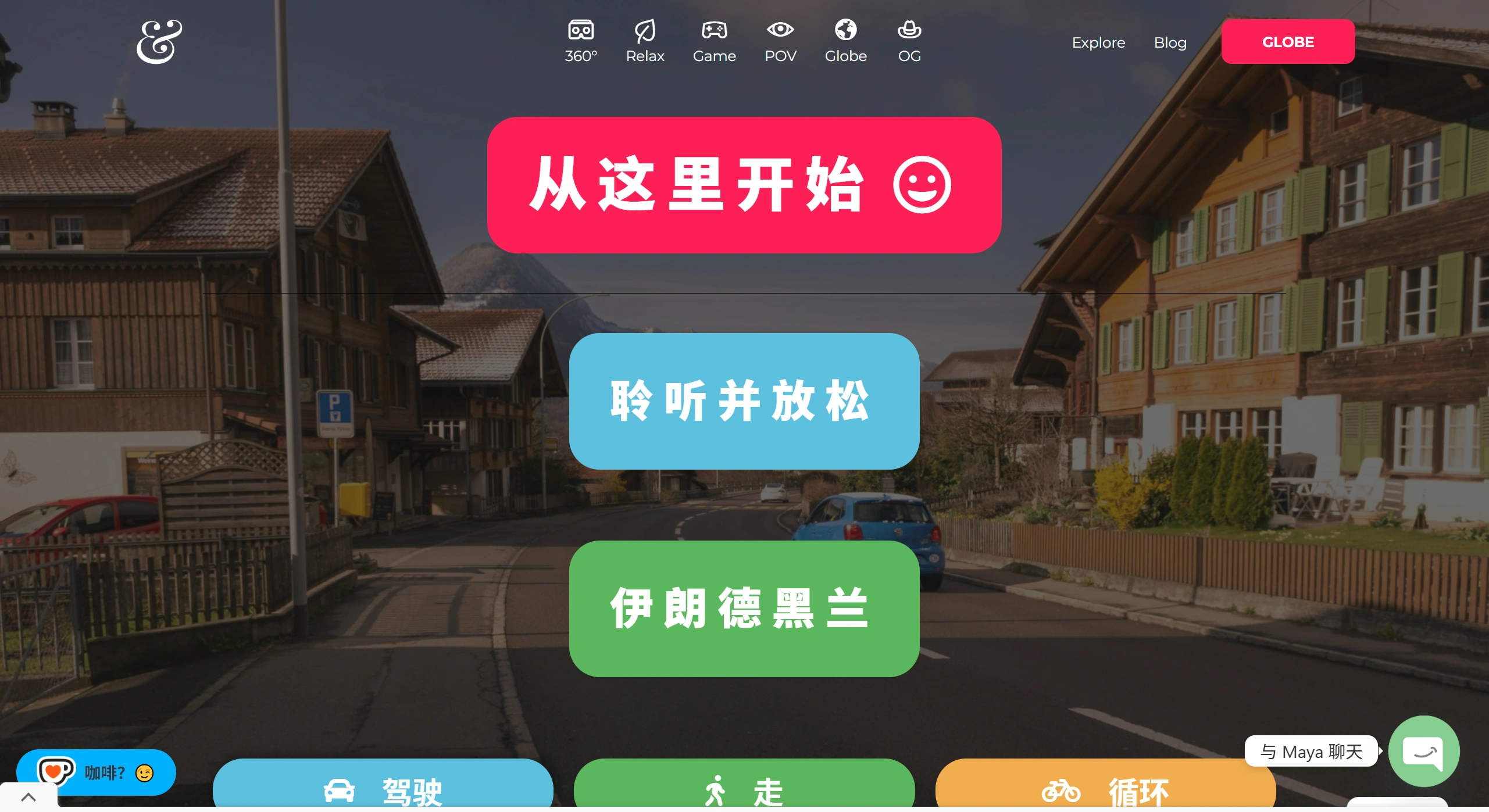
Main Features of DrivenListen:
Global City Selection: Covers more than 40 cities across Europe, the Americas, Asia, Africa, and more, including classic tourist destinations such as Paris, New York, Barcelona, Beijing, and Moscow. Users can freely pick their destinations.
Multi-Mode Experience: Supports driving, walking, cycling, and other modes to meet different user preferences.
Synchronized Sound Effects: Combines street ambient sounds with local broadcasts to enhance immersion.
Speed and Volume Adjustment: Users can adjust playback speed and volume according to their preferences to customize their experience.
Multi-Platform Support: In addition to the web version, there is also an Android app called "Drive & Listen : WorlDrive" for the convenience of mobile device users.
DrivenListen User Groups:
Travel Enthusiasts: Preview destination street views before traveling to familiarize themselves with the environment in advance.
Language Learners: Improve listening skills and understand real-world language usage scenarios by listening to local broadcasts.
Cultural Explorers: Experience the daily life of different cities and immerse themselves in diverse cultural atmospheres.
Relaxation Seekers: Enjoy virtual travel from home to relieve stress and unwind.
How to Use DrivenListen:
Web Version:
Visit the official website: drivenlisten.com.
Click "Cities" to select the city you want to experience.
Click "Drive/Walk/Cycle…" to choose a transportation mode.
Adjust the speed, quality, and volume controls in the bottom-right corner to start your journey.
Mobile App:
Open Google Play, search for "Drive & Listen : WorlDrive" and install it.
Open the app, browse the city list directly, and tap to play.
Long-press the screen to pause, swipe right to switch between different camera views.
DrivenListen Frequently Asked Questions:
Q: Is an account registration required?
A: No registration is needed. Simply visit the website or use the app directly.
Q: Does it support iOS devices?
A: There is currently no official iOS app, but users can access the web version using the Safari browser.
Q: Does it support offline use?
A: Because it requires loading real-time video and audio, offline use is not supported at this time.
Q: How do I switch cities?
A: In the playback interface, click on the city name or return to the main menu and select another city.