Script Planner Assistant▸
 AI Apps
 AI News

Radio.Garden: Interactive Online Radio Platform
Radio.Garden: Interactive Online Radio PlatformIntroduction
Radio.Garden is an interactive online radio platform on the web, developed by the "Sound and Vision Culture" research group at Radboud University in Nijmegen, the Netherlands, and launched in 2016. Users can listen to radio stations from around the world through a rotatable 3D globe model.
Features
Global Radio Coverage: Tune in to thousands of live radio stations across continents such as North America, Europe, Asia, and Africa. Whether it's a remote small town or a major metropolis, there are corresponding radio signals available.
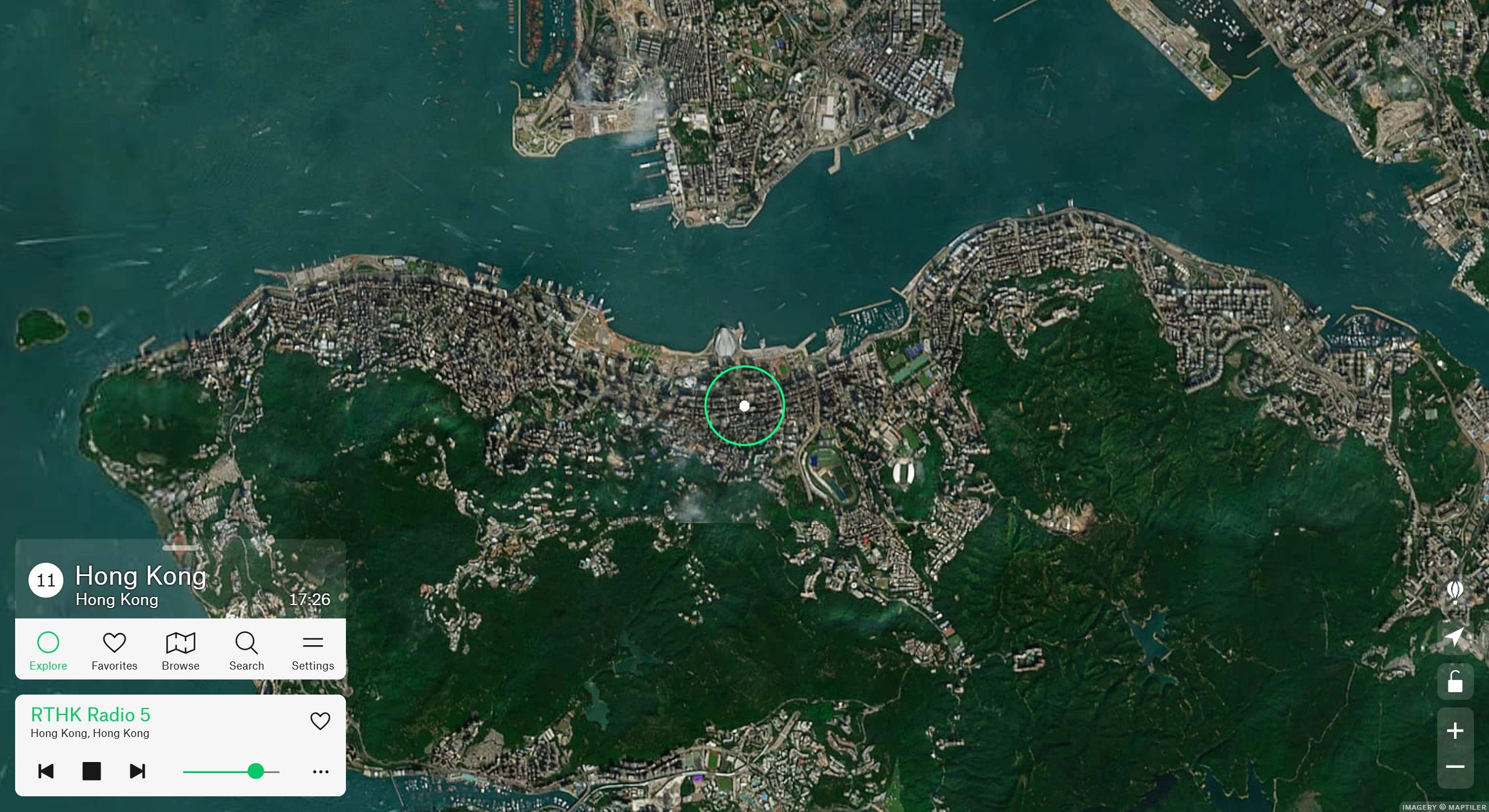
User-Friendly Interface: Designed with an interactive globe, the interface is intuitive and clean. Users can easily rotate, zoom in, or zoom out on the globe, and click on any location on the Earth's surface to listen to the local live radio station. Green dots represent cities or towns, and clicking on them displays a list of local stations.
Real-Time Streaming: Provides delay-free, buffer-free live radio streams, allowing real-time listening to news, music, and other programs—just like listening locally.
Rich Variety of Programs: Offers a diverse range of content, including pop, rock, classical music, as well as talk shows, news, sports commentary, and cultural lectures, meeting the needs of different audiences.
Search Function: In addition to browsing via the globe, users can search by country, city, station name, or program type to quickly find the content they want to listen to.
Favorites and Sharing: Save your favorite stations for easy access next time, and share them on social media.
Multi-Platform Compatibility: Supports desktop web browsers, as well as iOS and Android mobile apps, making it accessible on computers, phones, and tablets.
How to Use Radio.Garden
Select a Location: Open the website or app, and you'll see a rotating globe with green dots. Click on any location to select the country or city whose radio station you want to listen to.
Browse Stations: After clicking, a list of local stations will be displayed, with names and descriptions. You can choose what to listen to based on your interests.
Control Playback: The interface includes play, pause, and stop buttons, allowing you to control playback status and adjust the volume.
Search Stations: To listen to a specific station, click the "Search" button and enter keywords. The results will display matching stations and locations.
Radio.Garden offers a free version with pop-up ads, as well as a paid Premium version at $2.99 per month or $24.99 per year. Paid users can enjoy ad-free listening, an audio equalizer, a sleep timer, and family sharing features.