
 Script Planner Assistant▸
 AI Apps
 AI News

Traycer: AI Coding Assistant for Large Codebases
Traycer: AI Coding Assistant for Large CodebasesIntroduction
Traycer is an AI coding assistant designed for large codebases. It can break down complex requirements into parallel file-level tasks, supports multi-stack code generation, reduces repetitive work, and provides real-time code reviews along with optimization suggestions. Installed as a plugin, it helps developers code efficiently and is ideal for scenarios that pursue development efficiency.
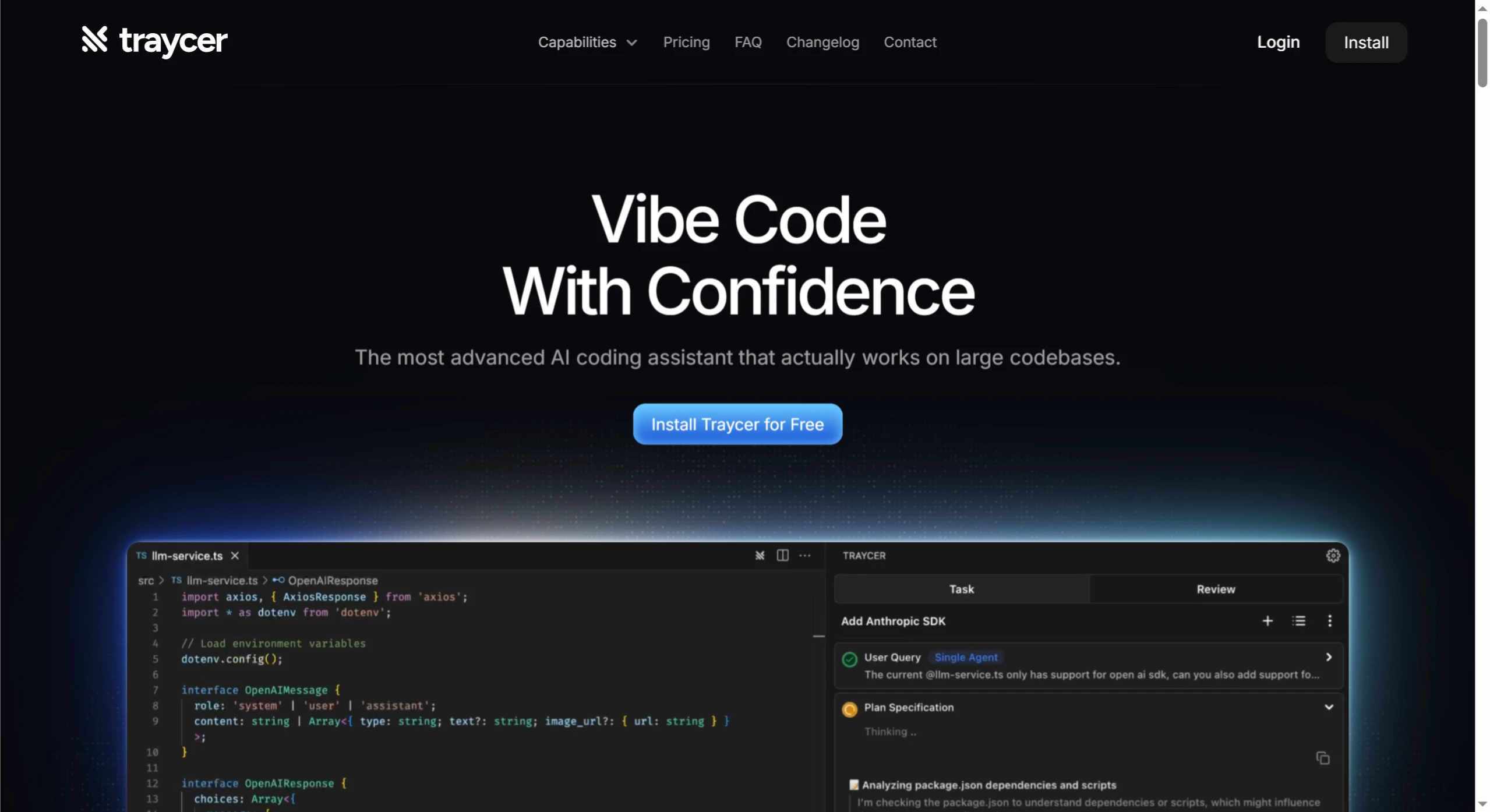
Features
Task Planning: The AI understands and plans coding tasks, generating detailed execution plans. Users enter a task description, and it analyzes the codebase to produce a plan. Users can also modify the plan by adding or removing steps.
Real-Time Code Review: While you write code, it analyzes in real time and provides feedback, pointing out potential issues and optimization opportunities to help developers address problems promptly.
Code Generation: Generates code snippets or complete modules based on requirements, making it easy to implement features quickly.
Error Fixing: Automatically identifies code errors and suggests fixes. Developers can choose to apply the automatic fix or make manual changes.
Context-Aware Chat: Each file has a dedicated AI chat interface, allowing developers to discuss specific code issues or get suggestions through Q&A.
Integration & Compatibility: Built specifically for Visual Studio Code, and can also be used in other IDEs.
Installation & Usage
Installation process: Open Visual Studio Code, go to the Extensions Marketplace, search for and install Traycer. You may need to restart VS Code after installation, then adjust the configuration through Settings.
How to Use Traycer
Task Planning: Open your project in VS Code, select "New Task" from the Traycer sidebar or shortcut menu, describe it, and an execution plan will be generated.
Real-Time Code Review: While you write code, Traycer analyzes it in the background. Feedback appears in the notification area—click to view details or make changes.
Code Generation: Enter your requirements in the interface. Once code is generated, you can apply it or make adjustments.
Error Fixing: Automatically detects errors and suggests fixes. You can choose to apply the automatic fix or make manual changes.
Context-Aware Chat: Each file has its own chat interface where you can discuss specific code issues with the AI or get suggestions.
Advantages
Boosted Efficiency: Automatically plans tasks and performs code changes, provides instant feedback and suggestions, and reduces manual effort.
Improved Quality: Real-time code review and error fixing help identify and resolve issues promptly.
Broad Applicability: Offers end-to-end support—from task planning to code implementation—for both newcomers and seasoned developers, applicable to a wide range of development scenarios.
Traycer Pricing
Free: Free forever, with strict rate limits. Includes a 14-day Pro trial and per-file reviews.
Lite: $10 per user per month. Includes everything in Free, with rate limits 3x that of the Free plan, and priority support.
Pro: $25 per user per month. Includes everything in Lite, with rate limits 9x that of the Free plan, and automatic reviews.
Key Questions
What are Traycer's core strengths?
Answer: Strong planning capabilities—it can generate detailed, executable plans and apply precise changes; supports multi-agent parallel processing for higher efficiency; and works with all major AI coding agents to deliver a "plan here, run anywhere" experience.
What pricing plans does Traycer offer, and who are they for?
Answer: There are three plans. The Free plan is free forever and is suited for hobbyists, with strict rate limits and similar constraints. The Lite plan is $10 per user per month, suited for casual users, and includes Free features plus more benefits. The Pro plan is $25 per user per month, suited for seasoned programmers, and includes Lite features plus more advanced capabilities.
What do users think of Traycer?
Answer: Highly rated. It solves long-standing pain points and performs well on complex tasks; the interface is excellent, plans can be corrected, and it boosts productivity. Some users have successfully deployed features without writing code themselves, and it has received positive recognition from developers of different backgrounds.












