
 Script Planner Assistant▸
 AI Apps
 AI News

Doclingo: Document Translation Software That Perfectly Preserves Original Layout
Doclingo: Document Translation Software That Perfectly Preserves Original LayoutIntroduction
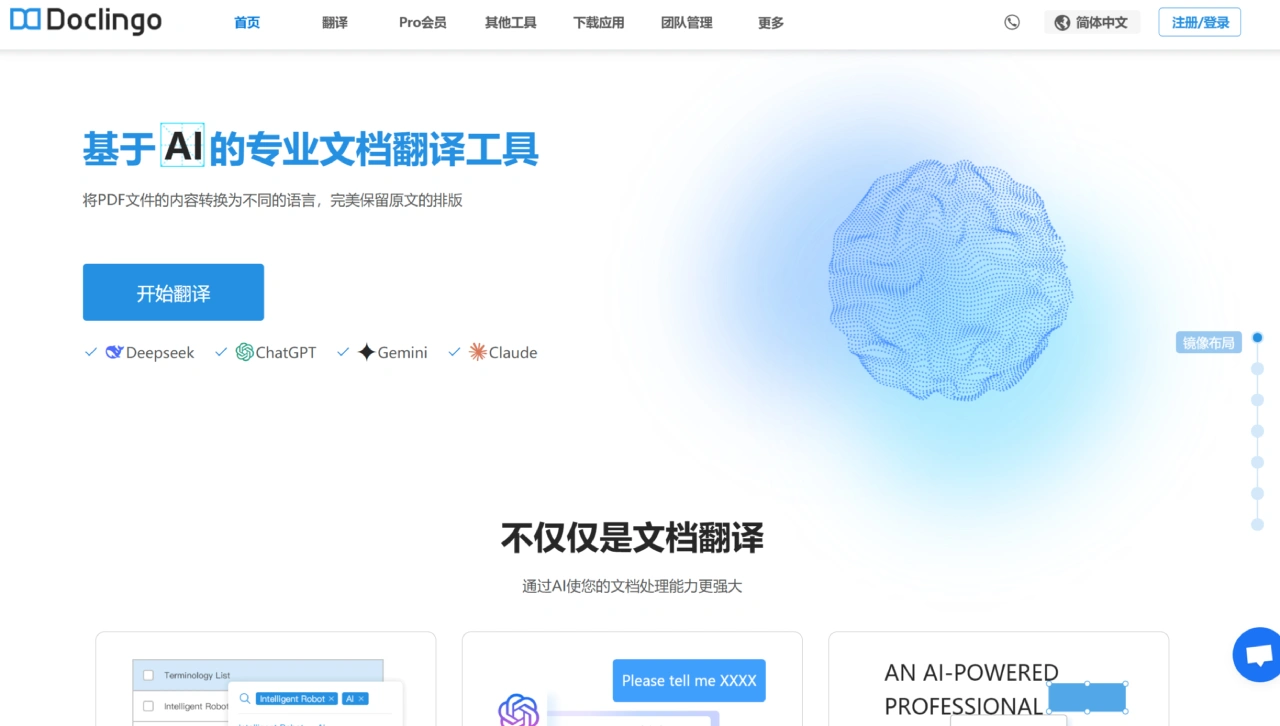
Doclingo is a document translation software developed by TONDA K.K. It supports translation of various formats including PDF, Word, Excel, and more, providing efficient, accurate translation services while preserving the original layout. It is highly professional, featuring multiple industry-specific terminology databases, maintains the original format well, and supports batch processing to improve efficiency.
Features of Doclingo
Multi-format Support: Covers mainstream file formats such as PDF, DOCX, PPT, EXCEL, JPG, JPEG, PNG, SRT, EPUB, and more.
High-quality Translation: Uses AI translation engines such as Deepseek, ChatGPT, and Gemini to ensure translation accuracy and terminology consistency.
Preserves Original Layout: Accurately preserves the document's layout, design, and formatting during translation, ensuring the structure remains consistent with the original.
Mixed Text and Image Translation: Supports translation of content containing images, allowing users to customize and exclude areas that don't need translation.
Multi-language Support: Supports translation in over 90 languages to meet the needs of users worldwide.
OCR Text Recognition: Uses advanced OCR technology to automatically recognize text in images as editable text and translate it.
Use Cases of Doclingo
Academic Field: Translating foreign-language papers, textbooks, and research reports.
Business Applications: Enterprises translating business documents such as contracts and quotations to facilitate cross-border cooperation.
Personal Use: Translating e-books, instruction manuals, or study materials.
How to Use Doclingo
Users upload documents to the Doclingo platform.
Select the translation language and other options (such as image translation, terminology glossary, etc.).
The system automatically generates translation results, supporting online preview and download.
Key Advantages
High Security: Documents are transmitted with encryption to protect user data privacy.
Flexible Settings: Image translation and terminology glossary features can be enabled or disabled, allowing users to adjust translation preferences as needed.
Free Mode: Provides free translation services with access to basic features; upgrading to VIP unlocks more advanced features.
Target User Groups and Reviews
Researchers: Solves the accuracy issues of professional terminology and complex sentence structures in academic paper translation, improving efficiency.
Enterprises: Provides high-quality translation and text recognition for PDF design drawings, suitable for companies with moderate translation volumes but high quality requirements.
Students: Helps quickly read large volumes of English research papers, saving academic time, and is widely recommended.
Translators: Can handle materials and professional projects containing complex sentences and specialized terminology, integrates major AI engines, preserves formatting well, making work easier.
Key Questions
Question 1: How does Doclingo handle academic paper translation better than traditional tools?
Answer: Traditional tools struggle with the professional terminology and complex sentence structures of academic papers, while Doclingo can solve these issues, ensuring accuracy and improving efficiency to help researchers.
Question 2: What file formats does Doclingo support for translation, and what special features does it offer?
Answer: It supports most mainstream formats such as PDF, PPTX, DOCX, etc. Special features include image text translation, batch translation, online editing, as well as high-quality PDF translation and text recognition.
Question 3: What benefits do different users get from using Doclingo?
Answer: Researchers solve accuracy and efficiency issues in academic paper translation; enterprises get high-quality translation and recognition for PDF design drawings; students can quickly read English papers and save time; translators can handle professional projects, deal with complex sentences and terminology, and improve efficiency.
Doclingo is an excellent translation tool, with advantages in faithfully restoring the original format, strong multi-language support, and the ability to translate documents into languages other than the specified source language. When handling academic papers, it solves accuracy issues with professional terminology and complex sentence structures while improving efficiency; it provides high-quality translation and text recognition for files such as PDF design drawings. It also supports image text translation, mainstream document formats, batch translation, and online editing, making it a viable free alternative tool recognized by researchers, enterprises, students, translators, and more.















