
 Script Planner Assistant▸
 AI Apps
 AI News

Vidduo: AI Video Generator with Diverse Styles and Precise Camera Control
Vidduo: AI Video Generator with Diverse Styles and Precise Camera ControlIntroduction
Vidduo is an aivideo generation tool that allows users to upload images and enter prompts to generate high-quality videos in various styles with precise camera control. It is ideal for creators who need to produce videos at low cost and high efficiency, supporting multiple styles and effects.
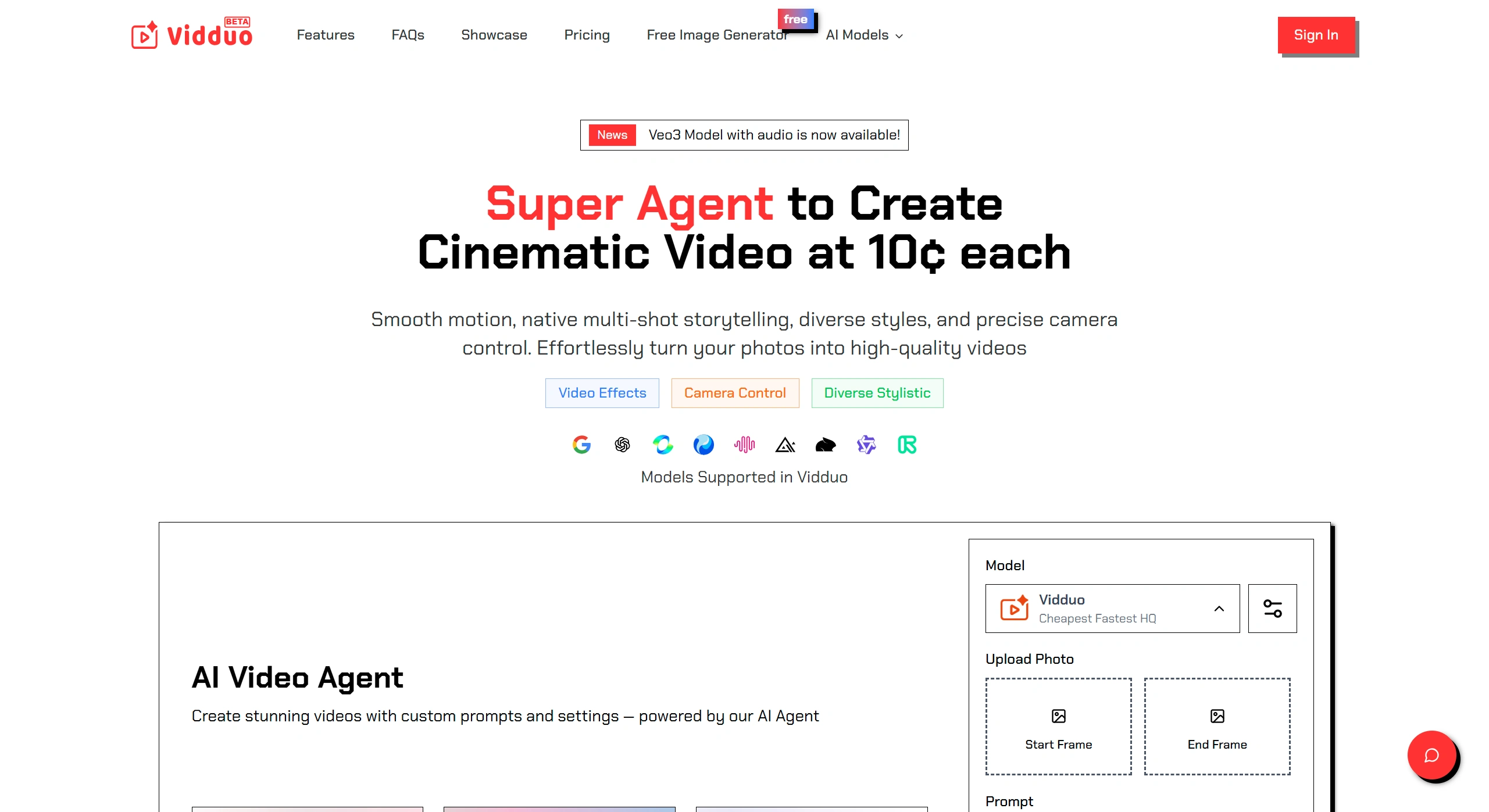
Vidduo Core Features
AI Image Generation & Editing
Provides free, unlimited AI image generation and editing tools while protecting user privacy.
Intelligent Model Selection
The system automatically matches the optimal model, balancing video quality, generation speed, and cost.
Video Effects
Supports a variety of AI-driven visual effects, such as AI hip shake, AI kiss, 3D rotation, and more.
Offers rich camera movement controls, including push in, pull out, pan, orbit, zoom, etc.
Stylization Options
Supports multiple art styles, such as American comics, sketch, Japanese anime, pixel art, realistic, etc.
Vidduo Features
✅ Intelligent Model Selection: Automatically optimizes models to ensure high quality, fast generation, and controllable costs.
✅ Multi-Shot Narration: Supports multi-shot video creation while maintaining visual coherence.
✅ 1080p HD Output: Generates high-resolution videos with smooth visuals and rich detail.
✅ Advanced Prompt Understanding: Accurately interprets natural language commands to enable complex scene control.
✅ Diverse Styles: Supports realistic, cyberpunk, illustration, artistic texture, and many other styles.
✅ Privacy Protection: Paid users' data is retained for only 48 hours, and content ownership belongs to the user.
Vidduo Advantages
✅ Intelligent Model Matching: Automatically optimizes generation parameters, balancing quality, speed, and cost.
✅ Multi-Shot Narration: Supports cinematic storyboards while maintaining a unified visual style.
✅ High-Definition Quality: 1080p resolution, approaching professional production standards.
✅ Precise Control: Natural language commands allow fine-tuned adjustments to scenes and camera movements.
✅ Privacy Assurance: Paid users' data is secure, and content belongs entirely to the user.
How to Use Vidduo
Register an account: Visit the Vidduo official website and log in to your account.
Prepare materials: Upload static images or enter text descriptions.
Choose a style: Such as cyberpunk, realistic, etc.
Adjust parameters: Set the number of shots, duration, and resolution (up to 1080p).
Generate video: Enter prompts, and the AI will automatically optimize and generate the video.
Preview and adjust: If unsatisfied, modify parameters and regenerate.
Download or share: Once the video is complete, you can download it or share it to social platforms.
Vidduo Frequently Asked Questions
✅ What are the advantages of AI photo-to-video?
→ It supports multi-shot narration with unified visual style, suitable for professional video production.
✅ How does AI understand natural language prompts?
→ It uses advanced semantic analysis technology to precisely control scenes and camera movements.
✅ How is the video quality?
→ 1080p HD with smooth visuals, rich detail, and cinematic-level results.
✅ What styles are supported?
→ Realistic, cyberpunk, illustration, artistic texture, and more — unlimited creativity.
Vidduo makes video creation easier — just upload images, enter your ideas, and the AI will help you generate professional-level videos!












