
 Script Planner Assistant▸
 AI Apps
 AI News

Clideo: Online Platform for Video, Image, and GIF Editing
Clideo: Online Platform for Video, Image, and GIF EditingIntroduction
Clideo is a platform offering a variety of video editing and related tools, including features such as adding subtitles, video compression, clipping, GIF creation, and screen recording. It serves 5 million users per month, with a cumulative total of 287 million videos created, and supports multilingual use.
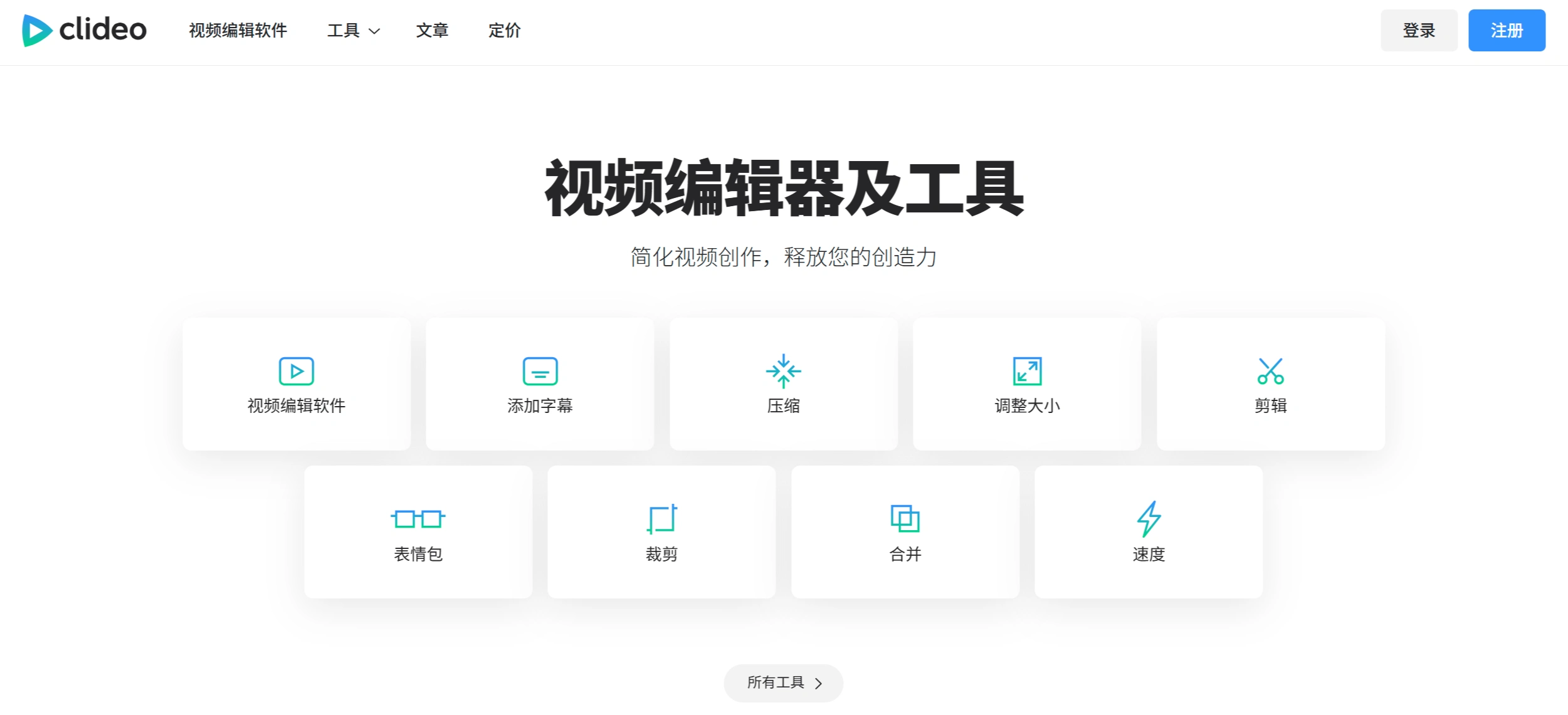
Clideo Core Features
Video Editing: Includes clipping, cropping, merging, and speed adjustment to meet various editing needs.
Subtitle Addition: Allows you to add subtitles to videos, making it easier to produce multilingual videos or improve comprehension.
Video Compression: Reduces video file size for easier upload and sharing, while minimizing quality loss.
Resizing: Adjusts video resolution as needed to suit different devices and platforms.
GIF Creation: Converts video clips into GIFs, ideal for social media use.
Video Conversion: Supports conversion between multiple formats to ensure proper playback across different devices and platforms.
Screen Recording: Records on-screen activities such as tutorials and gameplay.
Clideo Highlights
User-Friendly: Simple interface and intuitive operations, allowing beginners to get started quickly.
Multi-Function Integration: A single platform with multiple tools, enabling complex production tasks without switching software.
Online Access: No downloads or installations required; operate directly in your browser, saving time and storage space.
Efficient Processing: Fast processing speeds quickly complete tasks like compression and conversion, boosting productivity.
Multilingual Support: Available in multiple languages, making it convenient for users worldwide.
Data and User Scale
Over 5 million users per month.
A cumulative total of 287 million videos created.
Clideo Use Cases
Content Creators: Create high-quality short videos, Vlogs, and more.
Business Users: Ideal for producing promotional and training videos to boost brand reach.
Students and Educators: Easily create learning materials and courseware to enhance teaching interaction.
General Users: Edit and share personal videos to add fun and visual appeal.
Other Features
Audio Processing: Allows audio clipping and merging.
Image Conversion: Supports image format conversion for different use cases.
Video Translation Assistant: Helps translate video content, breaking down language barriers.
Speech Synthesis: Adds voice narration to videos, enhancing their impact.
Clideo Subscription Pricing
Upgraded Account: Enjoy more features such as unlimited storage and watermark-free projects.
Monthly Subscription: $9 per month, cancel anytime.
Annual Subscription: $72 per year ($6 per month), saving $36, cancel anytime.
Clideo FAQ
Question: What main video editing tools does the Clideo platform offer?
Answer: It mainly provides video editing tools such as subtitle addition, video compression, resizing, clipping, merging, cropping, and speed adjustment, as well as GIF creation, screen recording, video translation assistant, and speech synthesis.
Question: What paid plans does Clideo offer, and what are their features?
Answer: There are two plans, monthly and annual. The monthly plan is $9/month, cancel anytime, with unlimited storage and watermark-free creation; the annual plan is $72/year ($6/month), saving $36, also cancel anytime, with the same benefits as the monthly plan.
Question: How do Clideo's user and content data perform?
Answer: With 5 million users per month and a cumulative 287 million videos created, both user and content scale are impressive.















