
 Script Planner Assistant▸
 AI Apps
 AI News

BookmarkEarth: Share, Manage, and Discover Bookmarks
BookmarkEarth: Share, Manage, and Discover BookmarksIntroduction
Bookmark Earth is a platform for sharing, managing, and discovering bookmarks. It allows you to save bookmarks online and supports importing, exporting, and categorizing them. It syncs across multiple devices, making it easy to manage and share your bookmarks, and you can also discover and collect great bookmarks shared by others. Additionally, it can beautify your browser's new tab page for a better browsing experience.
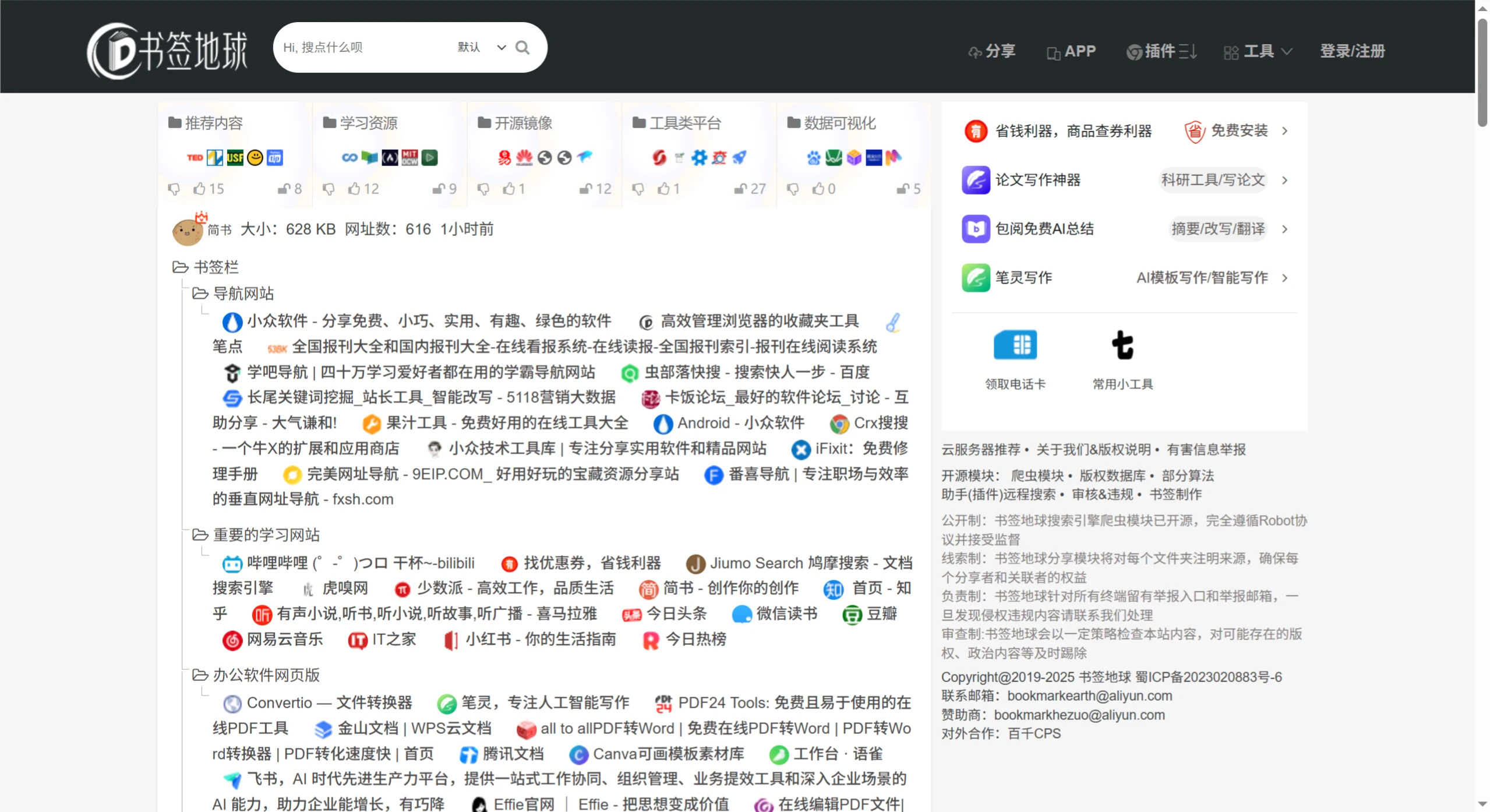
Bookmark Earth Features
Bookmark Management
Convenient editing: You can easily add, delete, and edit bookmarks on both the app and the web version. For example, in the app, long-pressing a bookmark brings up editing options so you can quickly change the name, URL, etc.
Categorization: Supports custom category tags, allowing you to organize bookmarks by topic or purpose—such as "Work & Study" or "Entertainment & Leisure"—making them easy to find and manage.
Import and export: You can import bookmarks from other browsers or applications, and export them to other devices. Supports HTML or JSON formats, making backup and migration easy.
Search and Filtering
It offers smart search—just type in keywords to quickly find bookmarks—and you can also filter by time, category, rating, and more. For example, searching "food" on the web version will bring up related bookmarks, which can be further filtered to show those recently added or highly rated.
Social Interaction
Browse and share: You can view other users' public bookmarks to discover quality websites, and share your bookmarks on social platforms to connect with others.
Likes and comments: You can like and comment on bookmarks you enjoy, interacting with other users and sharing your experiences.
Follow feature: You can follow other valuable users, building a personalized resource network and staying up to date with the new bookmarks they share.
Other Features
Private browsing: The app has a private mode that hides your browsing and search history once enabled, protecting your privacy.
Ad blocking: Both the app and the web version have ad blocking enabled by default for a cleaner browsing environment.
Script support: The app includes script functionality and is compatible with Tampermonkey scripts, extending your browser's features.
Bookmark Earth Advantages
Solves pain points: Compared with traditional browser bookmarks, it addresses the issues of messy categories and lack of cross-device syncing, making bookmark management and use across multiple devices more convenient.
Outstanding social sharing: Compared with tools like Raindrop.io, its social sharing features are stronger, allowing users to interact on the platform and discover more great resources.
Rich and convenient resources: Compared with self-built navigation tools like Flare, its resource library is richer and easier to use, saving you time and effort without having to collect and organize things yourself.
How to Use Bookmark Earth
Web version: Visit the official website https://www.bookmarkearth.com/ to browse bookmarks shared by others directly, and use search and filtering to find what you need. After signing in or registering, you can also upload your own bookmarks to share and manage them.
App version: Search for "Bookmark Earth" in the App Store, Google Play, or other app markets, and download and install it to get started. In addition to the basic features of the web version, you can add frequently used URLs to your home screen for quick access, and enjoy mobile-exclusive features such as private browsing and file downloads.















