Script Planner Assistant▸
 AI Apps
 AI News

MuscleWiki: Free & Powerful Fitness Guide
MuscleWiki: Free & Powerful Fitness GuideIntroduction
MuscleWiki is a fitness guide and tutorial website that visualizes the muscles of the entire body. It offers a comprehensive exercise library with videos and written instructions for over 500 exercises. It features simple, intuitive body diagrams that guide you in exercising specific muscle groups, and it can simplify your training through workouts suitable for beginner, intermediate, and advanced fitness enthusiasts.
Features
Extensive exercise library: Provides video and written instructions for over 2,000 exercise movements.
Personalized workout plans: Generates customized plans based on the user's fitness goals (such as muscle gain, fat loss, body shaping, etc.).
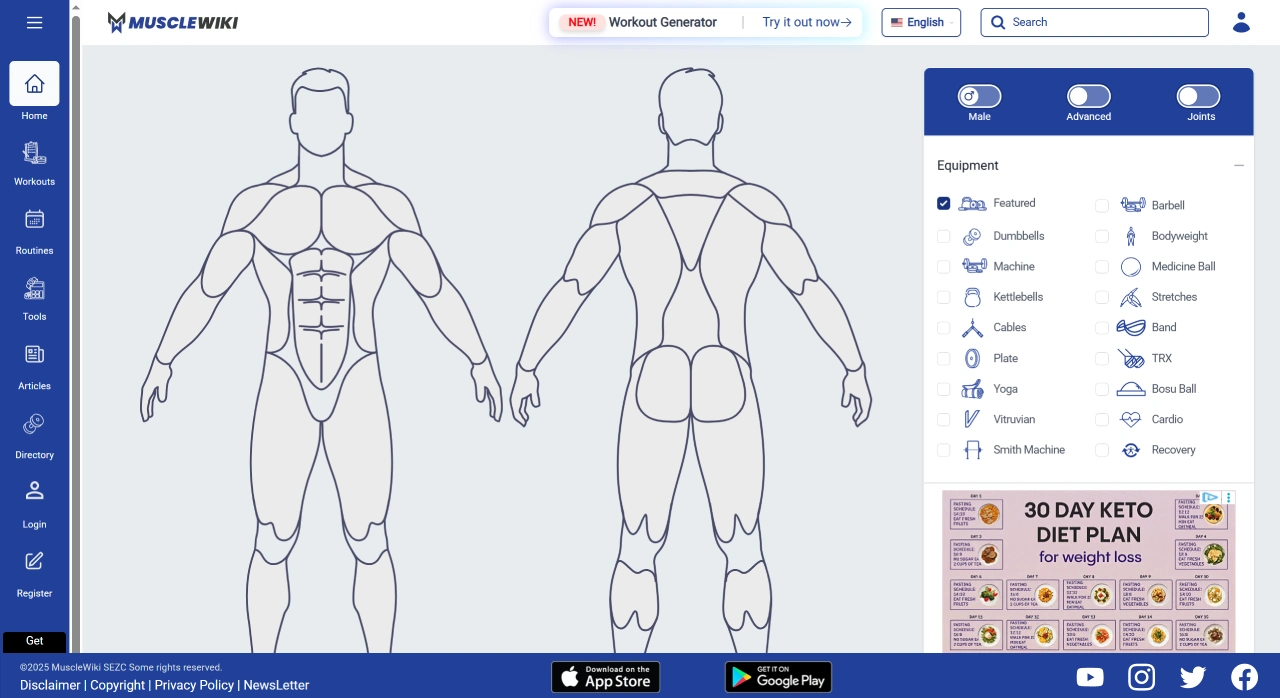
Interactive body diagram: Users click on the human muscle diagram to select exercises for specific muscle groups.
Workout tracking and recording: Records the sets, reps, and other details of each workout, allowing progress to be tracked through a workout log.
Fitness tools: Includes a calorie calculator, macronutrient tracker, one-rep max calculator, and more.
Home workout options: Supports bodyweight training and equipment-light home workouts, ideal for users who don't go to the gym.
Target Users
Beginners: Simple, easy-to-understand guidance to help you get started quickly.
Intermediate and advanced fitness enthusiasts: Diverse workout plans and advanced options.
Home fitness users: Suitable for working out at home.
Advantages
All-in-one fitness solution: Integrates an exercise library, workout plans, workout tracking, and fitness tools.
Flexibility: Supports both structured workouts and flexible on-the-go training.
AI support: Uses artificial intelligence to generate personalized workout plans.
Use Cases
Gym training: Provides professional guidance and plans.
Home fitness: Offers bodyweight and equipment-light workout options.
On-the-go fitness: Can be used on your phone anytime, anywhere.
User Guide for the MuscleWiki Fitness Tutorial Website
Visit the website
English official site: https://musclewiki.com. Tip: If the interface is in English, you can use a browser translation plugin.
Chinese website: Go directly to https://musclewiki.cn/.
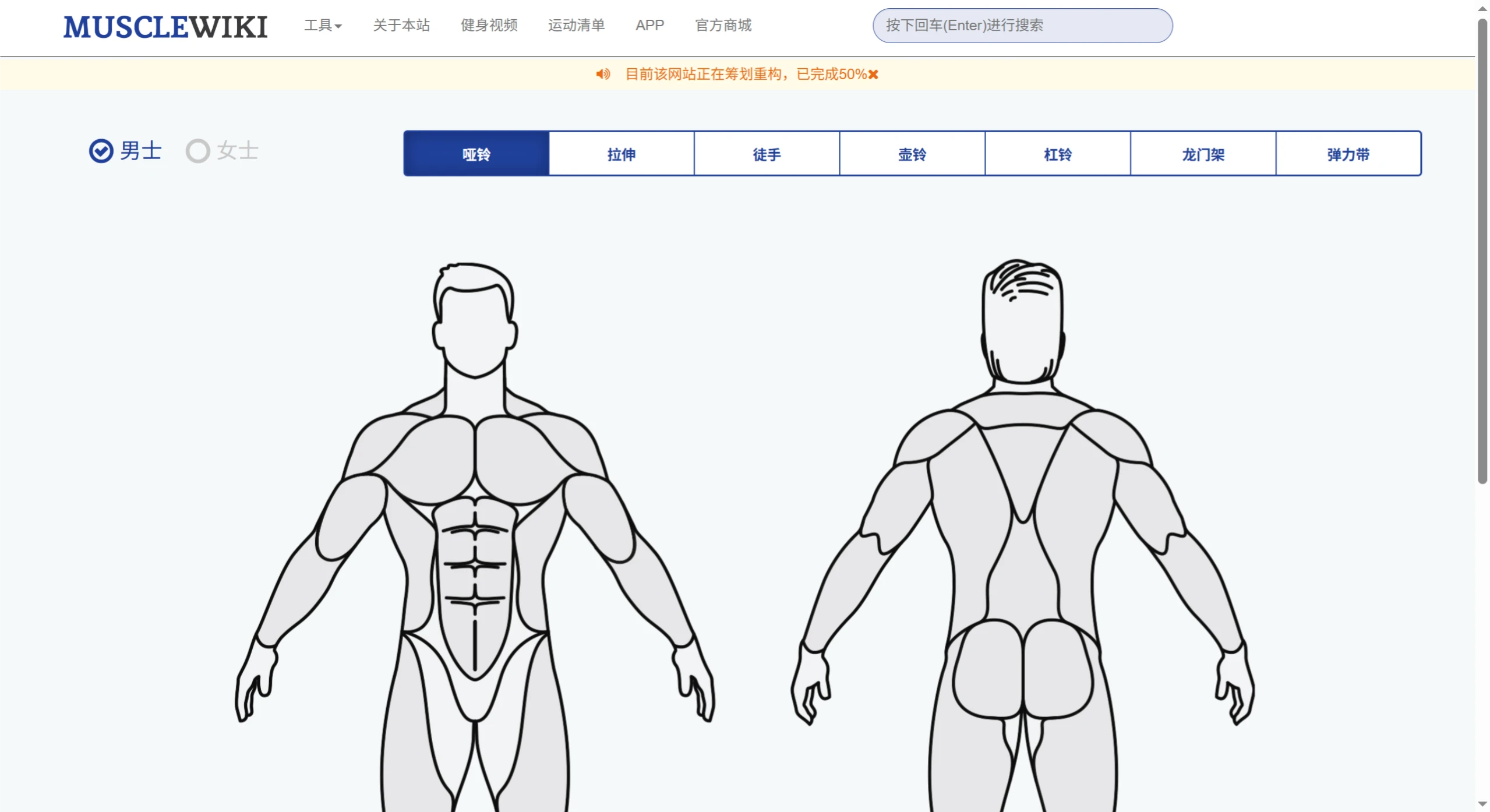
Select gender
Upon entering the site, the homepage prompts you to select a gender (male by default). Choose male or female based on your situation (muscle structure and training recommendations differ slightly between genders).
Select a workout area
In the area selection bar, click on the target muscle group (such as biceps, chest, back, etc.).
Example: To work out your biceps, simply click on the corresponding option.
View detailed tutorials
When you enter a specific body part page, you'll see the following content:
GIF animations: Dynamically demonstrate the movement process, helping you understand the force application and movement trajectory.
Written instructions: Step-by-step guidance on movement details (such as starting position, breathing rhythm, precautions, etc.).
Advantage: The combination of GIFs and text helps avoid injury from incorrect force application.
Choose training based on experience level
Tutorials are divided into beginner, intermediate, and advanced levels. You can choose the difficulty based on your fitness level.
Beginners are advised to start with basic movements and gradually increase intensity.
Download and Use
MuscleWiki is available for download on Google Play and other app stores. Users can choose the free version or subscribe to the premium version based on their needs to access more features.
MuscleWiki English site: https://musclewiki.com/
MuscleWiki Chinese site: https://musclewiki.cn/