
 Script Planner Assistant▸
 AI Apps
 AI News

SuperDesign: An Open-Source AI Design Agent
SuperDesign: An Open-Source AI Design AgentIntroduction
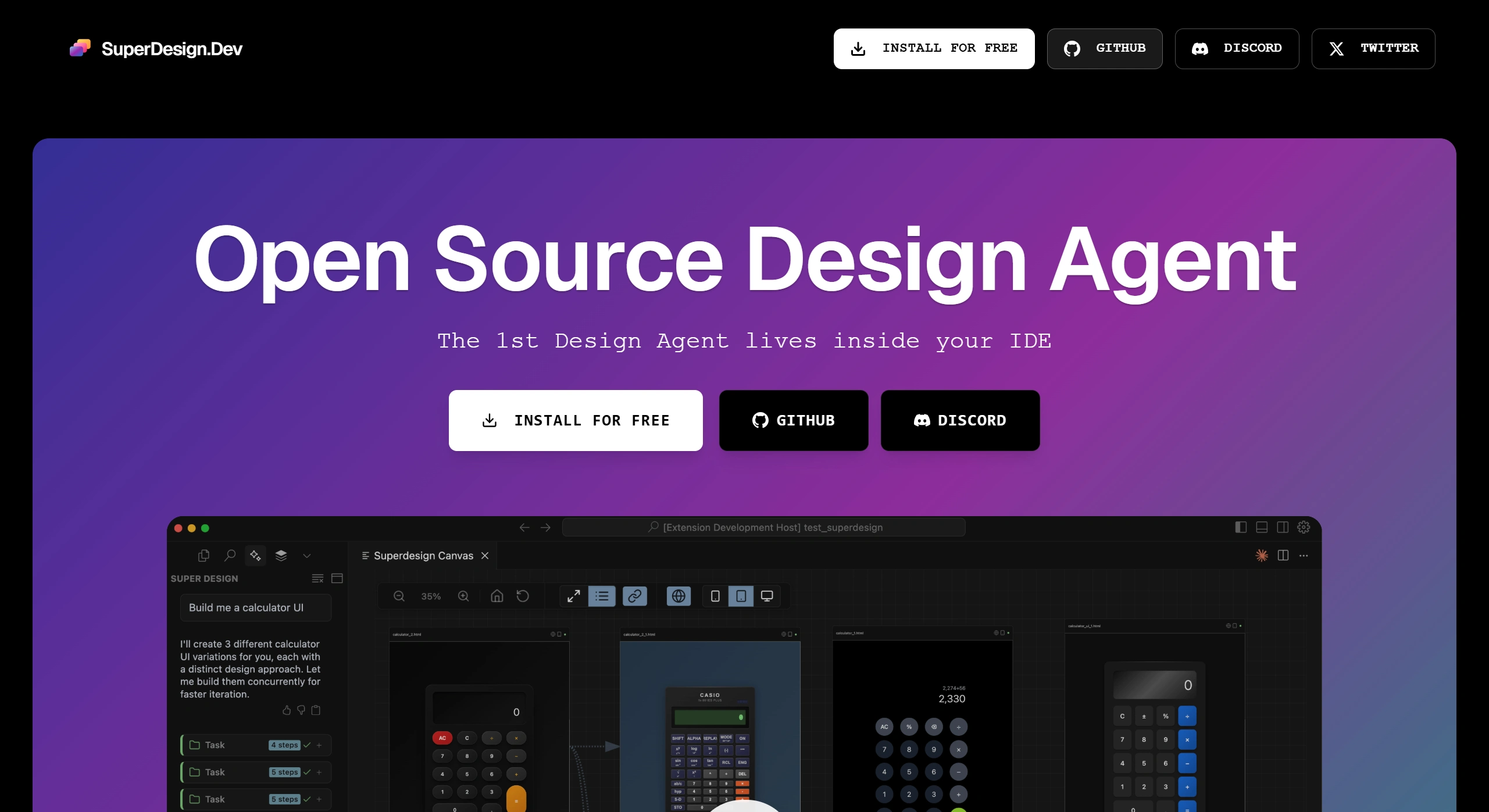
SuperDesign is an open-source AI design Agent tool that generates UI interfaces, components, and wireframes directly within your IDE (such as Cursor, Windsurf, Claude Code, VS Code) using natural language. All design content is saved by default in a local .superdesign/ folder, making it easy to manage, reuse, iterate, and modify existing components.
Core Features
Efficient Design Generation: Enter a natural language description (e.g., "design a modern login interface") to quickly generate complete UI interfaces, reusable components, and low-fidelity wireframes, helping you rapidly validate multiple design approaches.
Deep Compatibility with Major IDEs: Seamlessly integrates with Cursor, Windsurf, Claude Code, VS Code, and other development environments, allowing you to invoke design features directly without switching tools.
Local Storage and Management: All design content is stored in a local .superdesign/ directory, ensuring data security and privacy while facilitating team collaboration and version control.
Flexible Iteration and Optimization: Supports direct modification of existing UI components, or generates multiple variants through a "fork" feature, enabling quick design adjustments to meet changing requirements.
Usage Workflow
Install the Extension: Install the SuperDesign plugin from the Cursor/VS Code marketplace.
Open the Sidebar: Launch the SuperDesign panel within your IDE.
Enter prompts: Input your design requirements (e.g., "design an e-commerce product detail page").
Generate and Refine: Review the generated UI mockups, components, and wireframes, fork variants, or copy the code directly into your project.
Typical Use Cases
UI Design: Quickly produce login pages, dashboards, and other interfaces, supporting comparison across multiple style variants.
Component Development: Generate reusable components such as buttons and input fields to improve design consistency.
Wireframe Planning: Use low-fidelity wireframes to organize product structure and interaction logic.
Iterative Optimization: Make rapid adjustments based on existing designs to adapt to changing requirements.
Key Advantages
Parallel Design Capability: Generate multiple design options simultaneously (e.g., 3 calculator UI variants), accelerating idea validation.
Broad Scenario Coverage: Supports various design types including UI interfaces, interactive animations, and product prototypes, even down to detailed designs like swipe interactions.
Deep Tool Integration: Tightly integrated with mainstream AI editors, allowing direct access to design features from within the editor (such as copying prompts to Cursor to generate designs).
Key Questions Answered
Q: What types of design content can SuperDesign generate?
A: It supports multiple types, including UI in various styles (e.g., calculator, messaging app swipe interactions), wireframes (e.g., pizza app flow), components with animation effects, and complete product prototypes.
Q: How can I use SuperDesign for design iteration?
A: Use the fork feature to create design variants and generate multiple options in parallel for comparison; or copy prompts directly to editors like Cursor for quick adjustments, efficiently completing optimization.
Official Website:https://superdesign.dev
GitHub:https://github.com/superdesigndev/superdesign














