
 Script Planner Assistant▸
 AI Apps
 AI News

Veozon: Cinematic Veo3 AI Video Generator (Text & Image to Video)
Veozon: Cinematic Veo3 AI Video Generator (Text & Image to Video)Introduction
Veozon is an AI video generation tool based on Google Veo3 that can transform text prompts or images into 4K videos. It features precise camera control, character consistency, style matching, and integrates audio generation capabilities, allowing it to directly produce immersive soundscapes, dialogue, and sound effects, eliminating the need for external audio editing. It is suitable for various scenarios including filmmaking and advertising campaigns.
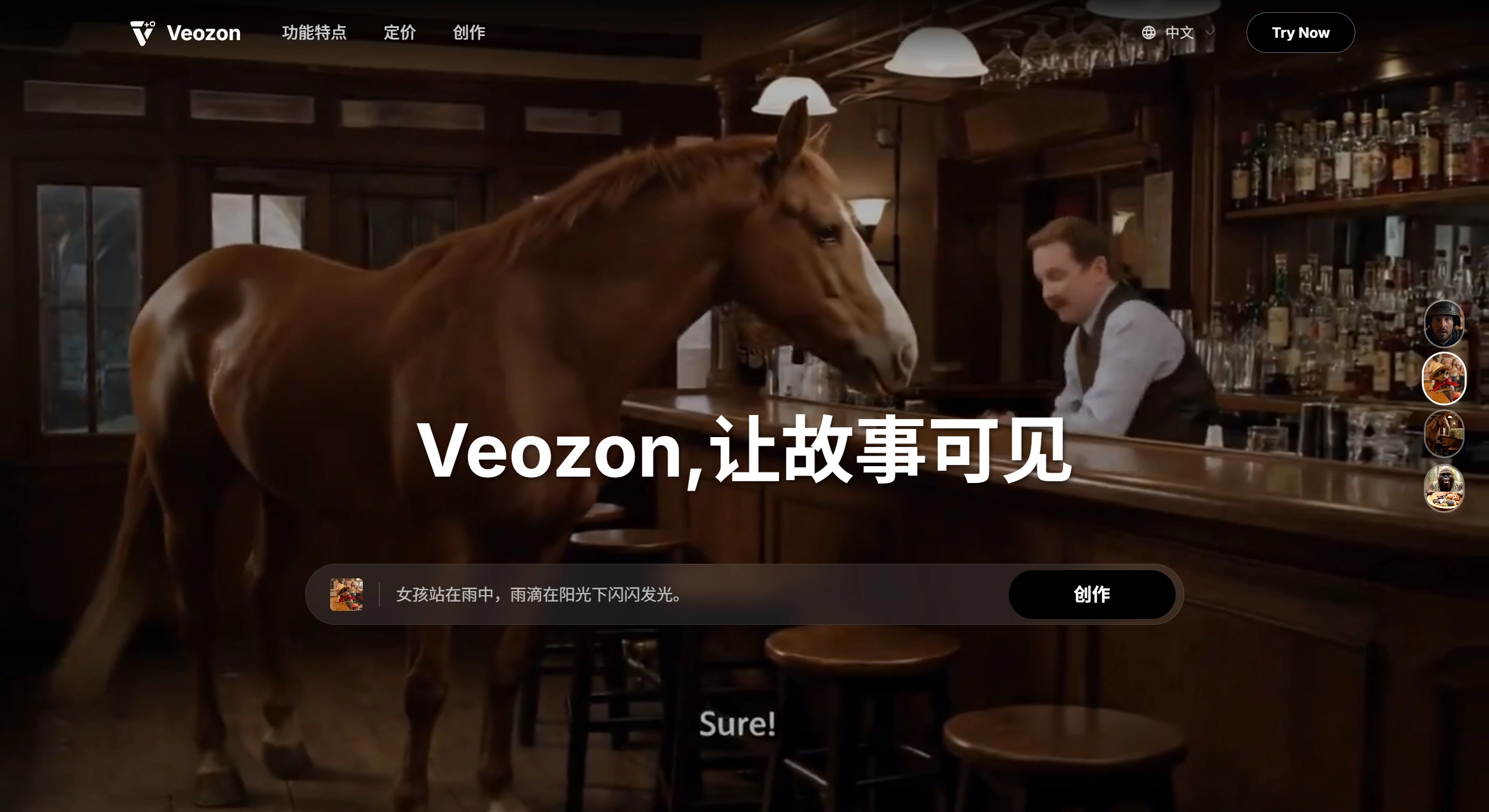
Features of the Veozon AI Video Generator:
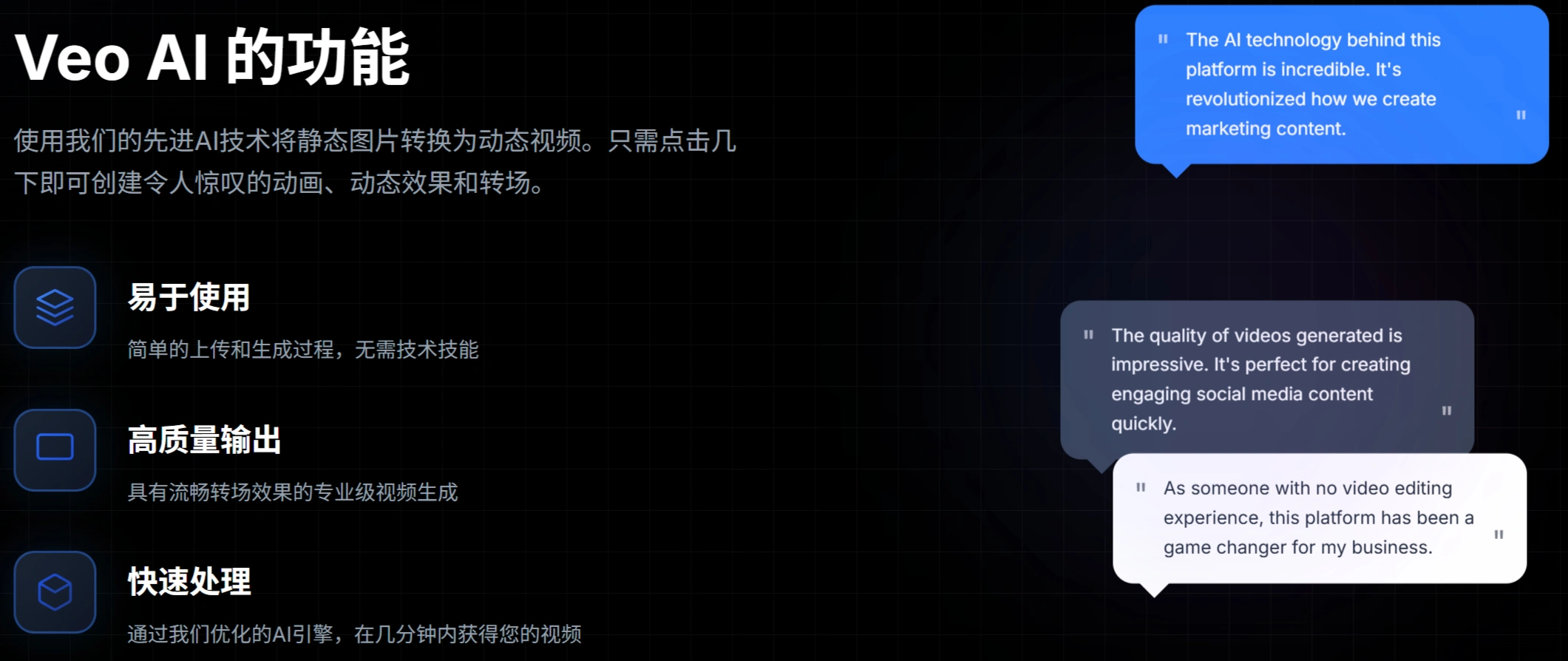
Text-to-Video: Generate videos from text prompts.
Image-to-Video: Convert still images into dynamic videos.
Native Audio Generation: Directly generate immersive soundscapes, dialogue, and sound effects without external audio editing.
Precise Camera Control: Precisely control the framing angle and movement path of shots.
Character Consistency: Ensure characters look consistent across different scenes.
Style-Matched Generation: Generate videos in the same visual style based on provided reference images.
First and Last Frame Transition: Create natural and smooth transitions between the first and last frames.
Advantages of the Veozon Platform:
Supports Google's latest Veo3 model to supercharge video production with powerful AI.
Supports both text-to-video and image-to-video, making it easy to generate high-quality videos.
Enables the creation of natural and smooth transitions between the first and last frames.
Allows precise control over the framing angle and motion trajectory of video shots.
Ensures characters look consistent across different scenes.
Capable of capturing and generating visual styles with specific aesthetic effects.
Steps to Use the Veozon AI Video Generator:
Register an Account: Visit the Veozon official website, sign up, and log in.
Select a Plan: Choose a suitable pricing plan based on your needs.
Enter a Prompt or Upload an Image: For text-to-video, enter a detailed text prompt; for image-to-video, upload a reference image.
Adjust Settings: Configure camera control, character consistency, style matching, and audio settings.
Submit Generation: Submit the generation request and wait for the video to be produced.
Preview and Download: Preview the generated video, then click to download or share once satisfied.
Veozon Prompt Writing Tips:
Describe elements such as scenes, characters, actions, shots, and audio in detail.
Break down complex scenes into segments for description.
You can mention directors or cinematic styles as references.
Application Scenarios of Veozon:
Filmmaking: Generate clips and special effects shots to save costs.
Advertising Campaigns: Create high-quality advertisements to enhance brand influence.
Social Media: Generate short videos for TikTok, YouTube, and more.
Game Development: Generate assets and trailers to accelerate development progress.
Educational Materials: Produce instructional videos to improve efficiency.
Corporate Training: Generate internal company training videos for better results.
Creative Short Videos: Generate creative and realistic scenarios to meet diverse needs.
Experimental Visual Effects: Generate relevant effects to spark creative imagination.
Long-Form Content to Video: Convert long-form text into videos to boost engagement.
Frequently Asked Questions:
Q. What is the underlying principle of Veozon's video generation?
A. Veo3 is Google DeepMind's latest AI video generator, capable of creating 4K videos from text, image, or video prompts.
Q. What are its advantages?
A. Veo3 places greater emphasis on video resolution, native audio generation capabilities, and relatively strong support for video duration.
Q. Which video formats and resolutions are supported?
A. Supports 4K Ultra HD (4096×2160 pixels) video generation with integrated native audio.
Q. How long does it take to generate a video?
A. Depending on the complexity and length of the video, a standard 720p 8-second video typically takes a few minutes to complete.
Q. What are the main application examples?
A. Suitable for filmmaking, advertising campaigns, game development, social media content creation, and educational materials, among others.
Q. How are copyright and security handled?
A. All generated videos contain an invisible SynthID watermark for AI content identification, and the training data goes through strict copyright compliance and safety filtering.
Q. What are the limitations?
A. 720p 8-second videos are provided by default (4K and above are being rolled out gradually); dialogue-rich scenes occasionally exhibit lip-sync issues; and processing time varies depending on video complexity.
Q. What are Veozon's pricing plans and the main differences between subscription tiers?
A. There is a Basic Plan (from $12.99/month), Advanced Plan (from $23.99/month), Ultimate Plan (from $59.99/month), and Ultimate Professional Plan (from $199.00/month). The main differences lie in the number of credits, whether premium AI models are included, whether API access is available, and whether a whitelabel option is provided. For example, the Basic Plan includes 120 credits per year, while the Ultimate Professional Plan includes 2,760 credits per year and offers a whitelabel option.












