
 Script Planner Assistant▸
 AI Apps
 AI News

CodeGuide: Auto-Generate Detailed Documentation for AI Coding Projects
CodeGuide: Auto-Generate Detailed Documentation for AI Coding ProjectsIntroduction
CodeGuide is a documentation generation platform built for AI coding projects. It can create detailed documentation for various projects (from web apps to plugins), helping with generating PRDs, front-end guidelines, and many other development documents. Its main function is to provide clear guidance for AI models, reduce AI hallucinations, save documentation creation time and token usage, and lower code error rates (fixes 85% of code errors).
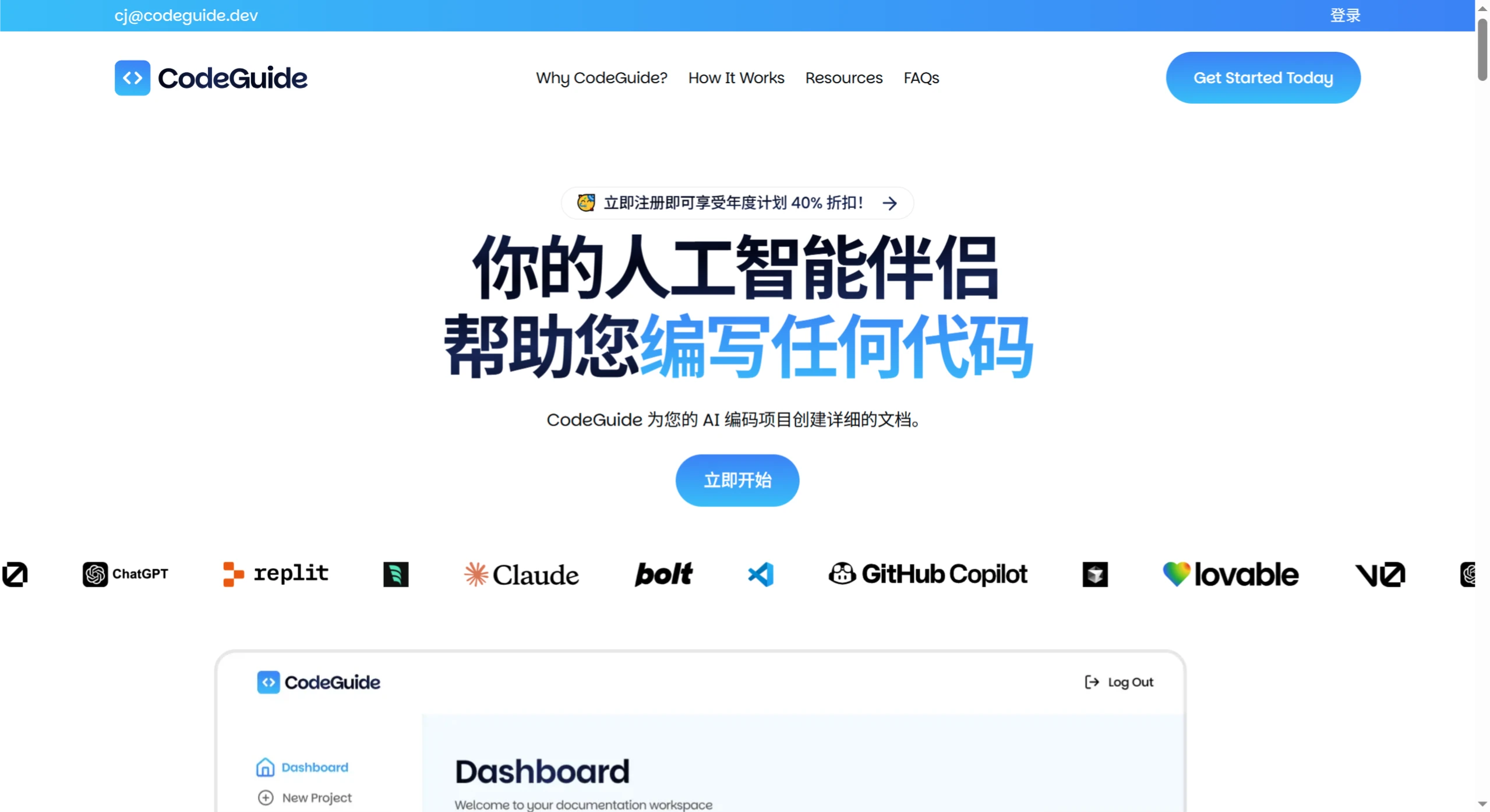
Key features include:
Automatically generates PRDs, tech stack, and other project documentation.
Uses AI to optimize project drafts and improve documentation quality.
Integrates with mainstream AI coding tools such as OpenAI and Claude.
Offers monthly and annual subscription plans.
Provides dedicated support and a community for users.
Offers optimized starter kits to simplify project kickoff.
Use cases include:
Web application development: generate PRDs, tech stacks, and flowcharts to ensure team alignment.
Mobile application development: create user stories, wireframes, and technical specifications to maintain project consistency.
Extension and plugin development: provide templates and guidance to document requirements, design, and implementation details.
Advantages:
Saves documentation creation time.
Reduces AI errors.
Improves code accuracy and reliability.
Usage guide:
Log in to the official website with your Google account and enter the dashboard.
Enter your project name and description, and let AI optimize the draft.
Choose an AI coding tool, such as OpenAI, Claude, etc.
Complete a short questionnaire to generate a documentation outline.
In the project workspace, select the document type, then view, copy, and optimize it after generation.
Download Markdown documents individually or as a zipped package.
Import the documentation into AI tools (such as Cursor, Windsurf, Claude, etc.) for coding, and continuously update the documentation.
Pricing plans:
Free version: suitable for individuals and small projects.
Monthly plan: $29/month, includes AI Assistant, multiple toolkits, 5,000 credits, and up to 15 projects.
Annual plan: $199 to $348/year, year-round access to all features with discount perks, including 1-on-1 calls, priority support, and early access to new features.












