
 Script Planner Assistant▸
 AI Apps
 AI News

FreeCompress: Free Online File Compression Supporting Multiple Formats
FreeCompress: Free Online File Compression Supporting Multiple FormatsIntroduction
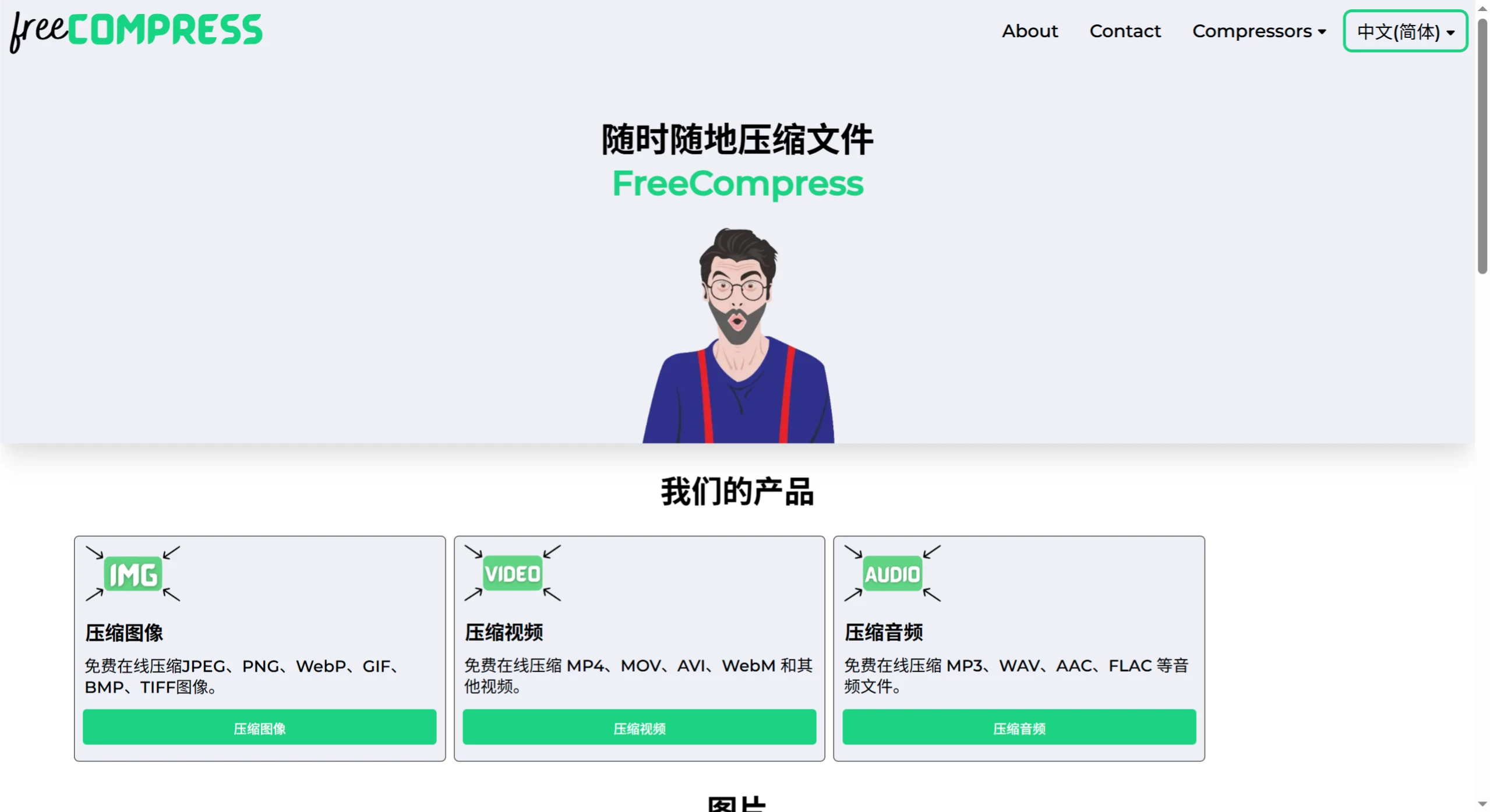
FreeCompress is a free online file compression tool that supports multiple file formats, including images (such as JPEG, PNG, WebP, etc.), videos (such as MP4, MOV, AVI, etc.), audio (such as MP3, WAV, AAC, etc.), code files (such as HTML, CSS, JS, etc.), and PDF. Most compression operations emphasize "no quality loss" or "no functional changes," and some formats also support batch compression.
Features
Support for multiple file formats: Supports image formats such as JPEG, PNG, WebP, GIF, BMP, TIFF, video formats such as MP4, MOV, AVI, WebM, as well as audio files such as MP3, WAV, AAC.
Compression performance: Effectively reduces file size without noticeably degrading image quality. For example, JPEG can be compressed by over 5%, and PNG by over 10%.
Easy to use: No registration or software installation required; simply upload files directly in the browser to compress. For image compression, just click "Choose File" to select an image, and click "Download" once compression is complete.
Security: Uses HTTPS (SSL) encrypted connections; uploaded files are automatically deleted from the server, typically cleaned up within 30 minutes.
Unlimited usage: Compress any number of files with no quantity restrictions.
Applicable Scenarios
Image processing: Optimize website images to improve loading speed, save storage space, or facilitate sending via email.
Video processing: Compress videos for uploading to social media or sharing online, speeding up uploads.
Document processing: Compress PDF, Word, Excel, PowerPoint, and other files for easier sharing and storage.
Advantages
Completely free: All features are available at no cost.
Cross-platform support: Accessible via browser on any device, including Windows, Mac, Linux, iOS, and Android.
Frequently Asked Questions
1. Which image formats are supported?
JPEG, PNG, WebP, BMP, TIFF, and GIF are all supported with batch compression and no quality loss.
2. Which video formats are explicitly labeled as "no quality loss"?
The MOV format is explicitly labeled as "no quality loss"; others such as MP4, WebM, etc., do not explicitly state this but support online compression.
3. How does code file compression ensure functionality is not affected?
When compressing HTML, CSS, JS, and other files, it ensures that page markup, website style, and functionality remain unchanged—for example, JS files "do not alter website functionality," and PHP files "do not alter server code functionality."













