
 Script Planner Assistant▸
 AI Apps
 AI News

Vozart AI: AI Music & Lyrics Generator—Create a Song in Minutes from a Few Words
Vozart AI: AI Music & Lyrics Generator—Create a Song in Minutes from a Few WordsIntroduction
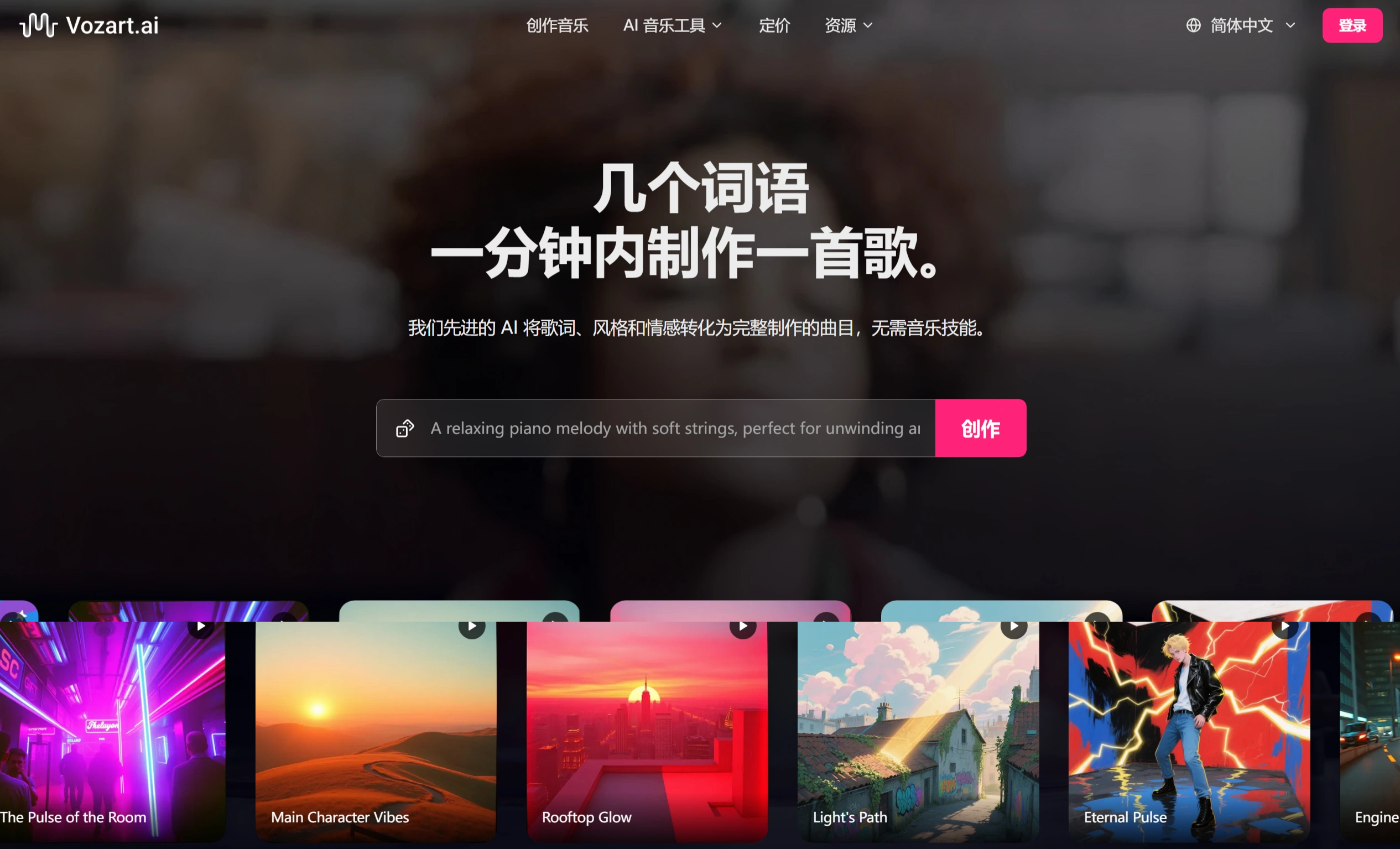
Vozart.ai is an AI music generator that creates royalty-free background music for video, podcasts, and other creative content. It acts as your music creation assistant, making the creative process faster and smarter. Whether you're a producer, songwriter, or casual enthusiast, Vozart can turn simple lyrics or ideas into complete, royalty-free tracks within seconds. You can choose a music genre, switch styles at any time, extend music, remove vocals, or remix existing tracks, giving you easy creative control without worrying about technical challenges. Moreover, every song you create comes with high-quality audio and full commercial rights, allowing you to use it freely.
Features
Simple Creation: Enter a description, lyrics, or style to generate an original track, supporting a variety of genres such as folk, rock, lo-fi, and more.
Track Separation: Accurately separate every layer of sound, split a song into individual tracks, or isolate clean instrument parts for mixing, karaoke, or sampling.
Free Export: Freely download fully mastered MP3 or WAV files, and Pro subscribers can also receive stems for every instrument and vocal track.
Lyrics to Song: Create melodies, harmonies, and arrangements around your provided lyrics, no professional music knowledge required.
Instant Editing: Highlight the verses you want to adjust, change the lyrics or mood, and regenerate only that section while keeping other tracks intact.
Track Extension: Develop catchy choruses into full songs, add new verses, transitions, or endings while preserving the original flow and style.
Genre Switching: Keep your lyrics intact while switching between rock, EDM, orchestral, hip-hop, and more with a single click to find the perfect sonic palette.
Multilingual Support: Create in all major languages; the model adapts to your native tongue.
Use Cases
Social Media Creators and Filmmakers: Create original soundtracks to enhance videos and storytelling, generating music that matches the mood of a scene or video.
Game Developers: Generate adaptive in-game music that responds to gameplay.
Educators: Transform music education through interactive and multilingual song generation.
Marketers: Produce compelling audio for ads, promotions, or product videos.
Individual Creators: Turn musical ideas into reality for entertainment, gifting, or content creation.
Music Producers and Studios: Create backing track prototypes.
How to Use
Create a Song: Enter a description (such as "a minimalist relaxing song about fresh paint"), lyrics, or style (such as "atmospheric, fresh, acoustic, minimalist") to generate a song.
Edit a Song: Regenerate sections (such as highlighting verses to change lyrics or mood and regenerating that part), mix genres, extend the track, or apply different mastering.
Separate Tracks: Use the lossless vocal and accompaniment separation feature to split generated songs into individual tracks or isolate clean instrument parts.
Download Songs: Export as MP3, WAV, or MIDI formats; Pro subscribers can also receive stems.
Frequently Asked Questions
1. What is Vozart.ai?
It is an AI-powered music creation tool that converts text prompts or lyrics into studio-quality, royalty-free tracks.
2. Do I need music knowledge?
Not at all. Simply describe your idea, and the AI will automatically create the melody, harmony, arrangement, and mastering.
3. Can it be used for commercial purposes?
Yes. The created songs are 100% royalty-free and can be used for both personal and commercial projects, with all rights belonging to the user.
4. Is the music private or public?
It's up to you. You can toggle your project's visibility between private and public when generating a project.
5. Can I edit a song after it's generated?
Yes. You can regenerate sections, mix genres, extend the track, or apply different mastering—projects are fully editable.
6. How do credits work?
Each generation costs 3 credits. Entry-level users receive free credits daily, while Pro users enjoy unlimited access.
7. Can I collaborate with others?
Yes. Share a project link, and colleagues or clients can listen, comment, and co-create in real time.
8. What file formats can I download?
You can export as MP3, WAV, or MIDI. Pro subscribers can also receive stems.
9. Which languages are supported?
All major languages are supported, such as English, Spanish, Mandarin, Hindi, and more; the model adapts to your native tongue.
10. Where can I get help or tutorials?
Visit the Help Center for guided walkthroughs, video tutorials, and community Q&A.
Related Information:














