
 Script Planner Assistant▸
 AI Apps
 AI News

CodeBuff: AI Coding Assistant Powered by Claude 4
CodeBuff: AI Coding Assistant Powered by Claude 4Introduction
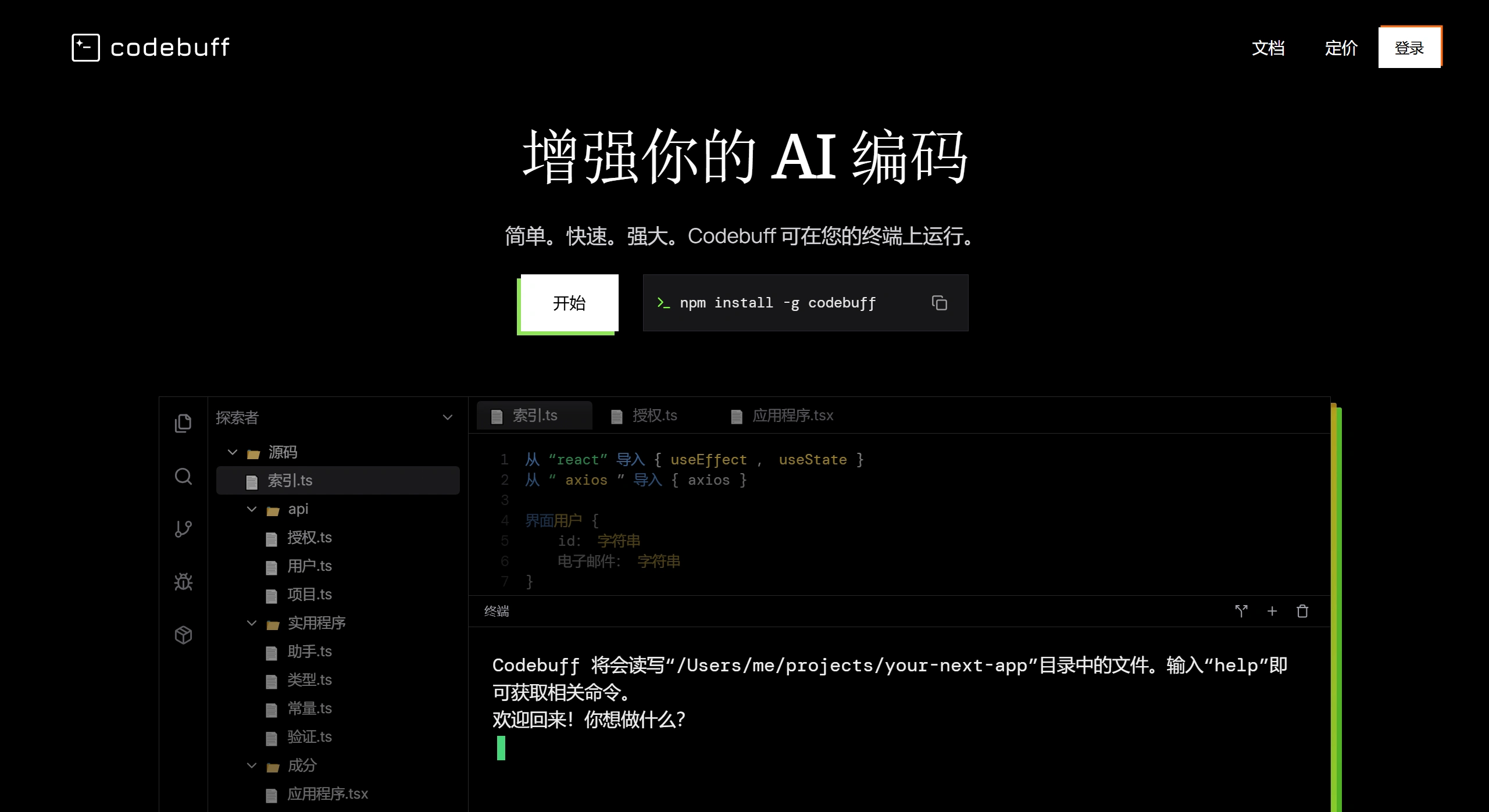
Codebuff is a terminal-based AI coding tool that can quickly index codebases, precisely edit code, and provide instant solutions. It understands project structure, dependencies, and coding patterns, supports multiple tech stacks, requires no configuration to use, and continuously optimizes its understanding of the project with use.
Core Features
Codebase Understanding & Indexing: It can complete codebase indexing within 2 seconds, building a complete cognition that includes file structure, dependencies, design patterns, and more.
Precise Code Editing: Supports cross-file modification of specific code snippets, automatically adjusts code style to match project standards, and avoids breaking existing structures.
Knowledge Accumulation & Learning: Stores project knowledge in markdown files, and optimizes understanding of project preferences and structure after each interaction, thereby improving the quality of subsequent code generation.
Terminal Integration: Runs directly in the terminal with no need to switch development environments, supporting mainstream tech stacks and programming languages.
Use Cases
Project Kickoff: Quickly generate the initial project architecture, boilerplate code, and components.
Feature Extension: Add new features based on requirement descriptions, ensuring consistency with existing code style.
Code Refactoring: Optimize architecture, fix performance bottlenecks, and improve code maintainability.
Bug Fixing: Analyze errors and provide fix solutions, optimizing exception handling logic.
Project Migration: Supports framework switching, dependency updates, and language conversion.
Pros and Cons
Pros:
Improves coding efficiency and reduces repetitive work.
Supports multiple languages with broad adaptability.
Detects errors in real time, shortening debugging time.
Deeply understands the codebase and generates code that matches project style.
Easy installation (via npm command) with fast response.
Cons:
Limited support for complex logic code.
Some advanced features may require payment.
As an emerging tool, its community is small and documentation resources are limited.
Installation & Usage
Installation: Run npm install -g codebuff in the terminal.
Launch: Enter
codebuffin the terminal to access the interactive interface.Operation: Edit code using natural language commands, such as entering
fix authto fix authentication code.
FAQ
1. What is the core advantage?
Fast codebase indexing (within 2 seconds), deep understanding of project structure with precise editing solutions, support for multiple tech stacks, no configuration needed, and continuous learning optimization.
2. How is it different from GitHub Copilot?
It avoids hallucinations and incorrect suggestions, more precisely understands codebase context, and provides solutions that match the actual project.
3. How to install?
Run npm install -g codebuff in the terminal to complete the installation.












