
 Script Planner Assistant▸
 AI Apps
 AI News

PdfZap: Free Online Batch PDF Compression Tool
PdfZap: Free Online Batch PDF Compression ToolIntroduction
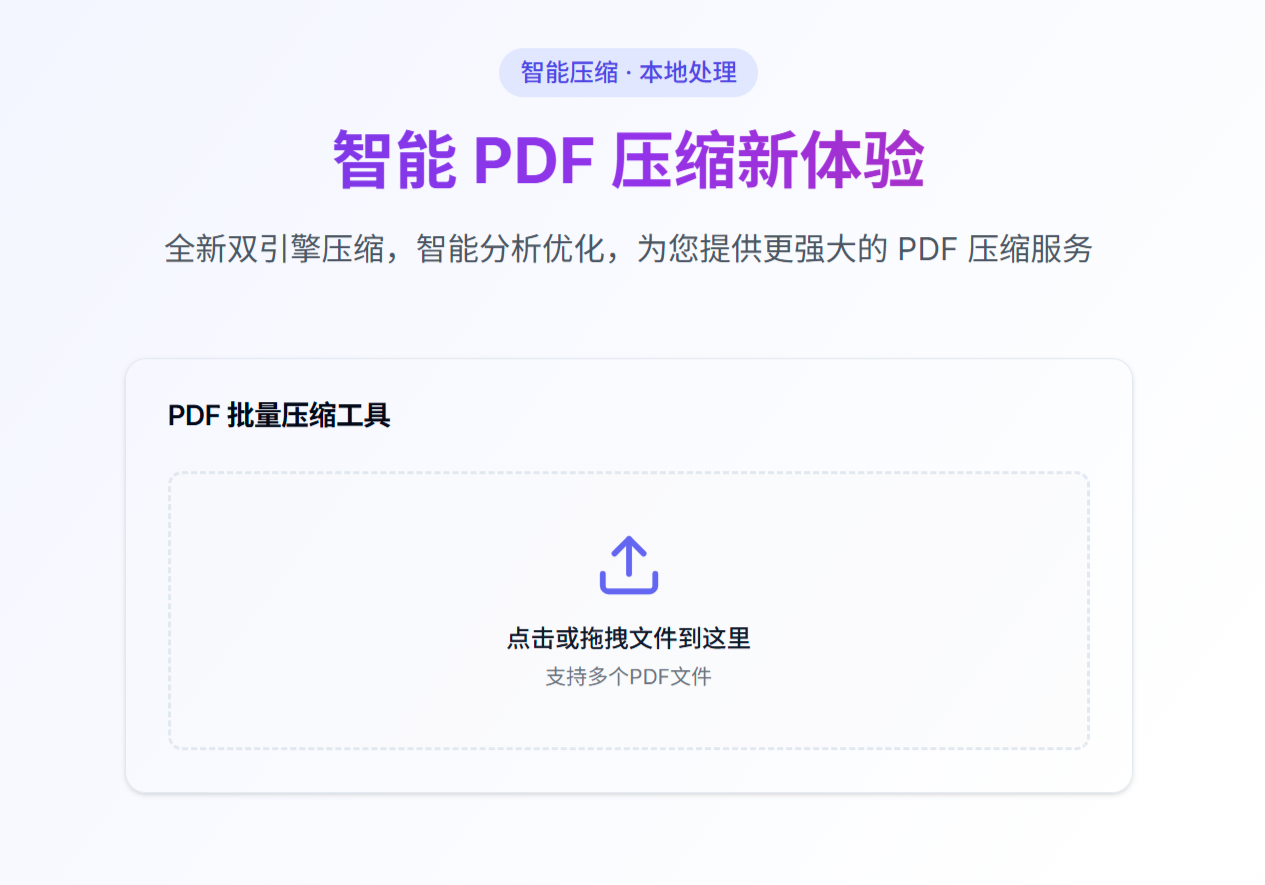
PdfZap is a free, simple, and secure online tool for batch PDF compression, which can process files in the browser, guaranteeing document quality while achieving good compression results.
Features
Intelligent Compression: Uses dual-engine compression technology to deeply analyze file content and precisely optimize compression strategies. Scanned and image-heavy PDFs use PDF.js+jsPDF, while text-only PDFs use pdf-lib, including file analysis to automatically select the compression method.
Local Processing: File processing is completed locally in the browser, not uploaded to any server—zero uploads, zero storage—ensuring your privacy and security.
Batch Processing: Multiple PDF files can be processed at once, and compressed files are automatically packaged for download after completion, saving time and improving efficiency.
Multiple Compression Modes: Three modes—Maximum Compression, Balanced Mode, and Lossless Compression—offer flexible options based on your needs.
Easy to Use: Just open the webpage to use it; no registration or login required, convenient and fast.
How to Use
Upload PDF Files: Click the upload area (or directly drag and drop files); supports processing one or multiple PDF files at the same time.
Select Compression Mode: Choose the compression mode based on your needs—Maximum Compression, Balanced Mode, or Lossless Compression—or use the intelligent selection algorithm for automatic optimization.
Download Results: Once compression is complete, click the "Download Results" button to download the compressed files as a package.
Advantages
Pain Points Solved: Addresses existing pain points of online PDF batch compression tools such as usage limits, paid features, support for only single-file compression, and privacy leakage.
Wide Applicability: Suitable for students, office workers, and professionals who need to handle online office documents.
Completely Free: Enterprise-level compression technology, completely free to use, no payment required.
Use Cases
When a PDF file is too large and exceeds upload limits, or takes too long to transfer to colleagues, PdfZap can quickly compress the file.
For users with privacy and security concerns, PdfZap processes everything locally, with zero risk of file leakage.
When multiple PDF files need to be processed at once, PdfZap's batch feature saves working time.
FAQ
1. What privacy protection features does PdfZap offer?
A: PdfZap processes files entirely locally in the browser, achieving complete zero upload and zero storage to protect your files.
2. What do I need to do to compress PDFs with PdfZap?
A: Three steps. First, upload PDF files (click above or drag and drop; one or multiple files both work). Then, select a compression mode (Maximum Compression, Balanced Mode, or Lossless Compression). Finally, once compression is complete, download (batch download is also supported).
3. How many compression modes does PdfZap currently have? What are they?
A: 3 modes in total—Maximum Compression, Balanced Mode, and Lossless Compression. Choose based on your needs, with intelligent gradient automatic optimization.













