
 Script Planner Assistant▸
 AI Apps
 AI News

Proactor AI: A Proactive Agent That Assigns Its Own Tasks
Proactor AI: A Proactive Agent That Assigns Its Own TasksIntroduction
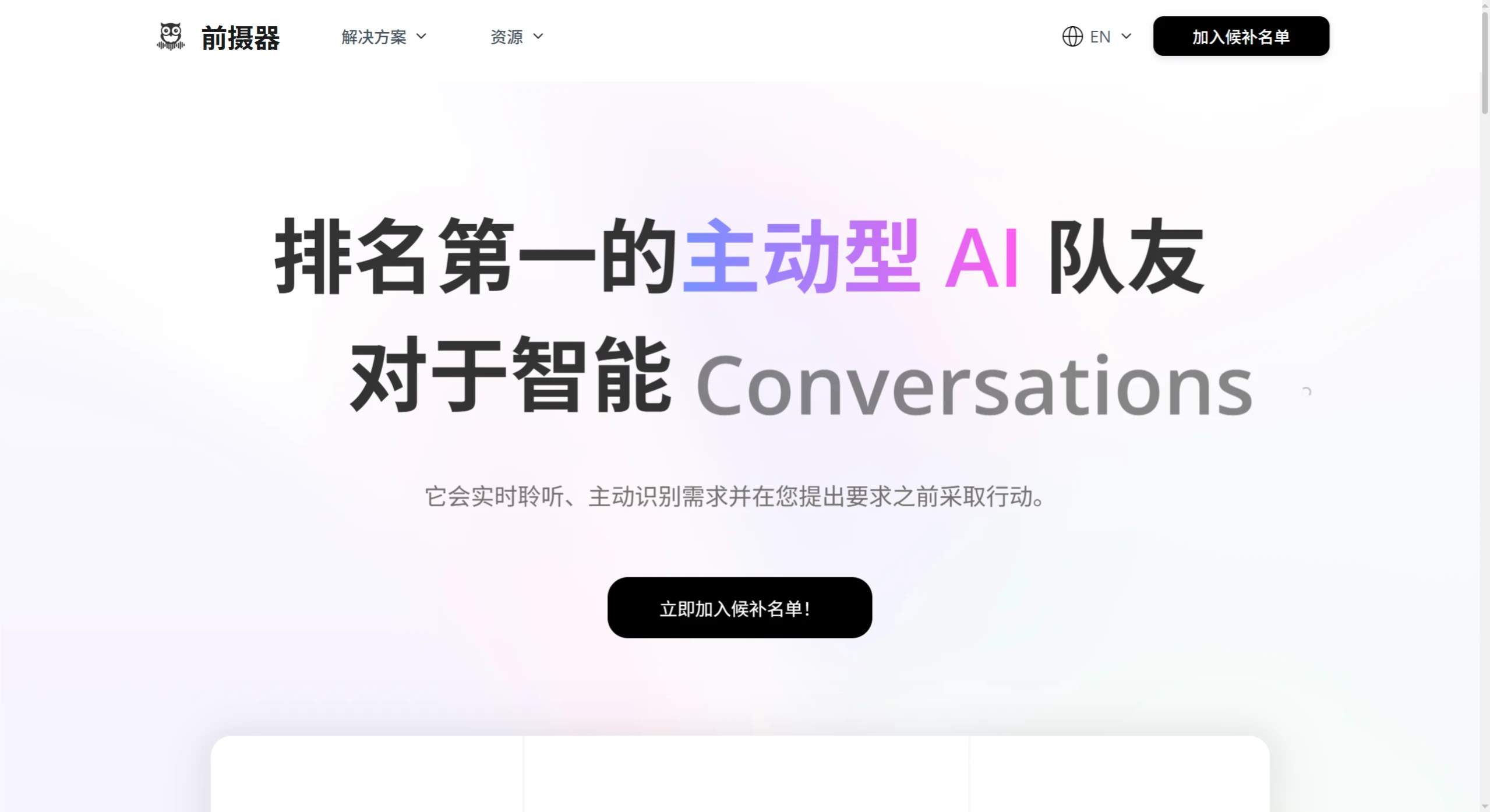
Proactor ai is a tool focused on a "proactive AI assistant" that listens to conversations in real time and autonomously assigns itself tasks, requiring no input from you—similar to an assistant on standby at all times.
Core Features
Providing Suggestions: Proactor understands your needs by listening to conversations in real time and offers ideas and action steps to solve problems.
Conversation Insights: Provides assistance during conversations, including summaries, key points, and to-do items. Proactor takes notes for you so you can stay focused on the conversation.
Transcription: Converts everything you say into searchable text. You can recall relevant details from past meetings by chatting with the AI.
From Mention to Action: When tasks are assigned during a meeting, Proactor identifies potential tasks and delivers actionable results with no follow-up needed.
Memory Assistant: During long meetings, Proactor remembers everything for you, serving as your personal knowledge base. Just ask a question, and you'll get an answer.
Knowledge Expansion: When curiosity arises during a meeting, Proactor quickly researches the topic and provides key points, solutions, and relevant resources.
Use Cases
Work and Meetings: Provides real-time analysis during meetings and conversations, helping you stay focused and achieve better outcomes.
Sales Teams: Offers questions and personalized prompts during calls. It detects buying signals from prospects and handles follow-up emails for you.
Recruiting Teams: Listens to candidate conversations in real time. It suggests good questions to ask and compares answers against job requirements.
Business Teams: Delivers real-time strategies and action items. It ensures everyone reaches consensus through clear summaries and helps projects move forward smoothly.
Media: Generates real-time ideas and verifies facts during interviews. It suggests story angles and helps create engaging content.
Education: Takes lecture notes, finds relevant resources in real time, and explains points instantly.
Why Choose Proactor
Proactive: An AI assistant that continuously understands and takes action, providing proactive support without waiting.
Comprehensive Memory: Remembers every detail across sessions, offering suggestions based on transcripts and searchable context.
Time-Saving: Reduces post-meeting tasks and delivers fast, customized solutions with the tool's help, saving time and effort.
How to Use
1. Registration and Account Setup
Visit the official website (https://proactor.ai/), click the "Sign Up" button, create an account via email or enterprise account, and complete identity verification (choose Personal or Team version as needed). After logging in for the first time, configure your preferences based on your use case (such as meetings, sales, recruiting, etc.), for example, enable "Meeting Mode" and grant microphone permissions.
2. Launch the Tool and Start Real-Time Transcriptioncription
Before the meeting begins, open the Proactor client or web app, click "New Session", and select "Voice Input" or "Import Audio File". The tool will automatically start transcriptioncribing, converting speech to text and displaying it in the left or bottom area of the interface, supporting real-time editing and keyword search.
3. Proactive Feature Activation and Setup
During the transcriptioning process, Proactor automatically triggers suggestions and real-time insights:
Suggestions: When keywords such as "next steps" or "problem solving" are detected in the conversation, a suggestion card pops up on the right side.
Real-Time Insights: The top of the interface generates a meeting summary and to-do list in real time. Click "Generate Document" to export the notes with one click.
4. Automatic Task Handling and Follow-Up
If tasks are explicitly assigned during the meeting, Proactor automatically identifies the task owner, deadline, and goal, creates a card in the "Task Center", and notifies relevant people. Click on a task card to add notes or attach files, and the tool automatically syncs to the team collaboration platform.















