Script Planner Assistant▸
 AI Apps
 AI News

Bangboss Form Maker: Online Form Builder & Data Collection Tool
Bangboss Form Maker: Online Form Builder & Data Collection ToolIntroduction
表单大师 is a data management tool that enables zero-code building of business management systems. Users can create forms by dragging and dropping fields, and it comes with features such as a workflow engine, team collaboration, and data analysis. It supports a variety of business scenarios such as sales commission statistics and reimbursement applications, and is also applicable to surveys, service appointments, online registration, and online shopping. It offers 26 field components, multi-device collaboration, online payment, and API data integration.

表单大师功能特性
Form Design:
Field types: The system offers 24 types of fields, including single-line text, multi-line text, image upload, calculation logic, date, time, and more, meeting a variety of form creation needs.
Operation: It adopts a WYSIWYG design approach—simply drag and drop components and configure properties to complete form design. No specialized knowledge is required, and a professional form can be created within minutes.
Style customization: You can set the form's background, font, color, and more, choose from dozens of predefined skins, or design your own style.
Logic settings: You can flexibly set the display logic of form fields, dynamically controlling the show/hide of fields based on what users enter; you can also set form redirect logic to jump to a specified page after submission.
Data Collection and Management:
Data collection: You can collect external data through custom forms, as well as perform internal data entry or batch import.
Data management: Admins can view, modify, and delete data, with support for custom filtering and exporting to Excel files; different permissions can also be assigned to sub-users to enable team collaboration.
Data Analysis:
Analyze form data on the reports page, generating visual reports such as bar charts, line charts, and tables, with data export supported, helping users analyze data intuitively.
Other Features
Rich templates: Hundreds of professional templates are provided, covering different scenarios such as surveys, appointment registration, and online voting. Users can pick a template and make simple modifications to complete form design.
Interactive features: Supports SMS and email push, voting and lucky draw interactions, as well as SMS and email reminders for users, suitable for customer acquisition and marketing promotion.
Online payment integration: If there are product fields in the form, you can configure promotions and online payment parameters for Alipay and WeChat Pay to enable online payment, turning forms into orders.
Lucky draw application: A lucky draw app extension based on 表单大师, suitable for exhibitions, product demos, promotional events, company annual meetings, and more.
Open API: Developers can integrate 表单大师 with third-party systems via API interfaces.
Version selection: Most features are free, with charges mainly based on data volume. Users can choose from Free, Basic, Professional, or Flagship versions. Paid versions are billed on a calendar month basis, with data usage reset on the first day of each month; other usage does not reset.
表单大师应用场景
Market research: Create surveys to collect market information and user feedback, helping businesses understand market demand and consumer preferences.
Event registration: Used for registration of events such as conferences, trainings, and competitions, making it easier for organizers to collect registration details and arrange event logistics.
Customer management: Collect customer information for customer relationship management, such as customer satisfaction surveys and customer follow-ups, improving customer satisfaction and loyalty.
Internal enterprise management: Used for everyday business management tasks, such as surveys on work schedules and employee dormitory registration and inquiries.
Order payment: In product sales and service scenarios, used to collect order information and receive payment, with online payment supported.
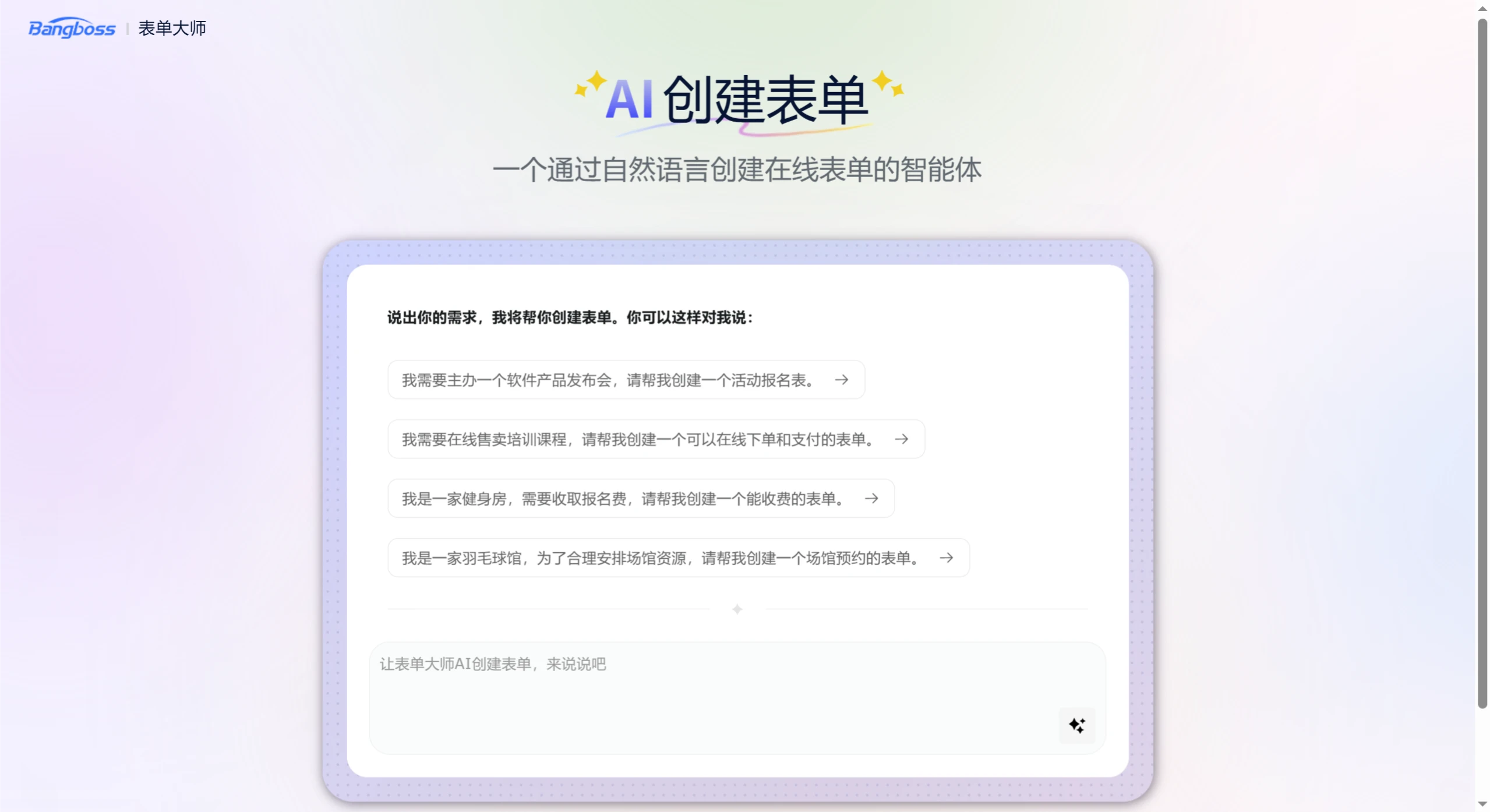
How to Use 表单大师
Register and log in: Visit the 表单大师 official website (official website link), click the "Register" button, enter your email and password to complete registration and log in.
Create a form:
Create from scratch: After logging in, click "Create Form", add fields on the design page, configure properties, and after saving you can set the form background and more.
Create from template: Click "Templates", select a suitable form, preview it, and click "Use This Template" to apply it directly.
Import from Excel: You can also import an Excel file to generate a form.
Publish the form: Once finished, form links and QR codes are automatically generated, which can be shared via SMS, email, social media, and more.
View data: View submitted data in the backend, with support for table view and individual record view, as well as filtering data by conditions.
Report analysis: Analyze data on the reports page, generate visual reports, with data export supported.
FAQ
1. What are the core features of 表单大师?
Answer: Core features include form creation (drag-and-drop fields for custom design), workflow engine (visual design and automated flow), team collaboration (real-time multi-user collaboration and permission control), and data analysis (smart reports and multi-dimensional analysis).
2. What main application scenarios does 表单大师 support?
Answer: It supports business management scenarios such as sales commission statistics and reimbursement applications, as well as business scenarios like surveys, service appointments, online registration, and online shopping.
3. What advantages does 表单大师 offer in terms of data interoperability?
Answer: It offers open API interfaces that enable seamless integration with existing enterprise systems and third-party platforms, forming a closed loop for your data.