
 Script Planner Assistant▸
 AI Apps
 AI News

Joinly AI: AI Agents Join Video Meetings and Interact with Participants in Real Time
Joinly AI: AI Agents Join Video Meetings and Interact with Participants in Real TimeIntroduction
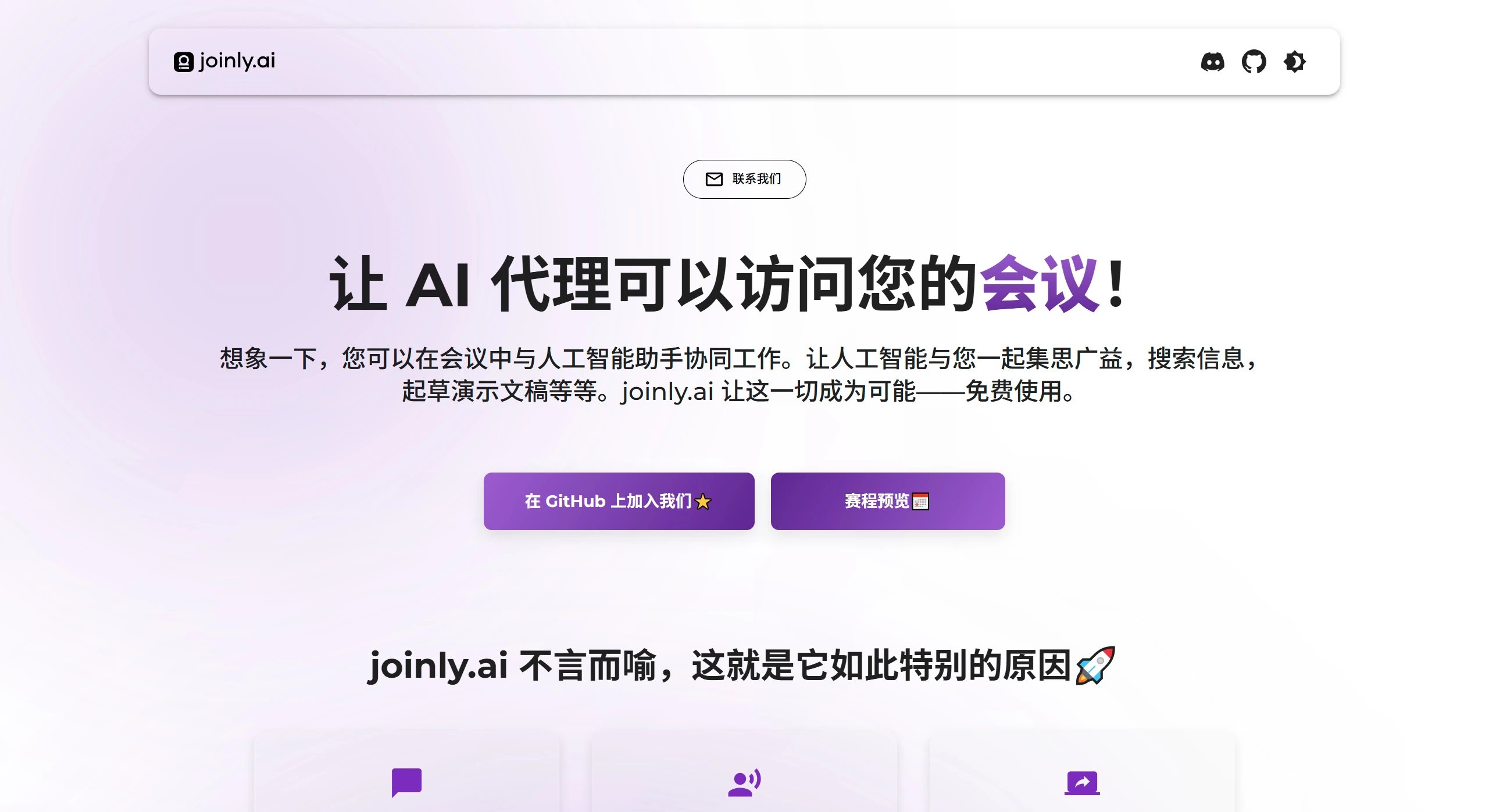
Joinly.ai lets an AI assistant join your meetings to help with brainstorming, searching for information, and drafting presentations — all of which are available for free. The great thing about it is that the AI can send messages in the meeting chat at any time without interrupting anyone speaking, and it can interact with the participants. Screen sharing will also be supported in the future. In addition, it can be used to search the web, generate presentations, update Miro boards, send post-meeting emails, create meeting summaries, and other documents. Users can also develop new features based on their own needs and integrate them into meetings.
Core Features
Real-time AI Interaction:
Chat Function: The AI can send messages in the meeting chat at any time to help gather information, without interrupting anyone speaking.
Voice Interaction: The AI can communicate with participants using voice, solve problems in real time, and provide feedback.
Screen Sharing (Coming Soon): Future versions will support screen sharing, allowing the AI to display presentations or Miro boards during meetings.
Meeting Support and Task Automation:
Web Search: The AI can search for information online during meetings, or look up the user's data.
Presentations: The AI can help draft presentations and discuss revisions with the team during meetings.
Miro Boards: The AI can automatically update Miro boards.
Post-Meeting Tasks: After the meeting ends, the AI can help write follow-up emails or create tickets.
Document Creation: The AI can generate documents such as meeting minutes and application files.
High Flexibility:
Joinly.ai provides a universal meeting interface that allows users to connect various features to the platform and use them in meetings.
Key Features
Conversation Flow Management: Built-in logic makes conversations more natural and handles interruptions and multiple speakers.
Cross-Platform Support: Can be integrated with major video conferencing platforms such as Google Meet, Zoom, and Microsoft Teams.
Support for Custom Large Language Models: Compatible with all LLM providers, including locally running Ollama.
Support for Multiple TTS/STT Services: The modular design supports various speech-to-text and text-to-speech services, such as Whisper, Deepgram, Kokoro, and more.
Open Source, Self-Hosted, and Privacy-First: The project is fully open source, supports self-hosting, and safeguards user privacy.
Use Cases
Task Handling in Meetings: The AI can handle tasks in real time during meetings, such as drafting and discussing revisions to presentations.
Post-Meeting Follow-Up: The AI can automatically complete follow-up tasks after meetings, reducing the user's workload.
Key Questions
What are the main interaction methods currently available in Joinly.ai?
Answer: There are currently two main methods. The first is that the AI can send messages in the meeting chat, and the second is that it can communicate with participants using voice. Screen sharing will also be supported in the future.
What specific work scenarios can Joinly.ai be applied to?
Answer: It can be used to search for information online, draft presentations, update Miro boards, send post-meeting emails, or generate documents such as meeting summaries. Users can also develop other features based on their own needs and integrate them into meetings.
Where does Joinly.ai's extensibility for users show?
Answer: Joinly.ai provides a universal interface that allows users to develop their own features and connect them to it, using these custom features during meetings.















