
 Script Planner Assistant▸
 AI Apps
 AI News

Inkr (Yinkè): AI Audio & Video Transcription Tool
Inkr (Yinkè): AI Audio & Video Transcription ToolIntroduction
Inkr is an audio and video transcription tool that supports real-time meeting recordings, mainstream audio/video files, and links. It can quickly transcribe content and generate summaries with a single click, supports over 100 languages, offers fast transcription with high accuracy, and is suitable for a variety of scenarios such as long meeting records, content creation, interviews, and podcasts.
Key Features
Fast Transcription: Inkr's "FLASH" mode can complete transcription in seconds, 8 times faster than traditional services, processing hours of audio in just minutes—ideal for organizing meeting notes, interview content, or creating subtitles.
Multi-language Support: Supports over 100 languages, easily handling multilingual environments and breaking down language barriers.
Speaker Recognition: Through automatic speaker identification technology, it can distinguish different voices in a recording and label speaker information, although the recognition accuracy may be limited.
High Accuracy: Even in noisy environments, it can accurately capture sound and generate clear transcription text. The word-by-word alignment feature makes editing easier, allowing you to locate and modify individual words directly, improving review and annotation efficiency.
Format Compatibility: Supports uploading audio in all mainstream formats and text export, as well as batch uploads and watermark-free downloads, covering a variety of common file formats.
Real-time Transcription and Smart Search: Inkr 2.0 can quickly convert audio into structured notes, achieving millisecond-level real-time transcription and supporting mixed-language input. It also features smart note templates that automatically extract keywords and generate summaries, along with a cross-session semantic search system that supports natural language queries of historical records.
Ask Inkr: Powered by AI, you can ask questions from the transcription and get answers.
Note Taking: With transcription content and ready-made templates, you can easily draft, refine, or auto-fill notes.
How to Use
Visit the Platform: Go to the Inkr official website (https://inkr.app).
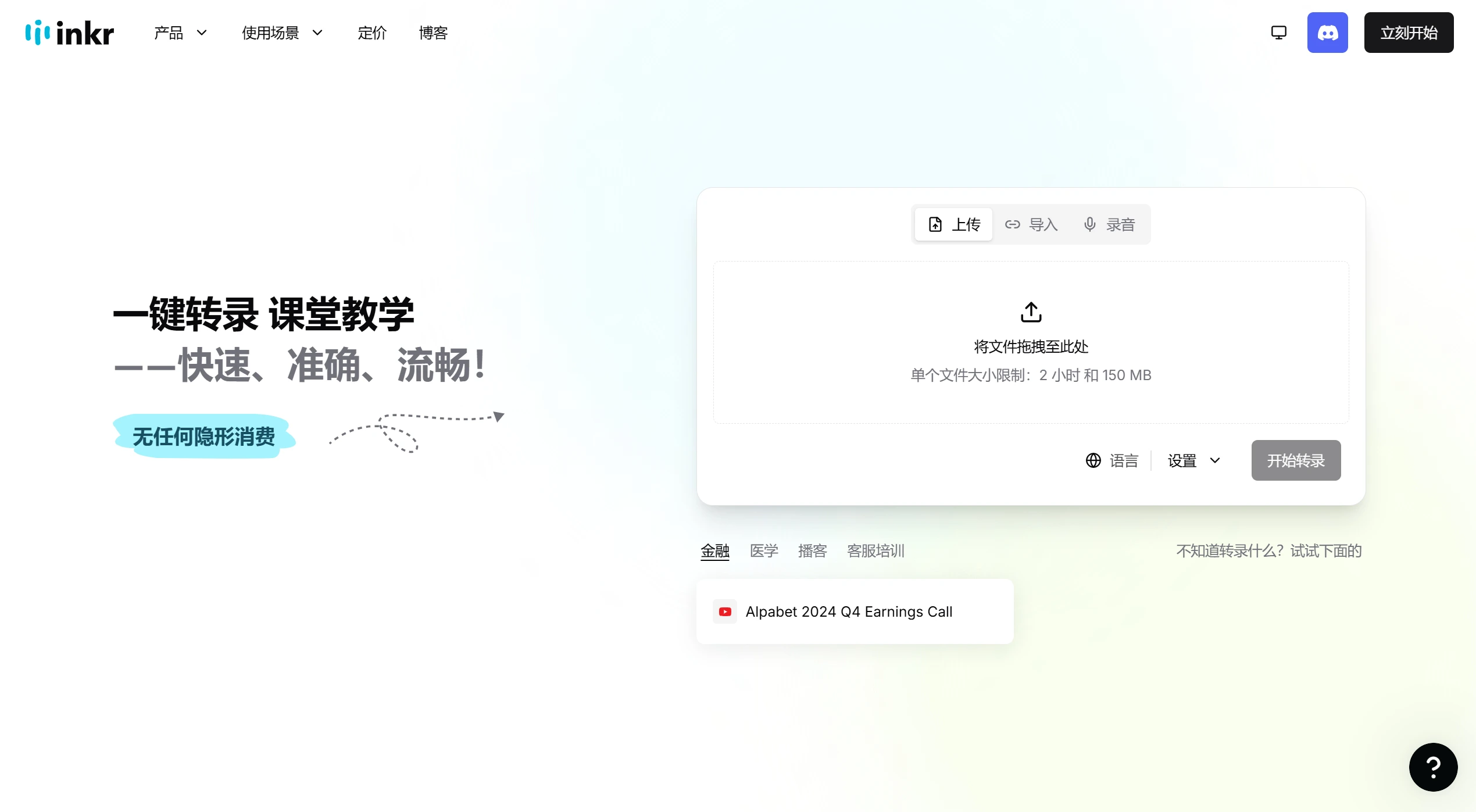
Upload Files: Supports drag-and-drop upload of audio or video files, as well as importing audio from the web or recording in real time.
Choose a Transcription Model: Select a transcription model (FLASH or DEEP) based on your needs, and configure advanced options such as language and speaker recognition.
Start Transcription: Wait for the system to complete the transcription task.
Export Transcription: View, edit, and refine the transcription text, choose the export format according to your needs, and save it as a local file.
Use Cases
Meeting Records: Quickly transcribe meeting content into text, making it easier to organize meeting minutes and improving efficiency.
Interview Organization: Helps journalists quickly organize interview content and capture key information in a timely manner.
Subtitle Creation: Quickly generate subtitles for video content, saving time and effort.
Learning Aid: Students can transcribe classroom recordings into notes for easier review and organization, enhancing study effectiveness.
Content Creation: Journalists and content creators can quickly convert audio into text to speed up the creative process.
Customer Support: Records customer conversations in real time, facilitating follow-up and issue resolution.
Legal Field: Accurately records meetings, interviews, and other content, providing clear textual evidence for legal work.
Product Advantages
Efficient Processing: Fast transcription speed meets users' needs for quick access to information and improves work efficiency.
Rich Features: Integrates multiple functions into one, meeting the diverse needs of different users in transcription, note-taking, search, and more.
Easy to Use: No registration required for instant use, with a floating control bar and smart shortcuts enabling one-handed operation, reducing the learning curve.
Cost Reduction: Adopts a 50% discount strategy, lowering the barrier to entry and cost for users.
Pricing Plans
Free Version: Transcribe up to 3 files per day, with a maximum file size of 2 hours or 150MB, up to 35 minutes of transcription, limited access to the Ask Inkr feature, watermark-free downloads available, and only the most recent 3 transcription edits saved per file.
Pro Version: $9.99/month, includes all Free Version features, plus up to 10 hours or 5GB per file upload, unlimited access to Ask Inkr, watermark-free downloads, full editing history, and multi-language transcription support.














