
 Script Planner Assistant▸
 AI Apps
 AI News

ChatPs: Chat to Control Photoshop with AI
ChatPs: Chat to Control Photoshop with AIIntroduction
ChatPs is a plugin designed for Photoshop, powered by the Gemini 2.0 Flash multimodal model. It offers features such as text-to-image generation, Flux text-to-image generation, one-click image matting, background removal, HD restoration, lossless upscaling, similar image generation, line art coloring, and expression control. With simple chat commands, ChatPs can help you perform various operations within Photoshop.
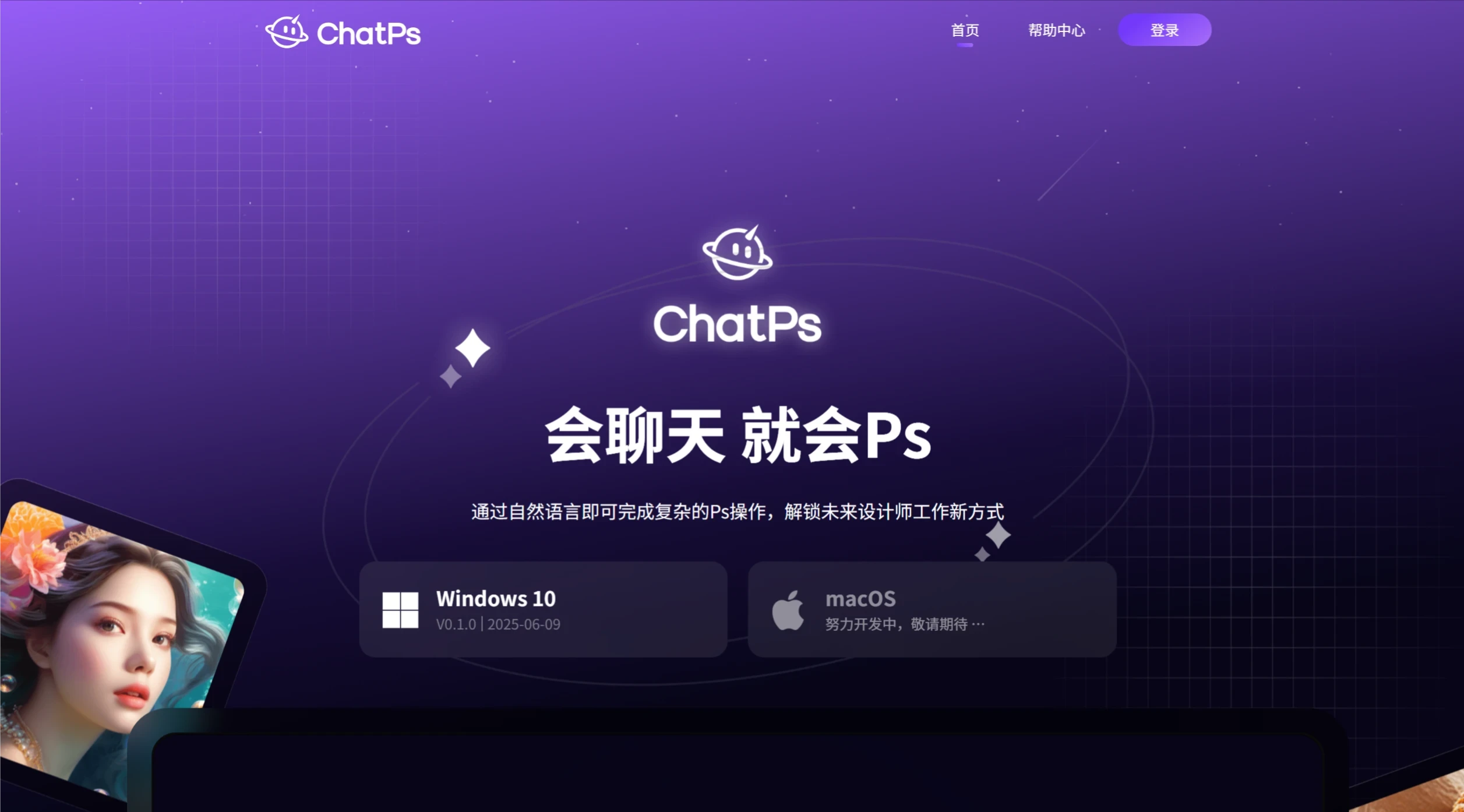
Core Features
One-Click Design Generation: Simply enter a brief text description, such as "tech-style poster," and it can quickly generate multiple styles of design drafts, covering posters, LOGOs, banners, and more.
Smart Editing and Optimization
Auto Layout: It intelligently adjusts text, images, and color combinations to ensure the design adapts to different sizes.
Element Replacement: You can modify details using natural language commands, such as "change the main color to blue."
Flaw Repair: One-click background removal, blurry image restoration, and resolution enhancement.
Built-in Workflow: PsAgent makes design easier, allowing you to complete complex Photoshop and AI commands through natural language.
Target Users
Design Beginners: No complex operational skills are required to quickly produce high-quality works.
Professional Designers: Save time on repetitive tasks and focus more on creativity and design itself.
Application Scenarios
Creative Design: Quickly transform line art into commercial-grade visual results.
Social Media Content Creation: Add artistic filters to photos and generate high-quality visual content.
E-commerce Optimization: Replace product backgrounds, adjust image ratios, and adapt to the needs of different platforms.
Personal Creation: Generate personalized illustrations or anime-style images based on text descriptions.
ChatPs User Guide
System Requirements
Adobe Photoshop Must Be Installed: Make sure your computer has Photoshop CC 2023 (version 24.0) or above installed.
Installation Steps
Close Photoshop: Before installing the plugin, please ensure that Adobe Photoshop is closed, otherwise the installation will fail.
Download the Installation Package: Open the folder where the installation package is located and find the ChatPsInstall.exe file.
Run the Installer: Double-click the ChatPsInstall.exe file and follow the steps in the installation wizard to complete the installation. ChatPs provides a one-click installation package with no additional configuration required.
Launch Photoshop: After installation, open Adobe Photoshop, and the ChatPs plugin will load automatically.
How to Use
Launch from Desktop: You can click the ChatPs icon directly from the desktop to launch it, and it will automatically start Photoshop at the same time.
Launch within Photoshop: After opening Adobe Photoshop, the ChatPs plugin will start by default. You can move or dock the plugin window anywhere for convenient use.
Manually Launch the Plugin
If you have closed the ChatPs plugin, you can reopen it through the following steps:
In the top menu bar of Photoshop, select "Plugins" > "ChatPs".
Click the ChatPs plugin in the pop-up menu to open and use it.
Usage Tips
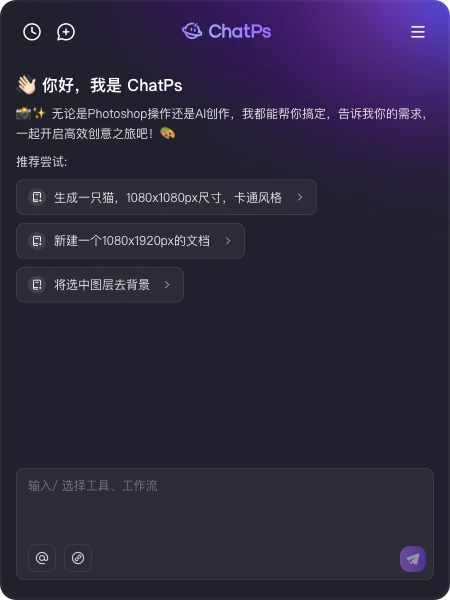
Enter Natural Language Commands: Through simple text descriptions or commands, ChatPs can help you complete complex Photoshop operations, such as "generate a tech-style poster" or "change the main color to blue."
View Results: ChatPs will display the operation results in real time within Photoshop, allowing you to make further adjustments as needed.














