
 Script Planner Assistant▸
 AI Apps
 AI News

Bridgely: AI-Powered Real-Time Universal Translator Browser Extension
Bridgely: AI-Powered Real-Time Universal Translator Browser ExtensionIntroduction
Bridgely is a real-time translation browser extension that supports over 60 languages and more than 10 million websites, including WhatsApp, Telegram, Slack, and others. It can automatically translate and send messages without the need to copy, paste, or switch tabs. With a translation accuracy rate exceeding 98%, it encrypts data and does not store it, complying with privacy protection standards.
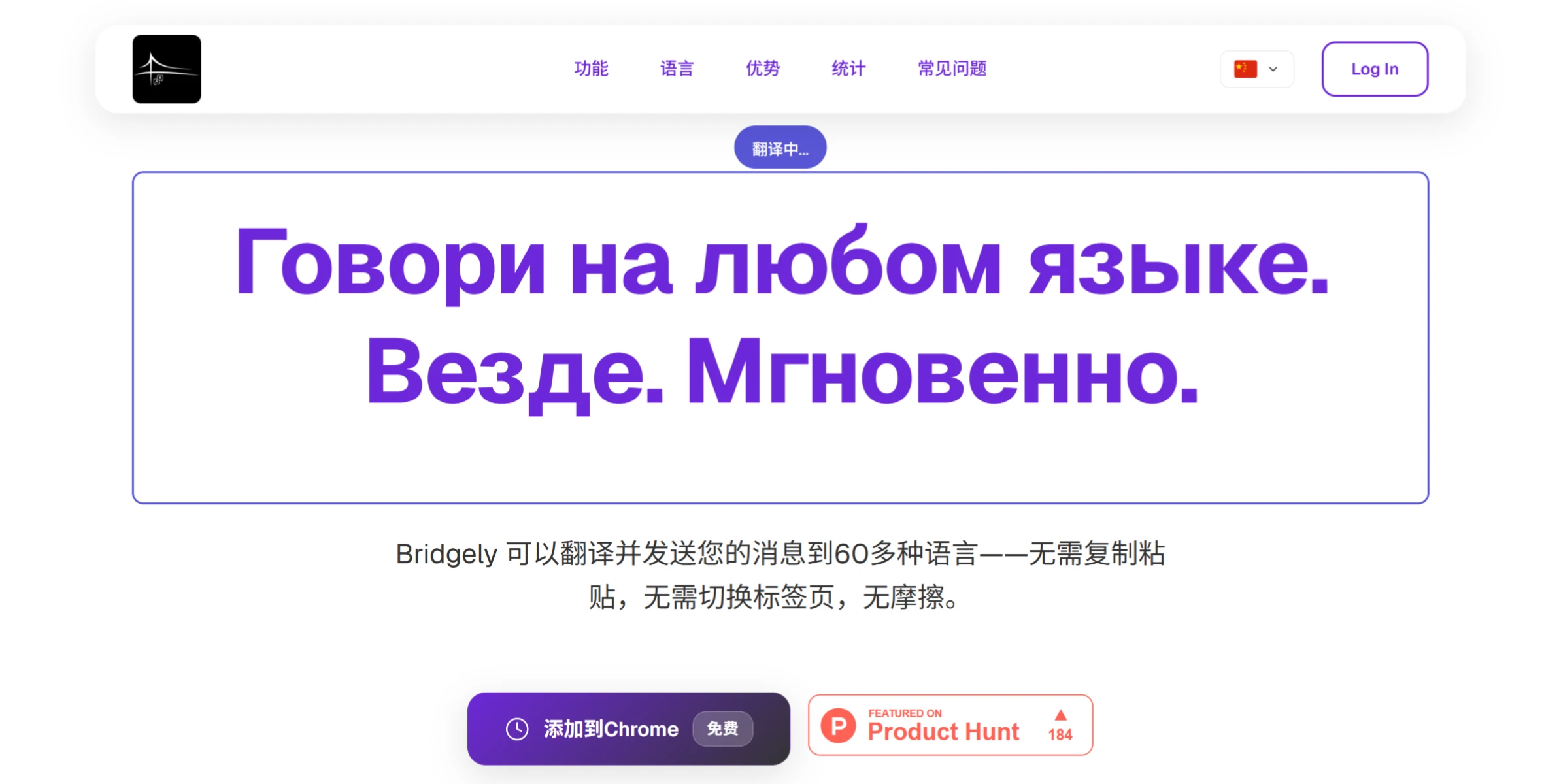
Bridgely Key Features
Real-Time Translation: Type your message and press Enter to automatically translate and send it. It can also translate received messages and web page text.
Multilingual Support: Covers more than 60 commonly used languages.
Broad Compatibility: Works on over 80% of websites, seamlessly integrating with various platforms.
Translation Accuracy: Strong contextual awareness for natural and fluent translations.
Easy Operation: No cumbersome steps required; just type directly.
Privacy & Security: Encrypted processing, runs locally, and does not store data.
Email Translation: Automatically translates email content to facilitate international communication.
Web Page Translation: Translates any text on a web page into the language selected by the user.
Bridgely Use Cases
Social Media Chat: Easily communicate with users of different languages on platforms such as WhatsApp, Telegram, and Instagram.
Email Communication: Write emails in your native language, which will be automatically translated and sent to international clients or colleagues.
Work Collaboration: Collaborate with international teams on platforms like Slack and Teams.
Online Learning: Translate web page content to help you understand information.
How to Use Bridgely?
Installation
Find the Extension: Find Bridgely on the Chrome Web Store, then click "Add to Chrome".
Select a Language: After installation, open Bridgely settings and choose the language you want to translate into.
Usage
Enter the Platform: Open a supported website, such as WhatsApp, Telegram, Slack, or Gmail, and go to the chat or content page.
Type Normally: Type what you want to say in the chat box as usual.
Press Enter: Press "Enter", and Bridgely will automatically translate your message into the selected language and send it directly.
Receive Messages: Messages sent to you by others will also be automatically translated into your chosen language and displayed directly.
Web Page Translation: On a web page, select text, and Bridgely will automatically translate it into your set language.
FAQ
Translation Accuracy: The accuracy rate exceeds 98%, and translations are natural.
Scope of Use: Compatible with over 80% of websites, but not all websites are supported.
Data Security: Encrypted processing, runs locally, does not store data, safe and reliable.















