
 Script Planner Assistant▸
 AI Apps
 AI News

ScreenApp: AI Screen Recorder, Transcriber & Audio/Video Summarizer
ScreenApp: AI Screen Recorder, Transcriber & Audio/Video SummarizerIntroduction
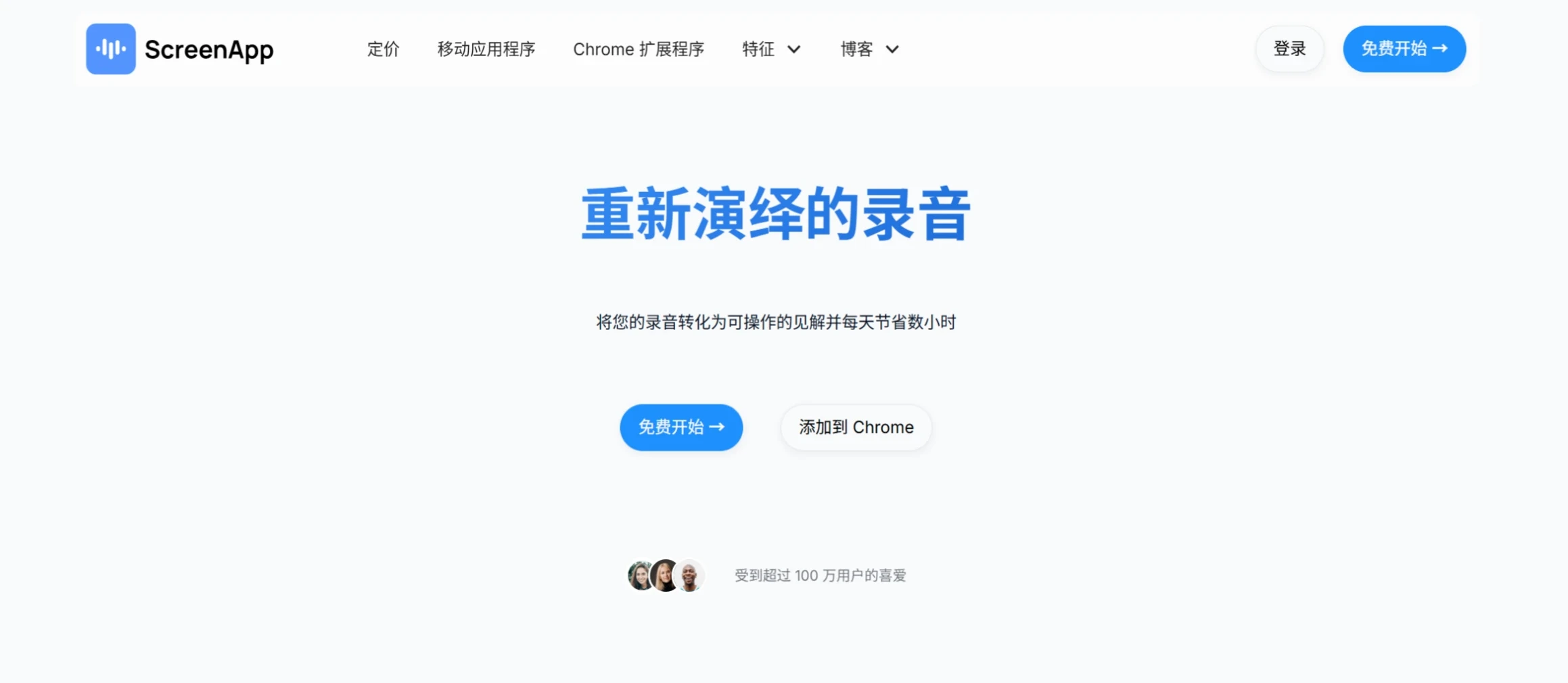
ScreenApp is an AI screen recording, transcription, and audio/video content summarization tool that transforms them into valuable information through automatic audio/video transcription, making it ideal for use during meetings, lectures, and while watching videos. With real-time transcription, summary generation, and collaboration features, it helps users save time and boost productivity, and currently has over 1 million users.
ScreenApp Core Features
Real-time transcription and summarization: Instantly converts audio or video into text and generates concise summaries, ensuring no important information is missed.
Multi-format support: Supports various formats such as MP3, WAV, and MP4, offering great flexibility in operation.
Collaboration features: Users can highlight, annotate, and share notes to promote team collaboration, ensuring smooth communication among team members.
How to Use ScreenApp
Sign up: Create a free account on ScreenApp.io.
Record or upload: Start a new recording directly on the platform, or upload an existing audio or video file.
AI transcription: Once recording ends, ScreenApp automatically processes the session and generates a real-time transcript.
Review and correct: After the transcript is generated, users can review the record and make any necessary checks or corrections to ensure the transcript is accurate.
Generate summary: Use the summary generation feature to condense notes into key points, ensuring all important information is captured.
Tag and share: Tag team members in notes and share the summary to improve team collaboration, ensuring every team member stays connected and informed.
Explore additional features: Continue exploring other features such as templates and meeting bots to further streamline the note-taking process and boost organizational productivity.
Advantages
Save time: The automatic transcription and summarization process allows users to devote more time to focusing on discussions.
Boost productivity: With its powerful and user-friendly interface, it is the ideal tool for enhancing productivity, strengthening collaboration, and ensuring accurate capture of details.
Use Cases and User Groups
Business: Corporate employees, project managers, and executives who need to record meeting content, distill key decisions, and streamline meetings.
Education: Students, teachers, and educators who need assistance with class note-taking, allowing them to focus on learning.
Legal: Lawyers and legal assistants who require precise records of legal consultations for easy archiving and review.
Healthcare: Doctors and medical staff who need to capture key information from diagnoses and treatments, improving record accuracy.
Recruitment: Hiring managers and HR professionals who transcribe interview content to assess answers and support decision-making.














