
 Script Planner Assistant▸
 AI Apps
 AI News

Ssemble: AI Video Editor That Auto-Cuts Long Videos into Short Clips
Ssemble: AI Video Editor That Auto-Cuts Long Videos into Short ClipsIntroduction
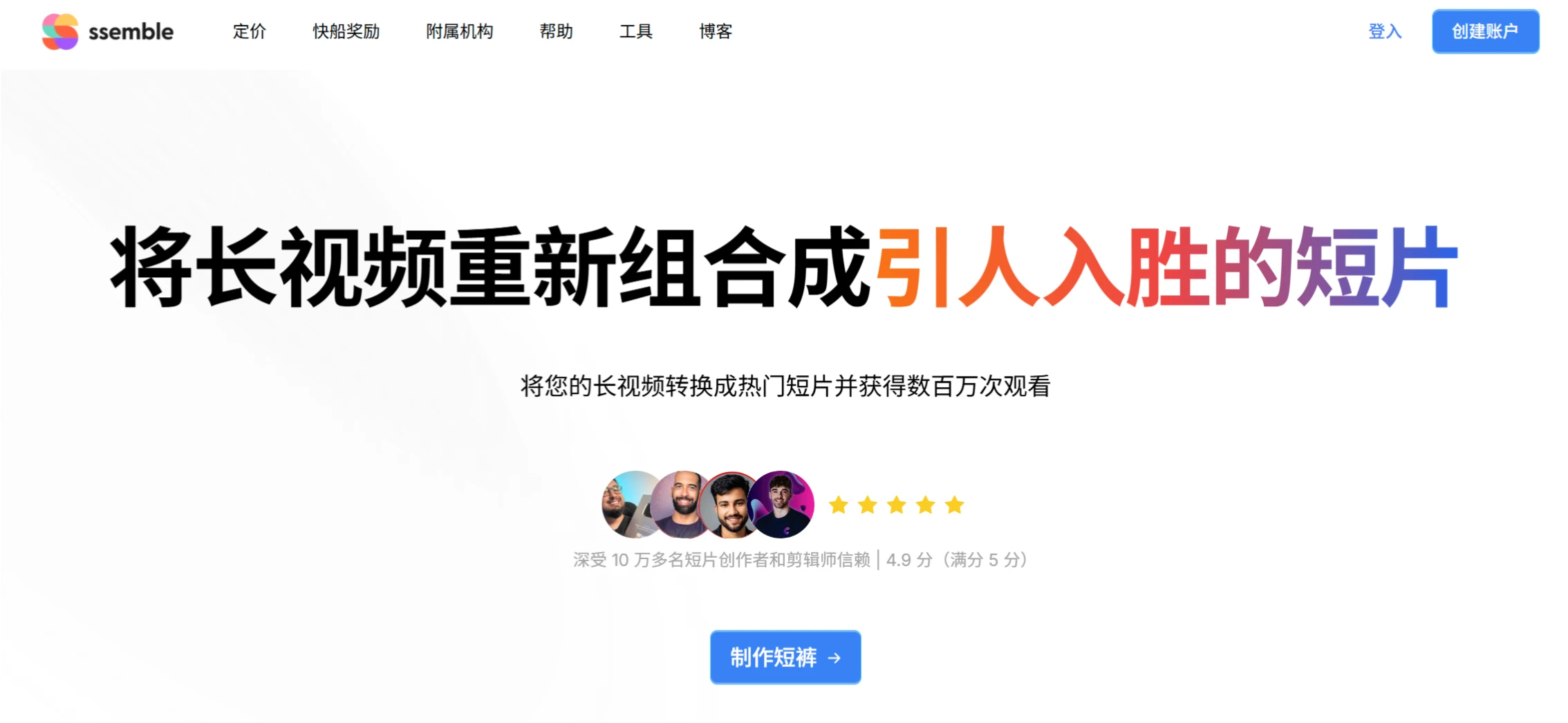
Ssemble is an AI video editing platform that can automatically clip longer videos into short videos suitable for social media distribution. Its core features include AI automatic clipping, face tracking, automatic generation and translation of subtitles, hook titles, and call-to-action generation, as well as the ability to add B-roll, transition effects, and more. The platform also offers YouTube creator analytics, TikTok clipper revenue data, multi-platform scheduled publishing, and UGC content monetization features.
Core Features
Auto Clipping: The AI can automatically identify highlights in a video that could go viral, and automatically clip them into short videos.
Automatic Face Tracking: The AI automatically detects faces in the video, keeping them centered when the video is exported in vertical format.
Automatic Subtitle Generation: After listening to the content, the AI automatically adds subtitles to the video and allows them to be translated into other languages while preserving the original audio.
Automatic Addition of Content Titles and Calls to Action: The AI can generate engaging hook titles and calls to action so that viewers can see the specific content of the video.
Automatic Insertion of Hook Videos: Place a hook video at the beginning of the video.
Add B-roll Materials: Use sources such as Pexels and movie clips to obtain relevant B-roll materials, or use your own footage.
Add Transitions and Zoom Animations: Add stylish transition effects and dynamic zoom animations to the video, making it look more professional and dynamic.
Video Analysis and Learning
YouTube Video Guide: AI processes the video to produce a summary and broken-down chapters. What catches the eye is a brief overview of long-form content, allowing you to rapidly select the segments to clip.
Creator Analysis: Discover different high-quality YouTube creators and analyze their TikTok and other clipper accounts.
Clipper Analysis: Identify the best-performing TikTok clippers and learn from their content.
Social Media Publishing and Scheduling
Automatic Publishing and Scheduling: Supports Ssemble's auto-publishing and scheduling features, allowing you to publish clipped content across different platforms such as TikTok, YouTube, and Instagram, maintaining consistency in content publishing.
Simultaneous Publishing to Multiple Platforms: With Ssemble's sharing feature, you can publish results simultaneously on TikTok, YouTube, and Instagram, significantly saving time.
Automatic Generation of Titles, Descriptions, and Tags: Create optimized titles, descriptions, and tags to increase visibility and engagement.
Other Features
YouTube Video Downloader: Free download of YouTube videos and audio, with options for format and quality (MP4, MP3, 4K, 1080p, etc.).
Creator Bounty Program: Creators can also launch their own bounty projects, setting budgets and bounty conditions to attract clippers to generate short videos from the creator's YouTube videos, bringing more reach and engagement to the content.
Ssemble Plans and Pricing
PRO Plan: $9 per month ($108 for 12 months), 360 input videos per year, connect 1 social account, includes YouTube downloader (1080P / 4K).
EXPERT Plan: $18 per month ($216 for 12 months), 720 input videos per year, connect up to 3 social accounts.
BUSINESS Plan: $36 per month ($432 for 12 months), 1440 input videos per year, connect unlimited social accounts.
Ssemble FAQ
Q: How does Ssemble achieve automatic clipping of long videos?
A: Through AI algorithms that identify highlight moments in the video (such as dialogue patterns or visual stimuli), it automatically cuts and splices to generate short videos, while supporting features such as face tracking and automatic subtitle addition to produce vertical content.
Q: How can creators monetize through Ssemble?
A: There are two ways: ① Directly connect with brand UGC tasks through the platform to monetize based on views (e.g., $4 per 1K views); ② Use the scheduled publishing feature to manage accounts in bulk and earn revenue through platform traffic sharing or advertising monetization.
Q: What are the core differences between the different pricing plans?
A: The main differences lie in the number of videos processed, duration limits, and the number of connected social accounts: The Pro plan is suited for individual creators (360 videos / year, 1 social account), the Business plan is for enterprise-level bulk operations (1440 videos / year, unlimited social accounts), and the Expert plan falls in between with additional analytics tools.











